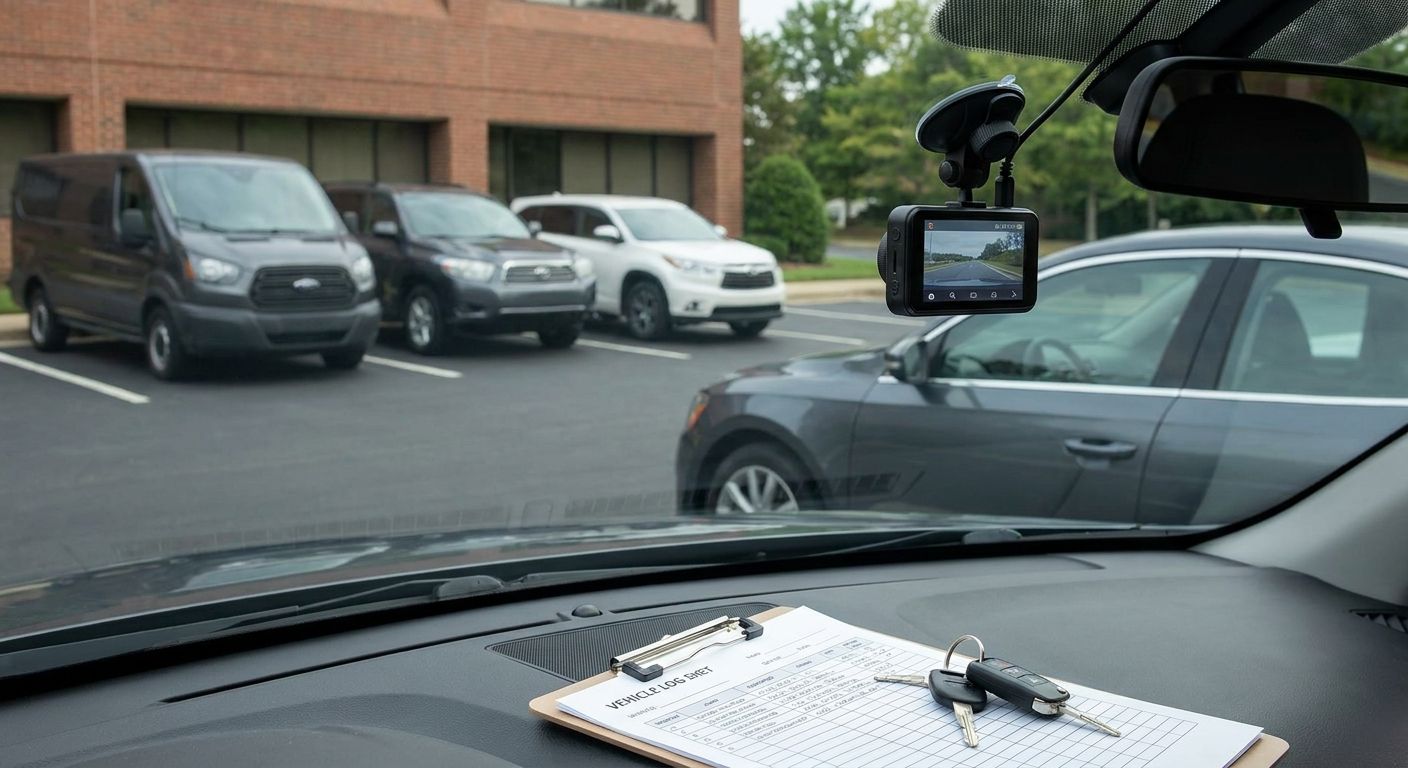
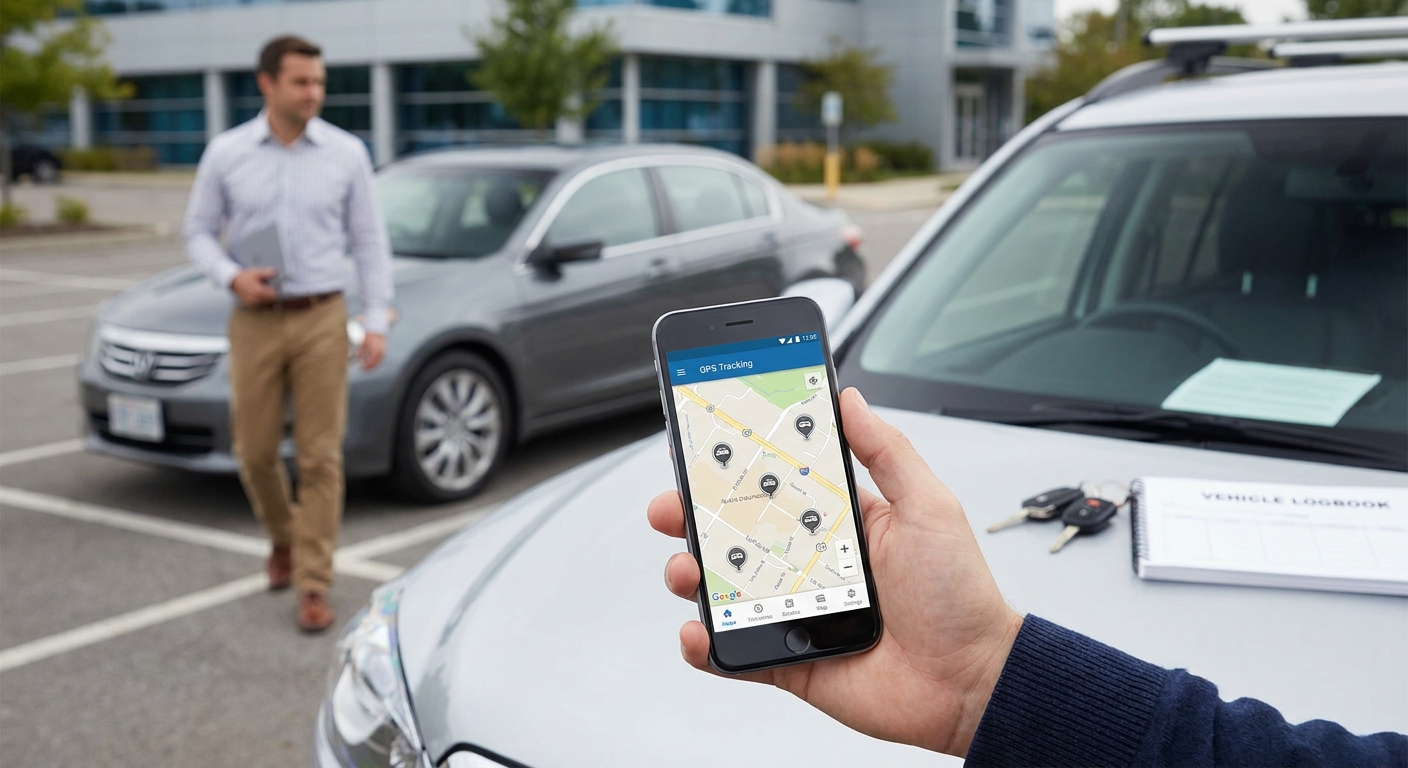
Grey fleet vehicles — employee-owned cars, vans and even motorbikes used for business trips — sit outside your owned fleet but squarely inside your liability. If nobody is tracking mileage, checking insurance, or logging journeys on those vehicles, you're running a fleet you can't see. This guide covers how to manage grey fleet vehicles with GPS tracking, step by step, for 2026.
- Grey fleet vehicles need the same GPS tracking discipline as owned fleet — fit a tracker or activate a tracking app before the first business trip in 2026.
- GPS-logged mileage beats manual expense claims; HMRC's 45p AMAP rate only holds up under audit with logged, not estimated, miles.
- Driver ID and business-use insurance checks are non-negotiable — an uninsured grey fleet driver in a crash makes the employer liable too.
- Roll out grey fleet tracking in phases: audit, insure, track, automate. Mandating devices on day one without a policy causes pushback.
Why this matters
Grey fleet is the least-managed part of most SME and public-sector fleets because nobody technically owns the vehicle. That's exactly why it's the highest-risk part. If a driver crashes their own car on a work trip without valid business-use cover, the organisation carries the exposure, not just the driver.
A Crystal Ball platform that treats grey fleet vehicles as first-class entries in your fleet register, rather than an afterthought, closes that gap. Tracking data gives you an audit trail for mileage claims, insurance compliance, and duty-of-care obligations in one place, instead of chasing paper expense forms every month.
What you'll need
- A written grey fleet policy defining eligible vehicles, minimum age, and MOT status
- Proof of business-use insurance from every grey fleet driver, checked before approval, not after
- A GPS tracker or smartphone-based tracking app compatible with personally owned vehicles
- A fleet management platform that reports grey fleet and owned fleet vehicles separately
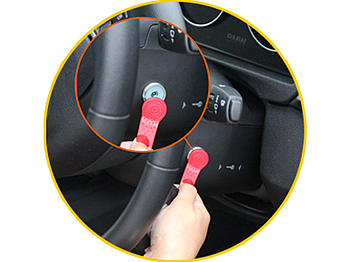
- Driver ID so mileage and driving events attribute to the right person, not just the vehicle
- 2-3 hours per driver for onboarding, device fitting, and policy sign-off
The steps
1. Audit every grey fleet vehicle and driver
Start with a full list: who drives their own car, van, or bike for work, how often, and for what. Most organisations underestimate this by 20-30% because casual users — someone who does one client visit a month — get missed. Pull expense claim history for the last 12 months to catch drivers nobody flagged.
Common mistake: treating the audit as a one-off. New starters and role changes add grey fleet drivers constantly; the list goes stale within a quarter.
2. Verify licence and business insurance before approving
Every grey fleet driver needs a valid licence check and insurance that explicitly covers business use — social, domestic and pleasure cover doesn't qualify. Request the certificate, not a verbal confirmation, and re-check annually at renewal.
Expected outcome: a signed-off list of approved drivers and vehicles, each with an insurance expiry date logged in your system.
3. Set minimum vehicle standards
Define an acceptable age range, MOT status, and roadworthiness bar for any vehicle used on business trips. A 15-year-old car with a marginal MOT history is a liability risk even if the driver is fully insured.
Common mistake: setting standards but never checking them again after initial approval.
4. Fit trackers or activate a tracking app
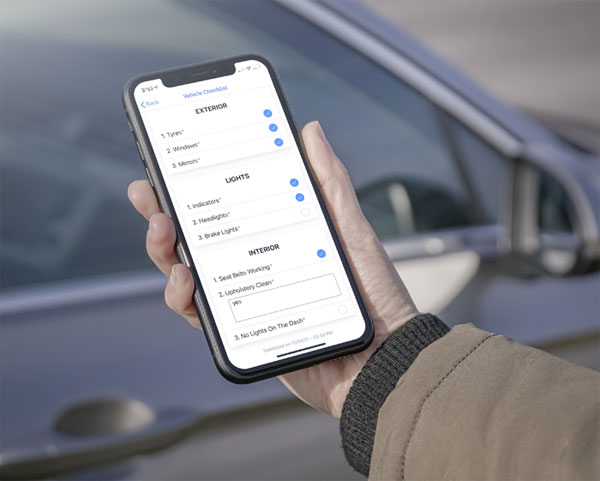
For higher-mileage or higher-value grey fleet use, a plug-in or hardwired tracker gives cleaner data than a phone app, which drains battery and depends on the driver remembering to open it. Thatcham-approved trackers also support insurance discussions if the vehicle carries business goods or equipment.
For lower-mileage casual users, an app-based option with a one-tap trip start/stop is usually enough and avoids fitting hardware to a personally owned car.
Common mistake: forcing hardware trackers on every driver regardless of mileage. High friction on low-value use cases drives non-compliance.
5. Build geofences and mileage rules
Set geofences around depots, client sites, or council boundaries so journeys auto-tag as business or private. Configure the system to flag any trip starting or ending outside expected hours or locations.
Expected outcome: mileage claims that reconcile against GPS logs without a driver manually filling in a spreadsheet.
6. Automate mileage claims against GPS logs
Route tracked mileage straight into your expense process instead of accepting self-reported figures. At 45p per mile for the first 10,000 business miles and 25p after that under the 2026 HMRC AMAP rate, even small over-claims add up fast across a grey fleet of 20-30 drivers.
Common mistake: running GPS tracking and manual claims in parallel indefinitely. Pick one source of truth and retire the other within a quarter.
7. Monitor driver behaviour and set alert thresholds
Harsh braking, speeding, and idling data matter as much on grey fleet vehicles as on owned ones — the organisation still carries duty-of-care exposure. Set alert thresholds (for example, more than three harsh-braking events a week) rather than reviewing raw data manually.
Expected outcome: early warning on risky driving patterns before they become an incident or an insurance claim.
8. Review and re-certify quarterly
Insurance certificates lapse, MOTs expire, and drivers leave. A quarterly re-certification cycle catches gaps that an annual review misses. Build this into a recurring calendar task, not an ad hoc check.
“If you can't see it on a map, you can't manage it — and that includes the cars your business doesn't own.”

Troubleshooting
- Drivers refuse device installation, citing privacy. Switch reluctant drivers to an app-based tracker with a manual trip-start toggle, and share exactly what data the policy collects — location and mileage, not personal calls or messages.
- GPS mileage doesn't match claimed mileage. Flag any discrepancy over 5% for manual review rather than auto-rejecting; some gap is normal from garage detours or fuel stops.
- New starters or leavers aren't added or removed. Build a monthly reconciliation between HR's starter/leaver list and your grey fleet driver register.
- Cellular blackspots drop GPS pings. Choose a device with store-and-forward buffering so it logs offline and syncs once signal returns, rather than losing the trip entirely.
- Personal vs business trip disputes. Use a one-tap trip-tagging feature at the start of each journey so the classification is set by the driver in real time, not reconstructed later from memory.
Tools and resources
- A written grey fleet policy, reviewed annually alongside insurance renewals
- A Thatcham S7 tracker or equivalent app-based tracker for higher-mileage drivers
- A Manager App or dashboard that separates grey fleet from owned fleet reporting
- Driver ID for accurate mileage attribution per driver, not per vehicle
- An insurance certificate tracking spreadsheet or module tied to renewal dates
What to do next
Once grey fleet tracking is live, the next friction point is usually rollout speed — getting 20 casual drivers onto the system without a week of support tickets. Read onboarding drivers onto a new tracking system for a phased rollout sequence that keeps compliance high from week one.
FAQ
What counts as a grey fleet vehicle?
A grey fleet vehicle is any car, van or bike an employee owns personally and uses for business trips, rather than a vehicle owned or leased by the employer. It includes occasional client-visit drivers, not just full-time reps.
Do grey fleet vehicles need GPS tracking in 2026?
Yes, for any business travelling regularly, because the employer carries duty-of-care and mileage-accuracy exposure regardless of who owns the vehicle. Tracking gives an auditable log instead of self-reported mileage.
How much does grey fleet mileage cost under HMRC rules?
The 2026 HMRC AMAP rate is 45p per mile for the first 10,000 business miles and 25p per mile after that. Rates apply per driver per tax year, not per vehicle.
Is an app-based tracker enough for grey fleet, or do I need hardware?
An app-based tracker works fine for low-mileage casual drivers, but higher-mileage or higher-value grey fleet use benefits from a Thatcham-approved hardware tracker for better data reliability and insurance support.
Who is liable if a grey fleet driver crashes without business insurance?
The employer can share liability alongside the driver if it failed to check insurance cover before approving the vehicle for business use. This is why insurance verification is a required step, not optional.
How often should grey fleet drivers be re-certified?
Quarterly re-certification catches lapsed insurance, expired MOTs, and departed staff faster than an annual review. Monthly reconciliation against HR starter/leaver lists closes the biggest gap.
Can grey fleet tracking data be used to dispute a mileage claim?
Yes, GPS logs give a factual record of distance and route that overrides a self-reported figure when there's a discrepancy over roughly 5%. Flag disputes for manual review rather than automatic rejection.
What's the biggest mistake in managing grey fleet vehicles?
Treating the audit as a one-off. Grey fleet driver lists go stale within a quarter as staff join, leave, or change roles, so the register needs ongoing maintenance, not a single setup pass.
One last thing
Most grey fleet programmes fail not on tracking technology but on insurance verification — organisations fit trackers to vehicles that were never confirmed to carry business-use cover in the first place. Check the insurance certificate before the device goes in, not after.