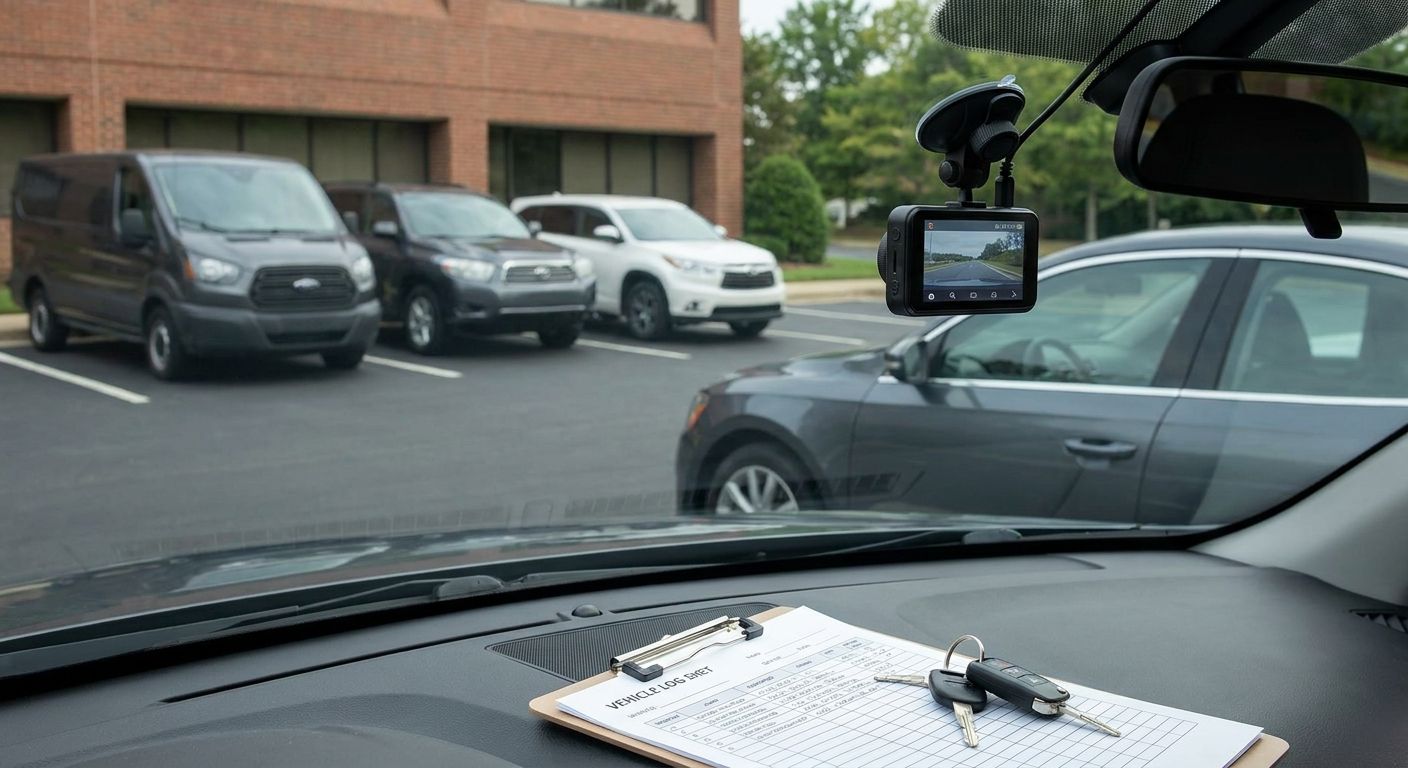
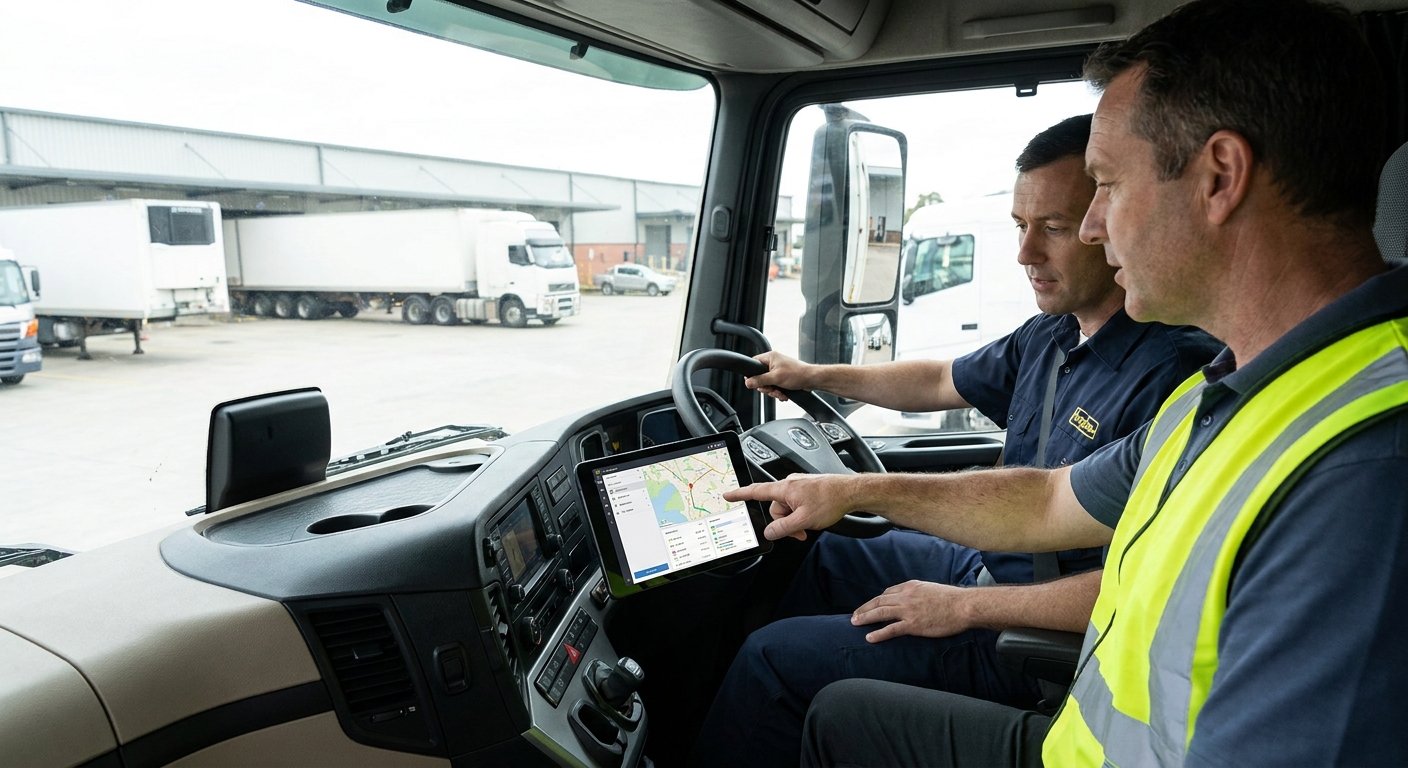
Rolling out vehicle tracking is the easy part — getting drivers to actually use it without a mutiny is where most fleet operators trip up. This guide covers the onboarding sequence that gets drivers cooperating within the first week instead of unplugging hardware in the car park.
- Brief drivers on the business case before install day, not after — resistance drops when the 'why' comes first.
- Assign Driver ID to every vehicle before go-live so trip data has a name attached from day one.
- Phase a rollout across 10-15 vehicles per batch rather than fleet-wide in one week.
- Put your data policy in writing before drivers ask what the tracker records.
- Review adoption at the 30-day mark — that's when workaround habits either stick or break.
Why this matters
A tracker or dash cam that drivers actively avoid is a wasted budget line. Fobs left at home, cameras taped over, apps left logged out — all of it defeats the point of the install, and it happens because onboarding got treated as an IT task instead of a change-management one.
How you onboard drivers onto a new fleet tracking system in 2026 determines whether you get clean data in month one or three months of chasing missing trip records. If you're scaling past a handful of vehicles, the sequencing matters even more — see the detail on scaling a fleet tracking rollout from 10 to 100 vehicles if you're onboarding drivers in waves rather than all at once.
What you'll need
- A driver-to-vehicle assignment list, updated the week of install
- Tracking hardware or dash cams fitted and confirmed live before drivers touch them
- Driver ID fobs or cards, one per driver, pre-labelled
- A written data and privacy policy covering what's recorded and who sees it
- 15-30 minutes of app training time per driver, scheduled — not squeezed in
- A manager login to the fleet dashboard so questions can be answered live, not "I'll check"
The steps
1. Explain the business case before the engineer arrives
Drivers who hear about tracking from a rumour react defensively. Send a short brief 48 hours before install explaining what's going in, what it does, and what it's for — insurance compliance, fuel cost control, or accident evidence, whichever applies to your fleet. Frame it as protecting the driver as much as the vehicle: dash cam footage clears drivers of blame in disputed incidents just as often as it flags poor driving.
Common mistake: installing overnight and letting drivers discover the hardware cold on Monday morning. That's the single fastest way to generate complaints in week one.
2. Assign Driver ID before go-live
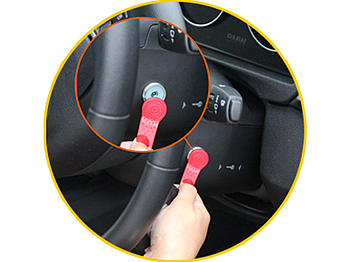
A tracker without Driver ID tells you a vehicle moved — not who moved it. Get every driver logged against their fob or card before the system goes live, so trip history has a name attached from the first journey, not retrofitted three weeks later. This also matters for driver behaviour scoring, which only means anything once it's tied to an individual rather than a vehicle.
Expected outcome: trip reports show driver names, not just registration plates, from day one.
3. Run a 15-minute app walkthrough with every driver
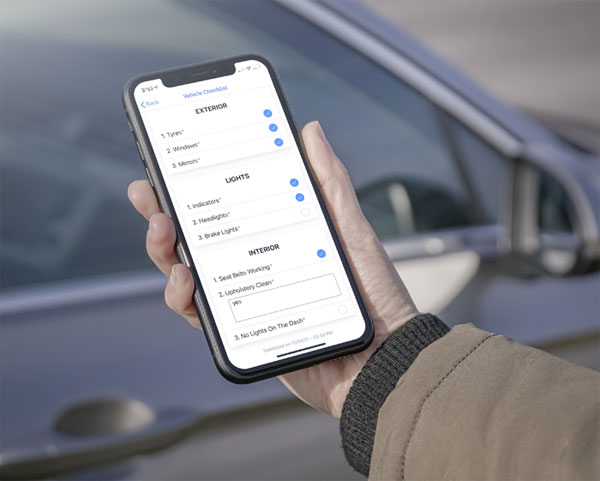
Skip the group training session — drivers absorb almost nothing in a room of twelve. A one-to-one, 15-minute walkthrough covering login, journey history, and how to flag a false alert gets far higher retention. Have them log a real journey during the session so the first data point isn't a support ticket.
Common mistake: sending a PDF manual and assuming that counts as training. It doesn't; adoption in the first 30 days tracks almost exactly with whether training was live or self-serve.
4. Put your data policy in writing
Drivers will ask what's recorded, who can see it, and whether personal journeys are tracked. Have the answer documented before the question comes up rather than improvising one in the yard. If lone working or field visits are part of the role, cover that explicitly — the detail in setting up a lone worker safety policy for field staff is worth lifting into your own policy document even if you're only rolling out tracking, not a full lone worker app.
Expected outcome: fewer individual grievance conversations, because the policy answers them upfront.
5. Phase the rollout by depot or route, not all at once
Fitting 60 vehicles in one week means 60 sets of driver questions land on the same day, and your support capacity collapses. Batch installs at 10-15 vehicles per week by depot or route group. It gives you time to fix teething issues — a mis-fitted dash cam, a fob that won't pair — before they multiply across the fleet.
Common mistake: treating the rollout as a single event rather than a project with weekly checkpoints.
6. Set a 30-day review checkpoint
Book a review meeting for 30 days after the first batch goes live, not "whenever issues come up". Pull adoption data: how many drivers are logging in daily, how many trips are missing a Driver ID, how many alerts are being dismissed as false. Habits form or break in that first month — by day 30 you know which drivers need a second conversation.
Expected outcome: a short list of specific drivers or vehicles needing follow-up, instead of a vague sense that "some people aren't using it properly".
7. Turn driver behaviour scores into coaching, not punishment
The fastest way to kill buy-in is announcing a league table on week one and using it for discipline. Use the first month of behaviour data — harsh braking, idling, speeding events — as a coaching baseline. Share individual scores privately before any group comparison. The detail in cutting fleet accident rates with driver behaviour monitoring covers how to convert that data into a reduction in incident rates rather than a morale problem.
Common mistake: publishing rankings before drivers understand what's being measured or why.

“If a driver hasn't logged into the app in the first week, they won't be logging in by month six.”
Troubleshooting
- Drivers unplugging or covering the dash cam. Treat it as a training gap first, a discipline issue second — revisit the week-one brief and confirm they understand what footage protects them from.
- Fobs "forgotten" repeatedly. Check whether the fob is stored in the vehicle rather than on the driver's person; a clip attached to the key ring solves most of this.
- App battery drain complaints. Confirm background refresh settings on the driver's phone — most complaints trace back to device settings, not the app itself.
- Disputed trip data. Cross-reference against dash cam footage or GPS timestamps before escalating; most disputes resolve once both data sources are compared.
- Union or staff rep pushback on monitoring. Bring the written data policy from step 4 to that conversation — vague answers about "what's tracked" are what escalate concerns, not the tracking itself.
- GPS drift or location jumps. Usually resolves after the first 24-48 hours as the device gets a stable satellite fix; if it persists past a week, it's a hardware fault, not a driver issue.
Tools and resources
- A written driver briefing document (one page, sent 48 hours pre-install)
- Driver ID fobs assigned and tested before go-live
- A 30-day adoption report pulled from the fleet dashboard
- If you're managing a mixed fleet with vans and HGVs, the install and training cadence differs by vehicle type — see the fleet tracking solutions comparison for how that changes onboarding scope for smaller operators
- Your written lone working and data policy, reviewed annually
What to do next
Once the first batch of drivers is fully onboarded and the 30-day review is clean, repeat the same sequence for the next depot or route group rather than improvising a faster version. If your fleet is growing past 20-30 vehicles this year, plan the next phase before you need it — waiting until vehicle count doubles makes the same onboarding problems twice as expensive to fix.
FAQ
How long does it take to onboard drivers onto a new fleet tracking system?
Most fleets get a driver fully onboarded — hardware fitted, Driver ID assigned, app walkthrough done — within a single 15-30 minute session. Full fleet adoption across 20-30 vehicles typically takes 3-4 weeks when phased in batches of 10-15 per week.
Do drivers need training on fleet tracking software?
Yes — a one-to-one 15-minute walkthrough covering login, trip history, and alert handling produces far higher adoption in 2026 than a group session or a PDF manual sent by email.
What should a fleet tracking data policy cover?
It should state what's recorded (location, driving events, footage where relevant), who has access, and how long data is retained. Having this written down before drivers ask cuts down individual grievance conversations significantly.
Should driver behaviour scores be shared publicly?
No — share individual scores privately in the first month and use them for coaching, not a public league table. Publishing rankings before drivers understand the scoring method is the fastest way to lose buy-in.
What's the biggest reason drivers resist vehicle tracking?
Drivers resist tracking when they find out about it informally rather than being briefed in advance, or when they don't understand what's recorded. A 48-hour pre-install brief and a written data policy resolve most resistance before it starts.
Is Driver ID necessary for fleet tracking to work?
Driver ID isn't strictly required for a tracker to function, but without it trip data is tied to a vehicle, not a person, which makes behaviour monitoring and dispute resolution far less useful.
How many vehicles should be onboarded per week during a rollout?
10 to 15 vehicles per week per depot is a workable batch size for most SME fleets in 2026 — it keeps support demand manageable and gives time to fix install issues before they scale.
When should you review driver adoption after a tracking rollout?
Review adoption at the 30-day mark. That's when usage habits — logging in daily, keeping fobs on hand, not disputing every alert — either stick or reveal which specific drivers need a follow-up conversation.
One last thing
The fleets that get onboarding right almost never lead with the technology — they lead with the written policy and the pre-install brief, and the hardware install becomes the least eventful part of the whole process.