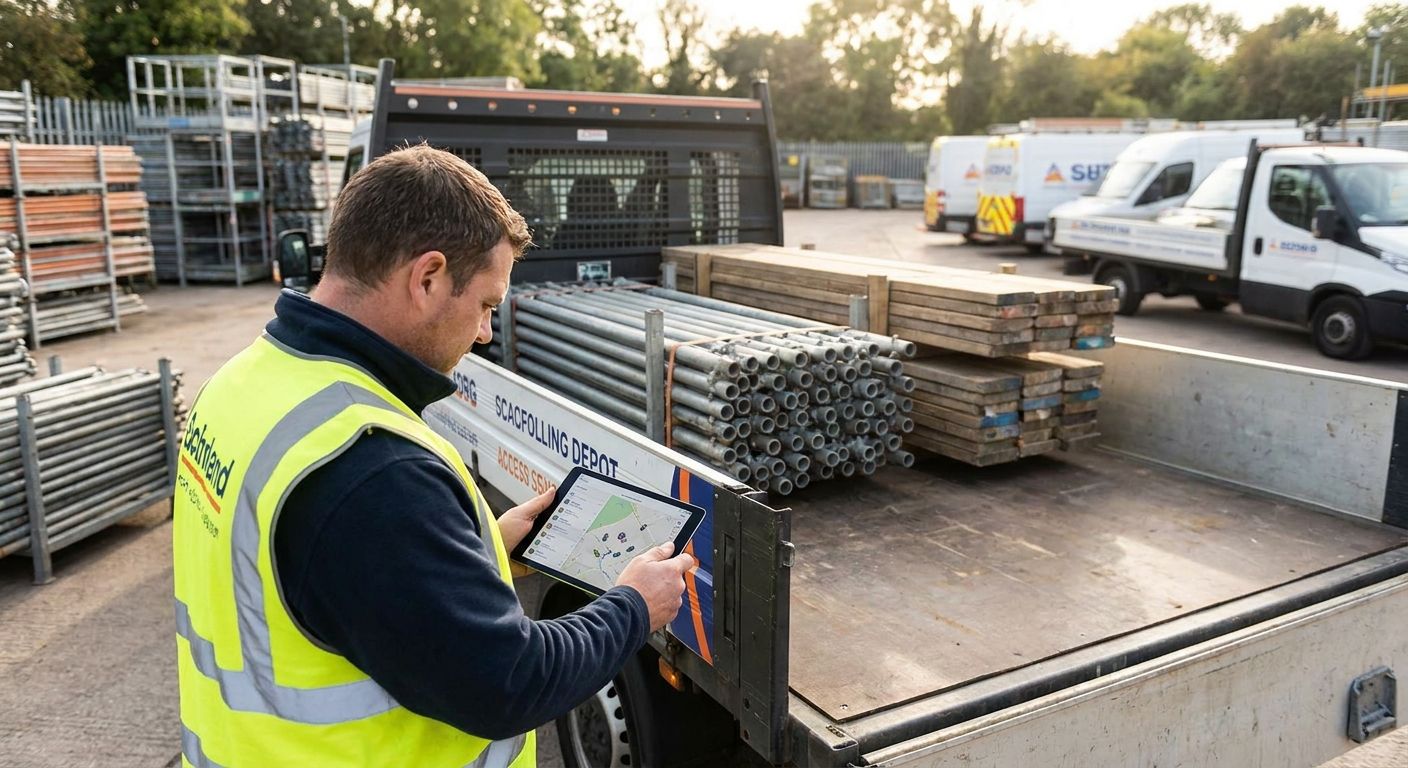

A lone worker safety policy sets out how field staff check in, raise an alarm, and get help when something goes wrong on a job with nobody else around — this guide walks through building one from risk assessment to rollout in 2026.
- A lone worker safety policy for field staff needs a written risk assessment, a check-in protocol, and panic alert tech in place before rollout.
- Crystal Ball's lone worker apps give managers live GPS location the moment an alert fires, not after a missed call.
- Fixed check-in intervals fail in rural areas with patchy signal — build a fallback into the policy from day one.
- Review the policy every 12 months or after any incident, whichever comes first.
Why this matters
Field staff working alone — engineers, care workers, utility technicians, delivery drivers — carry more risk than office-based teams because there's no colleague nearby if a job goes wrong. The Health and Safety at Work Act 1974 puts the legal duty of care on the employer, and that duty doesn't shrink just because the worker is offsite.
A policy without enforcement is a document nobody reads. A policy backed by GPS check-ins, panic buttons, and an escalation chain is the difference between a manager knowing within seconds that someone needs help and finding out three hours later that a shift didn't finish. If your business already runs lone worker apps for field service engineers, the policy is what turns the app from a nice-to-have into an operational standard everyone follows.
What you'll need
- A completed risk assessment covering every lone-working role, not just the highest-risk one
- A named policy owner — usually the fleet or operations manager — who signs off changes
- A lone worker app or device with GPS location, a panic alert, and a missed-check-in trigger
- An escalation contact list with at least two people per shift, updated quarterly
- A check-in schedule matched to job type (fixed intervals for routine visits, timer-based for high-risk callouts)
- A staff communication plan — briefing, sign-off, and a way to log who's read it
- A 2026 incident log or near-miss record if you've had one, to calibrate the risk assessment
The steps
1. Run the risk assessment role by role
A single blanket assessment misses the detail that actually matters. A home care worker doing a 20-minute visit carries different risk than a utility engineer entering a substation alone at night.
Break the assessment down by role: location type, time of day, lone-working duration, and any known hazards (aggressive customers, confined spaces, isolated sites). Score each on likelihood and severity, then rank roles by risk level. This ranking decides which staff get the tightest check-in intervals and which tech tier they need.
Common mistake: assessing office-based "lone working" the same as field-based lone working. They're not the same risk profile and shouldn't share a check-in schedule.
2. Set the check-in protocol
Decide how often staff confirm they're safe and what counts as a missed check-in. For most field roles, 30 to 60 minutes between check-ins works; high-risk callouts (confined spaces, late-night utility work) should drop to 15-minute intervals.
Build the protocol around the technology you already have. Lone worker protection for utility engineers typically automates this with GPS-triggered check-ins rather than relying on a manual call, which removes the human error of a forgotten text.
Expected outcome: every shift has a defined check-in cadence written into the rota, not left to individual judgement.
Common mistake: setting intervals so tight that staff start ignoring alerts out of fatigue — 15-minute check-ins for a routine desk-based visit will just get muted.
3. Define the panic alert and escalation chain
A panic button is only as good as what happens after it's pressed. Write down exactly who gets notified first, how fast, and what they do next — call the worker, call emergency services, or dispatch a colleague.
Most lone worker apps push the alert with live GPS coordinates straight to a manager's phone or a monitoring dashboard, cutting the guesswork out of where the worker is. Set a two-tier escalation: primary contact has 5 minutes to respond before it automatically escalates to a secondary contact or, for the highest-risk roles, a 24/7 monitoring centre.
Common mistake: naming one escalation contact with no backup — if that person is in a meeting or off sick, the alert sits unanswered.
4. Match the device or app to the job
A care worker moving between clients on foot needs a phone-based app with GPS and a discreet panic trigger. A utility engineer working at height or in confined spaces needs a wearable with fall detection built in.
Lone worker safety devices for care workers differ from field engineer tools mainly in form factor and discretion — care staff often can't be seen fumbling with an app mid-visit, so a wearable badge or clip works better than a phone screen.
Expected outcome: every role has a device that fits how the job is actually done, not a one-size tool forced onto every worker.
5. Write the policy document and get sign-off
Put the risk assessment findings, check-in schedule, escalation chain, and device requirements into one document. Keep it under three pages — a policy nobody finishes reading gets skimmed once and forgotten.
Get every field worker to sign off that they've read it, and keep that record. In an incident review, a signed acknowledgement is the difference between the policy existing and the policy being followed.
Common mistake: writing the policy in HR language with no operational detail — staff need to know exactly what button to press, not a paragraph about duty of care.
6. Brief the team and run a live test
Don't roll out a lone worker policy on paper alone. Run a live test — have one worker trigger a panic alert during a scheduled drill and time how long it takes for the escalation chain to respond.
If the response takes longer than your written escalation window, the policy has a gap before it's even gone live. Fix the gap, then brief the wider team with the corrected version.
Expected outcome: a tested escalation chain with a known response time, not a theoretical one.
7. Review and update on a set schedule
Set a review date — 12 months out — and revisit sooner if there's an incident, a near-miss, or a change in job roles. Fleet and field operations change fast; a policy written for five engineers doesn't automatically cover fifteen a year later.
Common mistake: treating the policy as a one-off compliance document rather than a living process tied to the risk assessment.


Troubleshooting
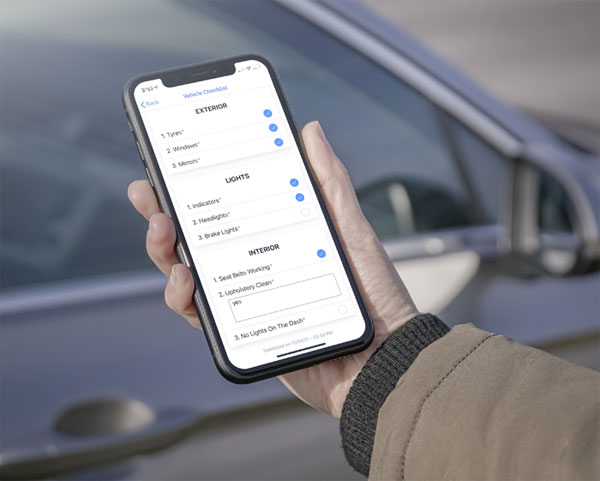
- Staff forget to check in. Switch from manual text-based check-ins to automated GPS-triggered ones — the app logs location without needing the worker to remember a step.
- False alarms overload the monitoring team. Add a 10-second cancel window on the panic trigger so accidental presses don't tie up the escalation chain.
- Poor mobile signal in rural areas breaks the check-in schedule. Set a fallback protocol — if no signal, the worker calls the office landline at the next check-in point, and this gets written into the policy explicitly.
- The app drains phone battery on long shifts. Set check-in intervals to background-ping rather than constant GPS polling, and brief staff to carry a charger on full-day callouts.
- Escalation contacts go stale. Review the contact list every quarter, not annually — staff turnover in operations teams is faster than the policy review cycle.
- Staff resist wearing a device. Involve them in choosing between a wearable and a phone app during the pilot stage; compliance is higher when the worker picked the format.
Tools and resources
- A written risk assessment template, role by role
- A lone worker app with GPS check-in and panic alert
- An escalation contact list, reviewed quarterly
- A signed staff acknowledgement log
- A live drill schedule to test response time before full rollout
What to do next
Once the policy is written and staff are briefed, the next step is matching the device to the specific field role rather than issuing the same app to everyone. Start with the lone worker app options built for home care staff if care visits are part of your operation, since discretion and ease of use matter more there than raw feature count.
FAQ
How do I set up a lone worker safety policy for field staff?
Run a role-by-role risk assessment, set a check-in schedule matched to job risk, define a two-tier escalation chain, match devices to each role, then test the escalation response time before full rollout. Review the policy every 12 months or after any incident.
Is a lone worker policy a legal requirement in 2026?
The Health and Safety at Work Act 1974 puts a duty of care on employers for staff working alone, so a written policy is how you demonstrate that duty is being met. There's no single mandated format, but an untested policy offers little protection in an incident review.
What check-in interval should field staff use?
Routine visits work on 30 to 60 minute check-ins; high-risk callouts such as confined-space or late-night work should use 15-minute intervals. The interval should match the risk level identified in the assessment, not be applied uniformly across every role.
What's the difference between a lone worker app and a panic button device?
A lone worker app runs on a phone and combines GPS check-ins with a panic trigger, while a standalone panic device is a wearable built for roles where pulling out a phone isn't practical. Care workers often prefer wearables; field engineers usually manage fine with an app.
Who should be the escalation contact for a lone worker alert?
Name a primary contact with a 5-minute response window, then a secondary contact for automatic escalation if the primary doesn't respond. For the highest-risk roles, route the alert to a 24/7 monitoring centre rather than relying on a single manager's phone.
How often should a lone worker policy be reviewed?
Review it every 12 months at minimum, and immediately after any incident or near-miss. Job roles and field headcount change faster than the review cycle if you only check it annually.
Does a lone worker policy apply to drivers as well as on-site staff?
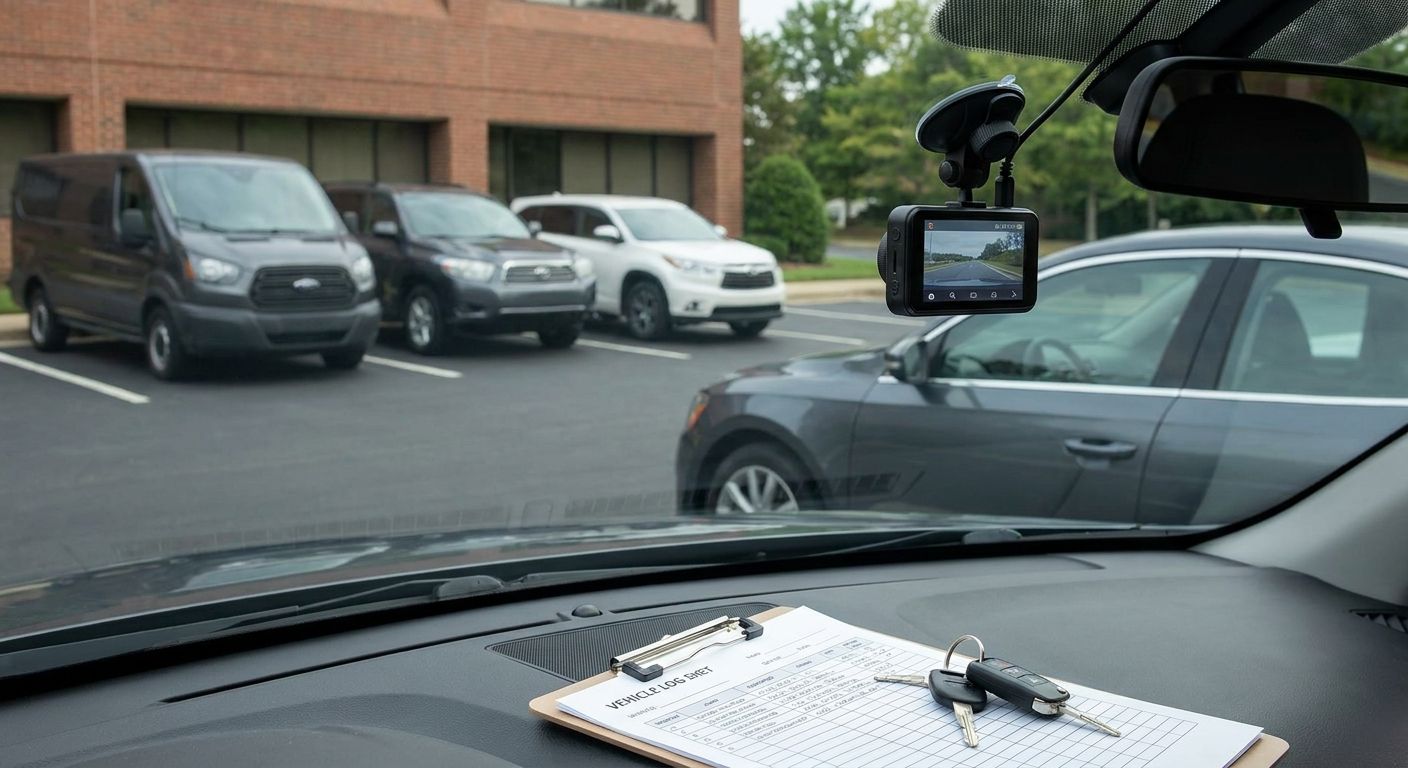
Yes — a driver working alone between sites carries the same duty-of-care obligation as someone on foot. Vehicle-based check-ins through GPS tracking or a dash cam system cover this without adding a separate device for drivers.
What's the biggest mistake in rolling out a lone worker policy?
Writing the policy without testing the escalation chain live. A policy that looks complete on paper but takes 20 minutes to actually notify someone in a drill has a gap that only shows up during a real incident.
One last thing
The policy fails at the escalation chain more often than the risk assessment — most businesses get the paperwork right and then never time-test whether a panic alert actually reaches someone in under five minutes. Run that one drill before you call the rollout finished.