Utility engineers spend hours alone at substations, gas mains, and overhead lines, often outside mobile signal and with no colleague nearby if something goes wrong. This guide covers what lone worker protection for utility engineers actually needs to do in 2026, and which parts of Crystal Ball's line-up cover each piece of that job.
- Lone worker protection for utility engineers needs two-way SOS escalation to a live monitoring centre, not a push alert.
- Combined vehicle-and-worker tracking is the safe pick for engineers who drive between multiple sites daily.
- Crystal Ball's lone worker app, already running on home care rounds, transfers directly to solo utility site visits.
- The Thatcham S7 tracker at 198 pounds protects the van while the engineer is out of sight of it on site.
- Skip consumer personal safety apps with no 24/7/365 monitoring centre standing behind the alert.
Why this matters
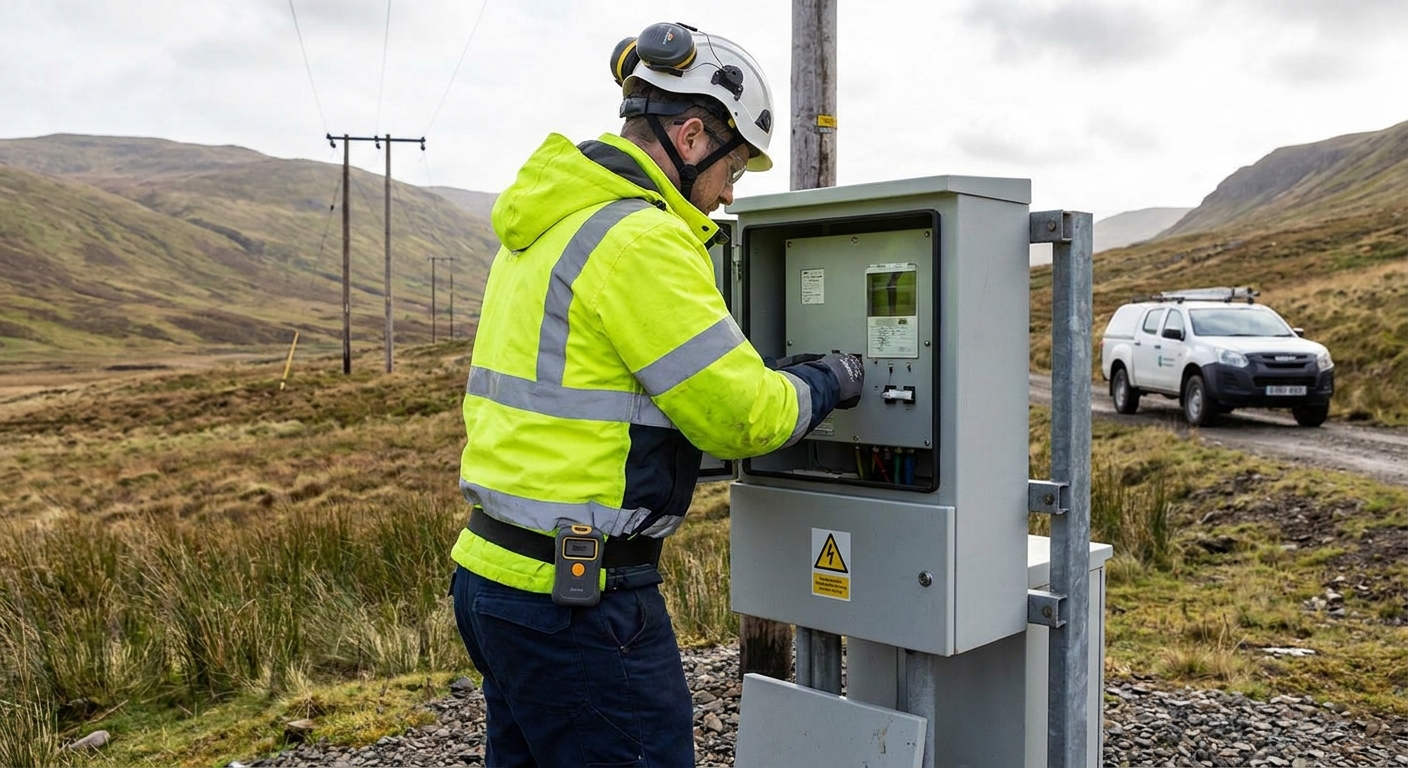
A utility engineer working a rural substation or an isolated gas main in 2026 is often the only person who knows exactly where they are, and that knowledge is worthless if it stays in their head. Employers carry a duty of care for staff working alone, and that duty doesn't stop at handing someone a mobile phone with no signal plan for dead zones.
Fleet managers who run electrical, water, or gas engineers alongside a vehicle fleet need lone worker protection that talks to the same monitoring centre as the van's security system, not a separate app nobody checks. That's the gap this guide is built to close.
Who this is for
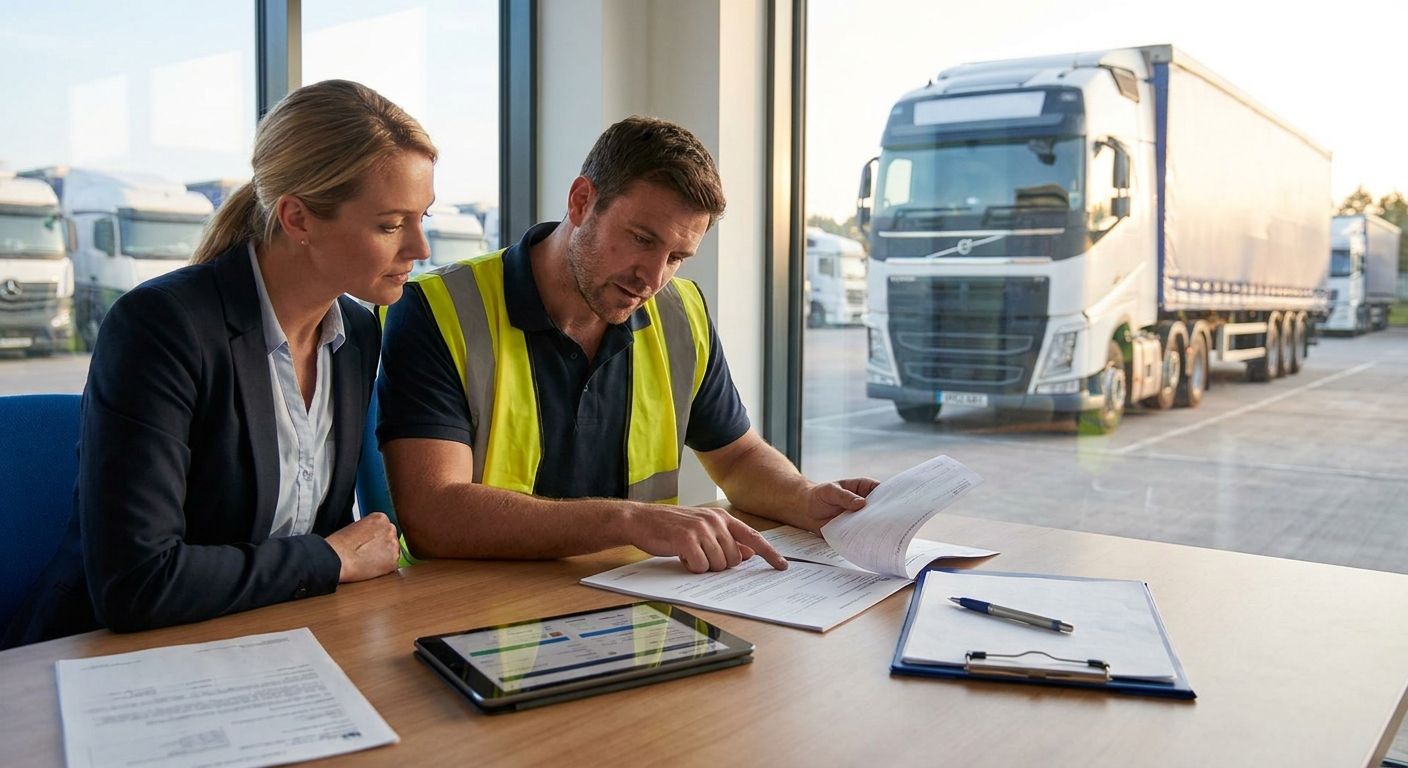
This is for fleet and operations managers at utility contractors, water companies, and local authority-adjacent field service teams who send engineers out solo to sites with patchy coverage. If your engineers currently check in by text message and you find out something's wrong only when they miss a call, you're the buyer profile for this guide. The same logic applies whether you're running two vans or two hundred: vehicle tracking for utility field engineers is the starting point most contractors in this position land on first, because it links the worker's safety data to the vehicle they arrived in.
What to look for in lone worker protection for utility engineers
Two-way SOS with a live monitoring centre
A panic button that sends a text to a manager's phone is not lone worker protection, it's a notification. The alert needs to route to a monitored centre that can call the engineer back, assess the situation, and escalate to emergency services if there's no response. That escalation chain is the entire point of the category.
Geofenced site check-in
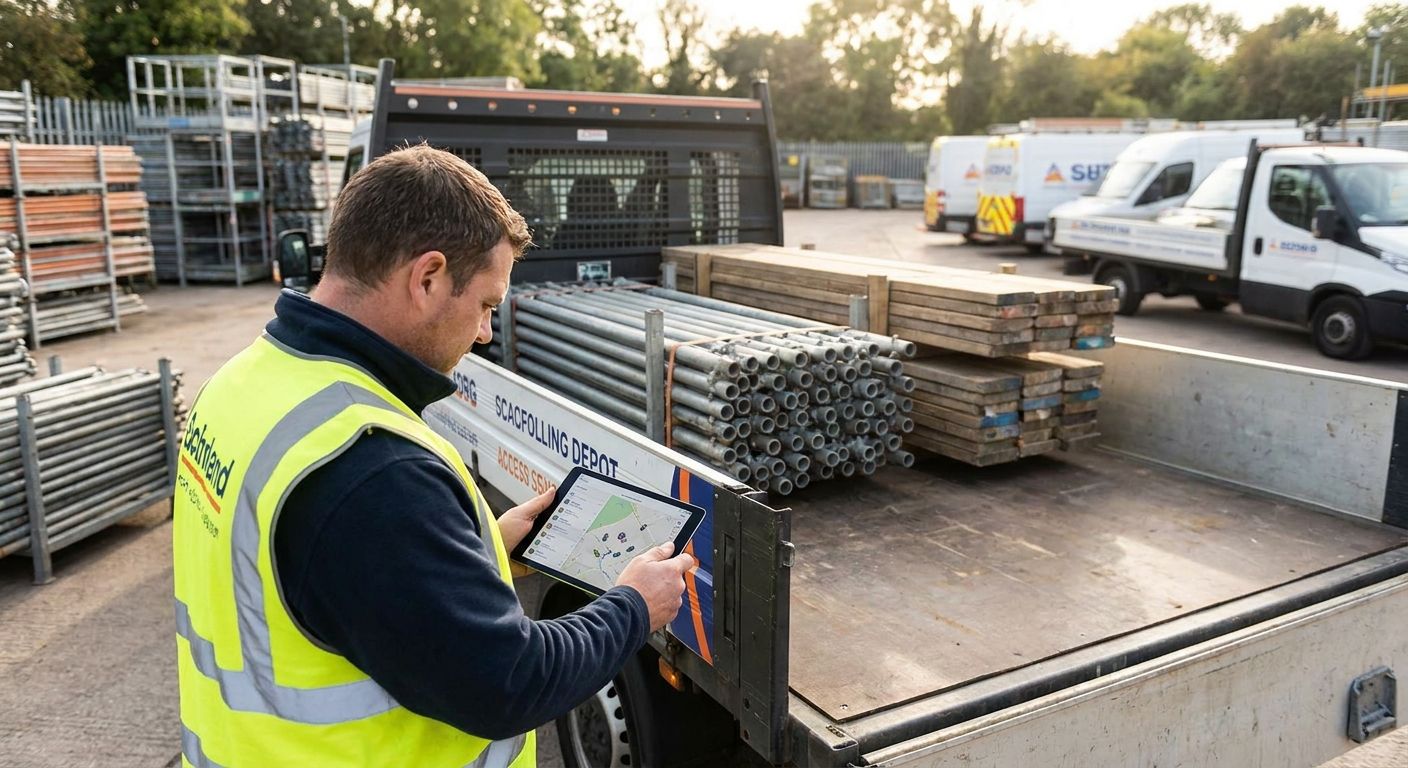
Utility engineers move between substations, junction boxes, and remote pumping stations throughout the day. A geofence around each site lets the system flag automatically when someone arrives and hasn't checked in within a set window, which catches problems faster than waiting for a shift-end call.
No-motion or man-down detection
Slips, falls near live equipment, and confined-space incidents don't always come with time to press a button. Automatic no-motion detection triggers an alert without the engineer needing to do anything, which matters most in exactly the scenario where lone worker protection earns its cost.
Coverage that survives dead zones
Substations and rural gas infrastructure sit in the same weak-signal areas that make mobile coverage unreliable. A lone worker system that drops out the moment signal does is protecting an engineer everywhere except where they're most exposed.
Integration with the van's tracking data
The engineer's last known location and the van's last known location should be the same data set, viewed from the same dashboard. Running two separate systems means two logins, two alert histories, and a manager checking twice during an actual incident.
Top picks for utility engineer lone worker protection
Combined vehicle and worker tracking — the safe pick. Vehicle tracking for utility field engineers puts the van's location and the engineer's lone worker status in one view, which is the setup most contractors managing 5+ vehicles settle on. It's the default recommendation for any fleet where the engineer drives between sites rather than walking a single fixed patrol. Buy.
Lone worker app proven on solo home visits — the pattern match. Crystal Ball's lone worker app for home care staff already handles the exact dynamic utility engineers face: one person, one site, no colleague present, check-in required on arrival and departure. Home care and utility field work look different on paper but the safety mechanics are identical. Buy.
Thatcham-approved van tracker — the insurance angle. An engineer working a substation might be 200 metres from the van and out of sight of it for an hour or more, which is exactly when a van gets targeted. A Thatcham-approved tracker covers the vehicle side of the risk while the worker-side app covers the person, and running both together tends to lower insurance premiums as well as risk. Buy.
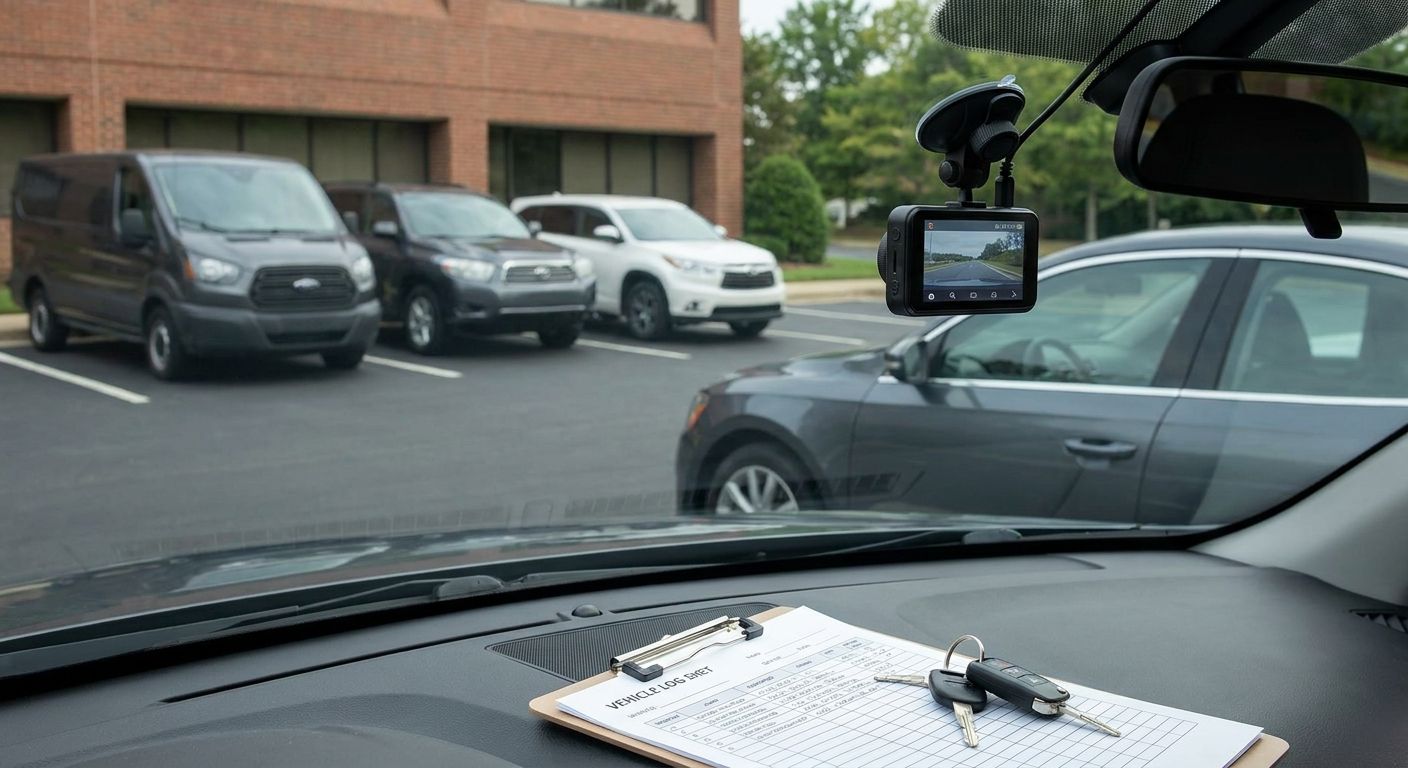
4G dash cam plus manager app for incident evidence — the wildcard. A dash cam doesn't stop an incident but it settles disputes fast when one happens near the van, and pairing it with a manager app means a fleet manager can pull footage and location together from one screen. Worth adding once the core lone worker system is in place, not before. Consider.


What to avoid
- Consumer personal safety apps with no monitoring centre behind them. They look like lone worker protection because they have a panic button, but a push notification to a personal phone is not an escalation chain, and it fails the moment a manager doesn't see their screen.
- Systems that need constant signal to function. If an app can't queue a check-in or an SOS for the moment signal returns, it's built for office workers, not substation engineers.
- Bolt-on apps with no link to vehicle data. A separate login for worker safety and vehicle tracking doubles the checking a manager has to do during exactly the ten minutes that matter most.
Verdict comparison
| Option | Two-way SOS | Works in dead zones | Vehicle integration | Verdict |
|---|---|---|---|---|
| Utility field engineer tracking | Yes | Queued alerts | Native | Buy |
| Lone worker app (home care model) | Yes | Queued alerts | Via account | Buy |
| Thatcham S7 tracker | No (vehicle-side) | Yes | N/A | Buy |
| 4G dash cam + manager app | No | Depends on signal | Native | Consider |
FAQ
What counts as lone worker protection for utility engineers?
It's a system that tracks a solo engineer's location, lets them raise a two-way SOS to a monitored centre, and escalates automatically if they miss a check-in or stop moving. A basic panic-alert app without a monitoring centre behind it doesn't meet this bar in 2026.
Is a lone worker app better than a personal safety app for field engineers?
Yes, for utility engineers specifically, because a dedicated lone worker app links to a live monitoring centre and geofenced site check-ins, while most personal safety apps only send a notification to a phone that may not be watched.
How much does a lone worker app cost for a small utility contractor?
Pricing varies by provider and fleet size, so check current terms directly with the supplier rather than relying on a fixed figure, since most lone worker apps are priced per user per month alongside any vehicle tracking hardware.
Do utility engineers need vehicle tracking as well as a lone worker app?
Yes, if they drive between sites, because the van itself is exposed to theft while the engineer is out of sight of it working. Pairing a Thatcham-approved tracker with a lone worker app covers both the person and the vehicle.
What's the biggest gap in lone worker protection for field engineers in 2026?
Coverage in dead zones is the most common gap. Substations, remote gas infrastructure, and rural pumping stations sit in exactly the areas with the weakest mobile signal, so a system needs to queue check-ins and alerts rather than fail silently.
Can lone worker protection lower fleet insurance costs?
Lone worker apps aren't rated by insurers the way Thatcham-approved trackers are, but running a Thatcham S5 or S7 tracker alongside a lone worker app addresses both the theft risk and the duty-of-care risk that insurers and regulators care about.
How fast should a lone worker system escalate a missed check-in?
Escalation windows are typically set per site risk level, with higher-risk locations like live substations needing shorter windows than a routine meter check. The system should escalate to a monitored centre automatically, not wait for a manager to notice.
One last thing
The systems that actually get used are the ones that share a login with the vehicle tracking a fleet manager already checks every morning. A separate lone worker app that lives on its own dashboard tends to get checked once a week instead of once an incident, and by 2026 that gap is the difference between catching a problem in minutes and finding out at the end of a shift.