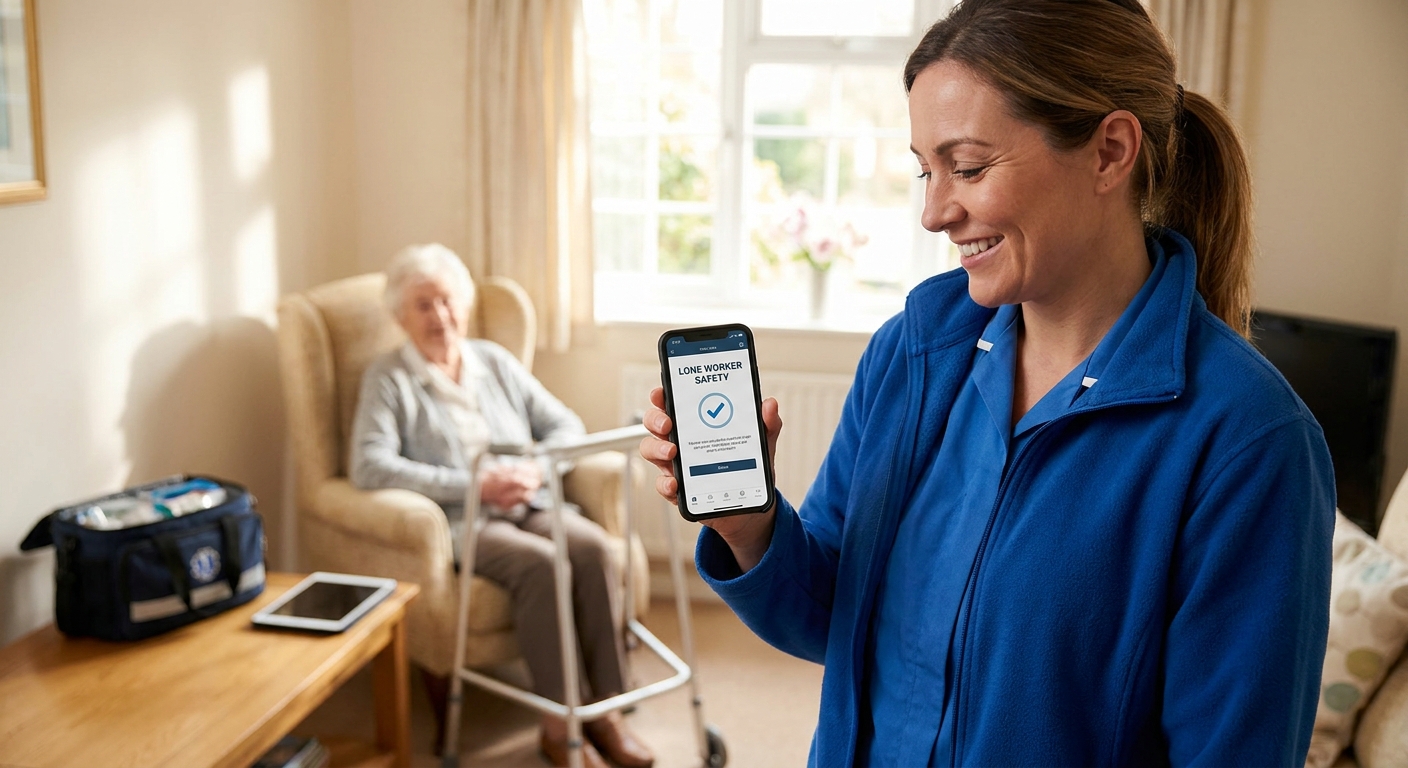
Home care staff spend most of a shift alone — inside a client's home, in the car between visits, or on a rural road with patchy signal — and a lone worker app for home care staff is what turns that isolation into a monitored, alertable risk instead of a blind spot.
- The best lone worker app for home care staff pairs GPS check-ins with man-down alerts — Buy dedicated apps, Skip manual call sheets.
- BS 8484 monitored devices with 24/7/365 alarm receiving centres suit staff visiting high-risk or lone clients — Consider.
- Staff who drive between visits need vehicle tracking alongside the app, not instead of it.
- Manual call-in rotas fail the moment a phone signal drops inside a client's home — Skip for 2026 rollouts.
Why this matters
The Health and Safety at Work Act 1974 puts a duty of care on employers for staff working alone, and domiciliary care is one of the clearest test cases for it: carers enter private homes unaccompanied, often work evening or early-morning rounds, and sometimes deal with clients who are confused, aggressive, or medically unstable. Add the driving component — most home care rounds involve four to eight visits a shift, each one a drive — and the risk isn't just what happens inside the house. It's what happens on the road between houses too.
Crystal Ball builds fleet management technology for SMEs and local government bodies running cars, vans, and pool vehicles, and lone worker protection sits alongside vehicle tracking and 4G dash cams in that stack. For a home care agency, that combination matters more than a standalone panic-button app does, because the risk isn't confined to the client's front door.
Who this is for
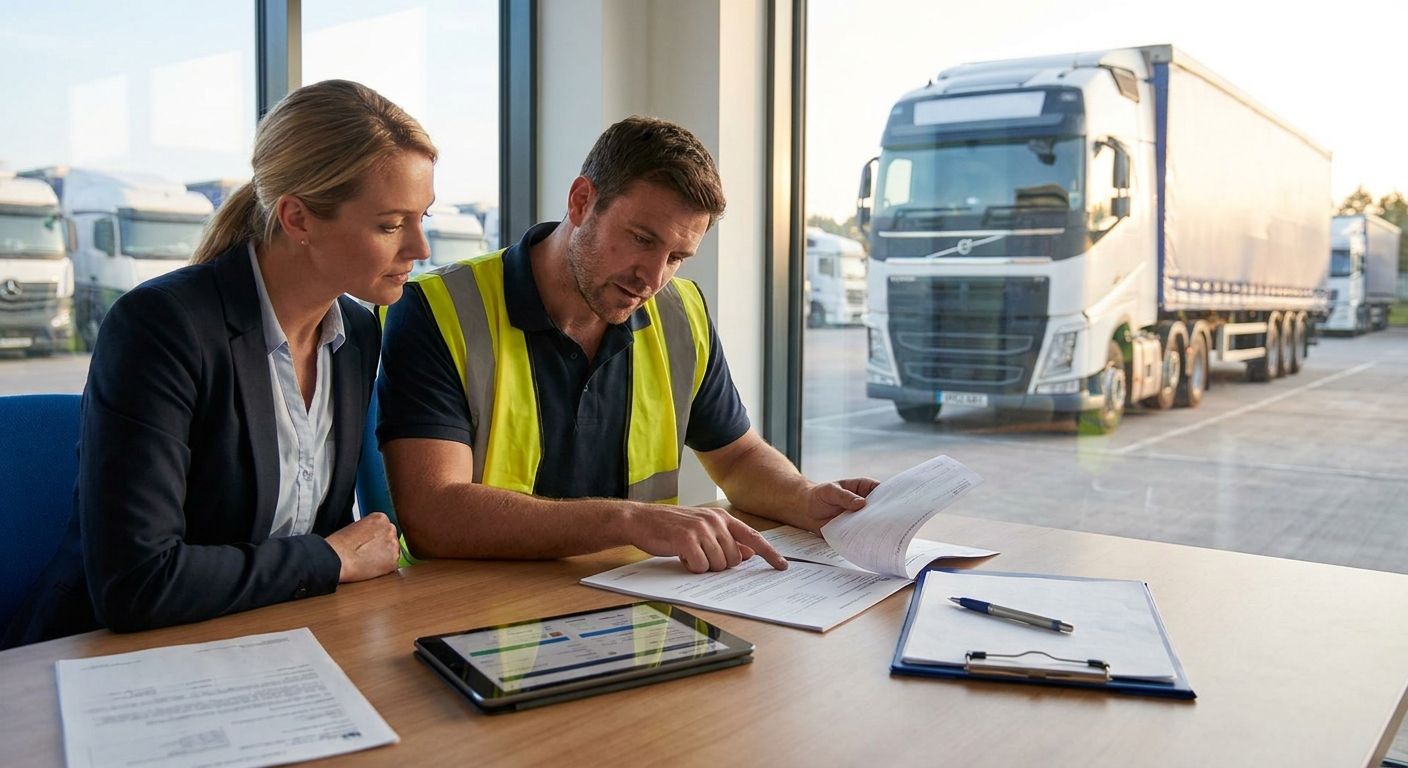
This guide is for registered managers, care coordinators, and local authority commissioners overseeing domiciliary care contracts who need to put a lone worker app for home care staff in front of carers doing solo visits — whether that's three carers covering a rural patch or forty covering a city contract commissioned by the council. If your staff drive between appointments in their own cars or a pool fleet, the buying decision isn't just about the app. It's about what the app talks to.
What to look for in a lone worker app for home care staff
Automatic check-in with missed-check-in escalation
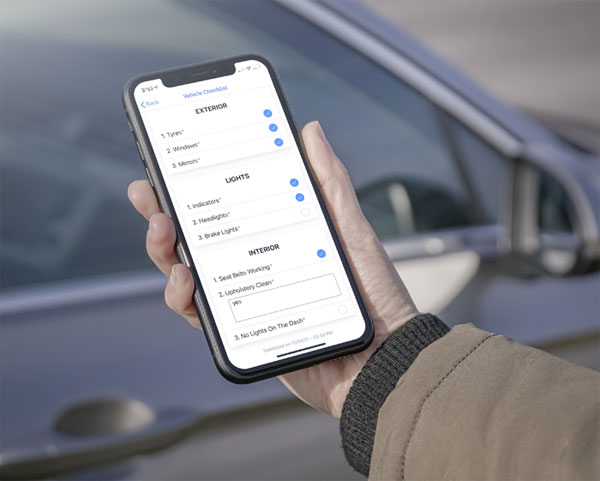
A carer running late from a difficult visit shouldn't have to remember to tap 'I'm safe' — the app should prompt at set intervals and escalate automatically if nothing comes back. In home care, missed check-ins need to trigger a call within minutes, not a flag reviewed the next morning.
Man-down and fall detection
Carers lift, transfer, and sometimes restrain unpredictable clients, and a fall or collapse can happen with no time to press anything. Man-down detection using the phone's accelerometer closes that gap when a manual alert isn't possible.
Discreet or silent panic alert
A loud alarm inside a client's home can escalate a situation rather than defuse it. A silent trigger — a button sequence, a shake gesture — lets a carer call for help without alerting whoever's in the room.
BS 8484 monitored response
BS 8484 is the UK standard for lone worker device monitoring, and it means an Alarm Receiving Centre actually listens and acts on an alert rather than just logging it. For home care visits in isolated locations or with known-risk clients, this is the difference between an app and a genuine safety net.
Vehicle tracking integration for staff who drive
If a carer's last known location is the driveway of visit three, but they never logged at visit four, a lone worker app with vehicle tracking underneath tells you whether they're still moving, parked, or stationary somewhere unexpected. That context changes how fast — and how — you respond.
Offline resilience and battery life
Rural home visits and thick-walled Victorian terraces both kill GPS signal and battery life. An app that needs constant 4G to function is the wrong pick for a patch with dead zones.
Which approach fits your rota
The standard-issue pick: dedicated check-in app with man-down alert. Configurable check-in windows — typically every 15 to 60 minutes depending on visit length — with automatic escalation if a carer misses one. This covers the bulk of routine solo visits at low cost per user. Buy.
The escalation-ready pick: BS 8484 monitored device. A 24/7/365 Alarm Receiving Centre picks up a triggered alert and acts on it — calling the carer back, contacting a manager, or escalating to emergency services if there's no response. Right for high-risk clients, late-shift rounds, or lone-working policies that need an auditable response record. Consider for higher-risk contracts, standard for the rest.
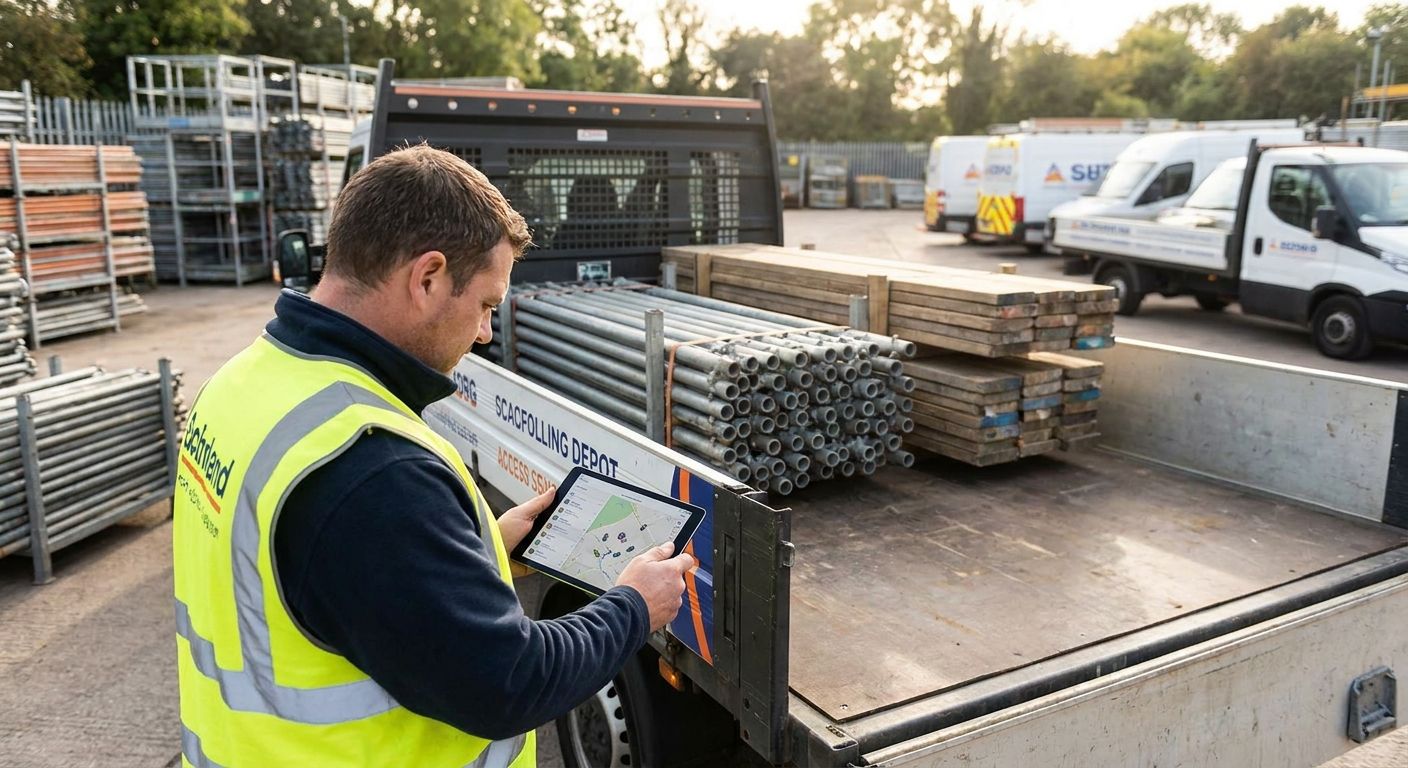
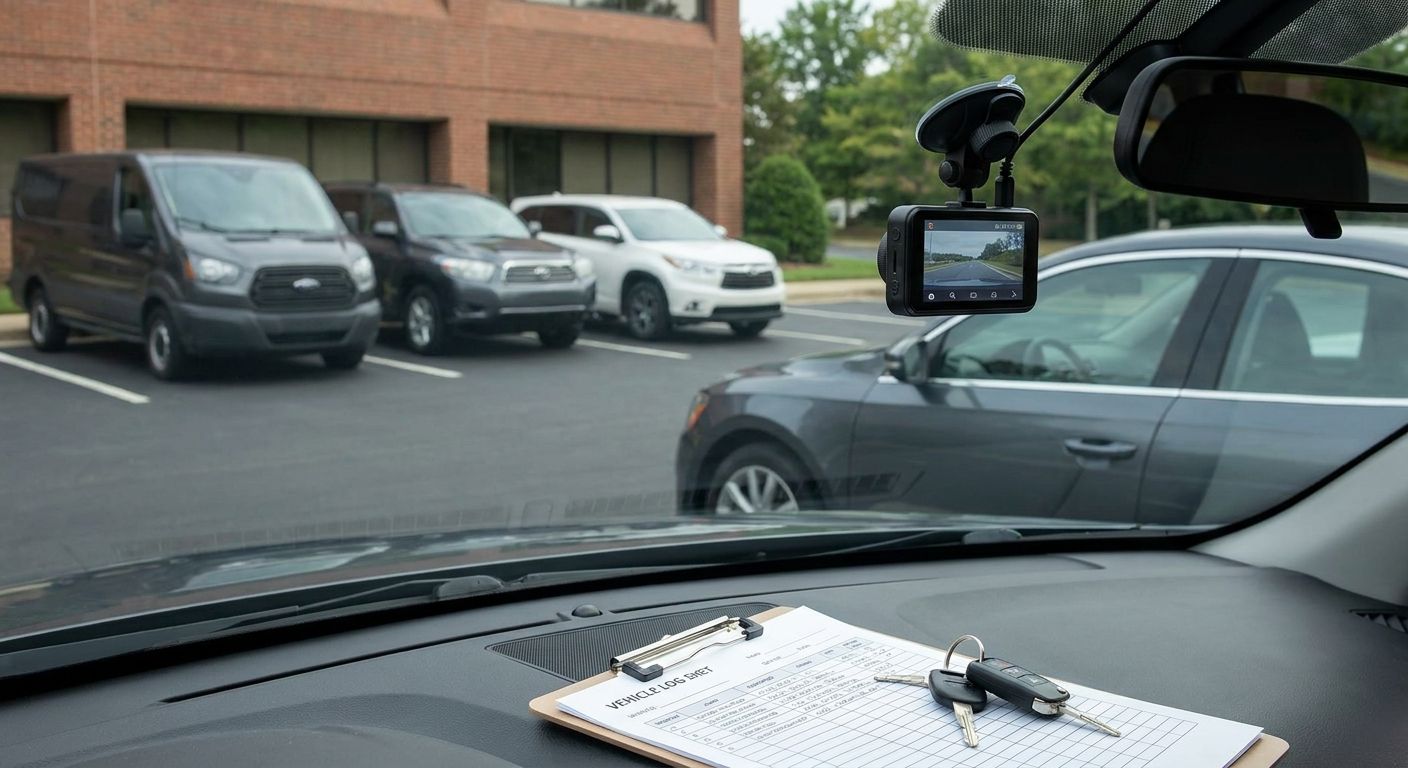
The fleet manager's pick: vehicle tracking plus dash cam for staff who drive. Home care staff clocking multiple visits a shift are drivers as much as carers, and a Thatcham-approved tracker starting from £198 secures the vehicle while a 4G dash cam records what happens on the road, useful for incident evidence and insurance. This is the layer most agencies skip until a vehicle goes missing or a dispute needs footage. Councils commissioning domiciliary care contracts increasingly expect this kind of oversight across local council fleets too. Buy as a companion to the check-in app, not a replacement for it.
The free-but-risky pick: manual call-in rota. A spreadsheet and a scheduled phone call at the top of each hour. No GPS, no automatic escalation, no record of where a carer actually was if the call gets missed. Skip it for anything beyond a two-person agency.
“A lone worker app that can't escalate a missed check-in within minutes is a logging tool, not a safety tool.”


What to avoid
- Apps that log location but alert no one. A history you can scroll through after the fact doesn't help a carer who's collapsed at 6pm on a Tuesday. If nothing fires in real time, it's a tracking log, not a lone worker app.
- Consumer safety apps repurposed for shift work. Apps built for solo joggers or dog walkers don't handle rota-based check-in intervals, multi-visit shift patterns, or manager dashboards for forty staff at once.
- Standalone GPS trackers with no monitored response. A tracker without a BS 8484 Alarm Receiving Centre behind it means an alert lands on a screen — useful only if someone happens to be watching it at 11pm.
Verdict at a glance
| Approach | Check-in escalation | Man-down alert | BS 8484 monitoring | Vehicle tracking | Verdict |
|---|---|---|---|---|---|
| Dedicated check-in app | Yes | Often | No | No | Buy |
| BS 8484 monitored device | Yes | Yes | Yes | No | Consider |
| Vehicle tracking + dash cam | No | No | No | Yes | Buy (as companion) |
| Manual call-in rota | No | No | No | No | Skip |
FAQ
What's the best lone worker app for home care staff in 2026?
There's no single best option for every agency in 2026 — a dedicated check-in app with man-down detection covers routine visits, while high-risk contracts need BS 8484 monitored devices with a 24/7/365 Alarm Receiving Centre behind them. Match the app to the risk level of the visit, not the cheapest per-user price.
Is a lone worker app better than a manual call-in rota?
Yes — a manual call-in rota relies on someone remembering to make and answer a call, with no automatic escalation if that call is missed. A lone worker app checks in on a set interval and escalates within minutes if a carer doesn't respond.
How much does a lone worker app for home care staff cost?
Pricing varies by provider and by whether the plan includes BS 8484 monitoring, so check current pricing directly with the provider rather than relying on a headline figure. Monitored plans with a 24/7/365 Alarm Receiving Centre generally cost more per user than a basic check-in app.
Do home care staff need vehicle tracking as well as a lone worker app?
If staff drive between visits, yes — a lone worker app covers what happens inside a client's home, while vehicle tracking covers the drive in between. Agencies running pool cars or commissioned by local councils increasingly expect both layers in place.
What is BS 8484 and why does it matter for care staff?
BS 8484 is the UK standard for lone worker device monitoring, meaning alerts go to a staffed Alarm Receiving Centre rather than just logging on a screen. For carers visiting isolated or high-risk clients, it's the difference between a recorded alert and an actual phone call within minutes.
Can a lone worker app detect a fall automatically?
Man-down detection using a phone's accelerometer can flag a fall or sudden stop in movement without the carer pressing anything, which matters when a collapse happens with no warning. It's not foolproof, so pair it with a manual panic trigger as backup.
What check-in interval should home care agencies use?
Match the interval to visit length — a 30-minute visit needs a tighter check-in window than a two-hour live-in shift. Most agencies set intervals between 15 and 60 minutes and adjust per client risk level.
Does a lone worker app work with poor phone signal?
Coverage depends on the app and device — some cache the last known location and sync once signal returns, which matters for rural rounds and thick-walled properties. Ask any provider directly how their app handles offline gaps before rolling it out.
One last thing
The part agencies get wrong most often isn't the app itself — it's matching the check-in interval to the actual visit. Set it too tight and carers start ignoring prompts out of fatigue; set it too loose and a genuine incident sits unnoticed for the length of the interval. Review intervals per client risk level, not as one blanket setting across the whole rota, and revisit that setting every time a contract changes in 2026.