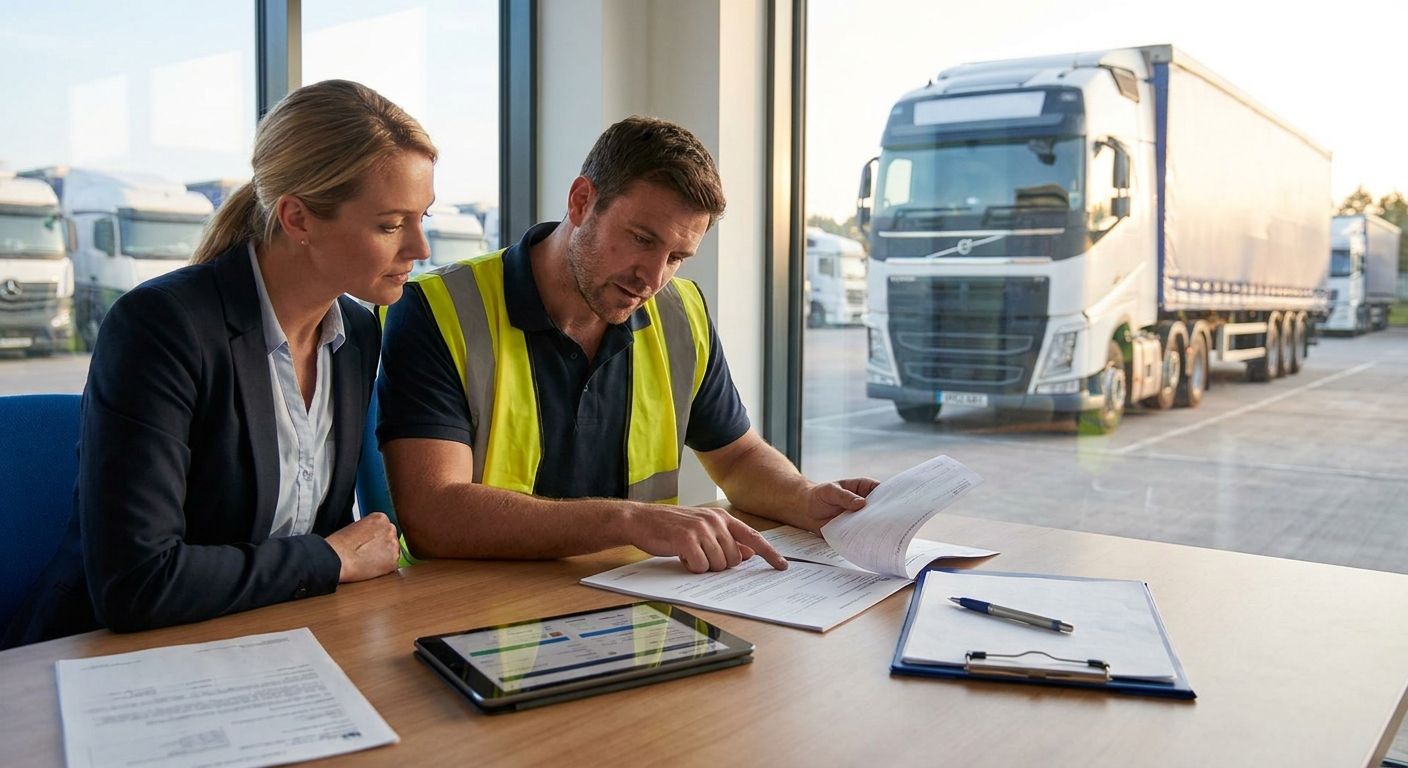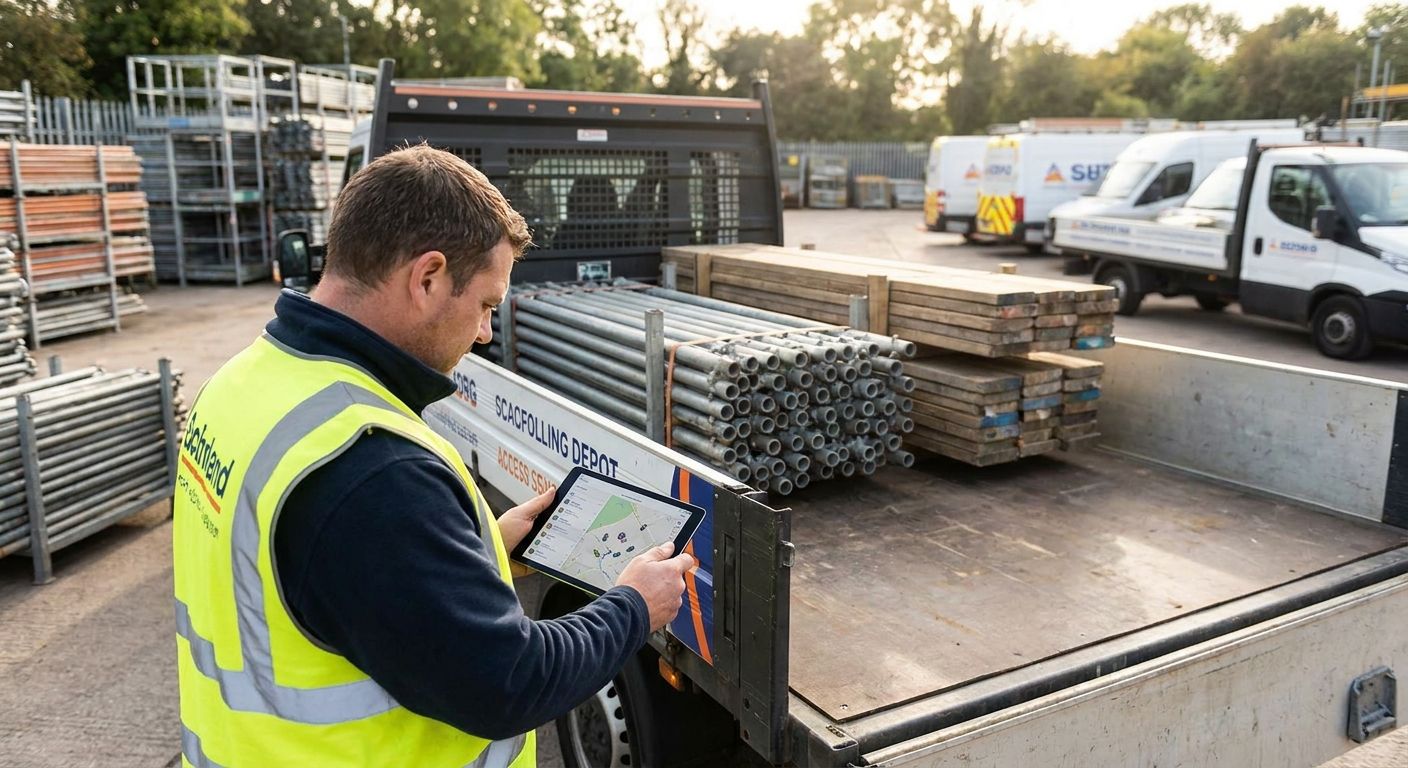
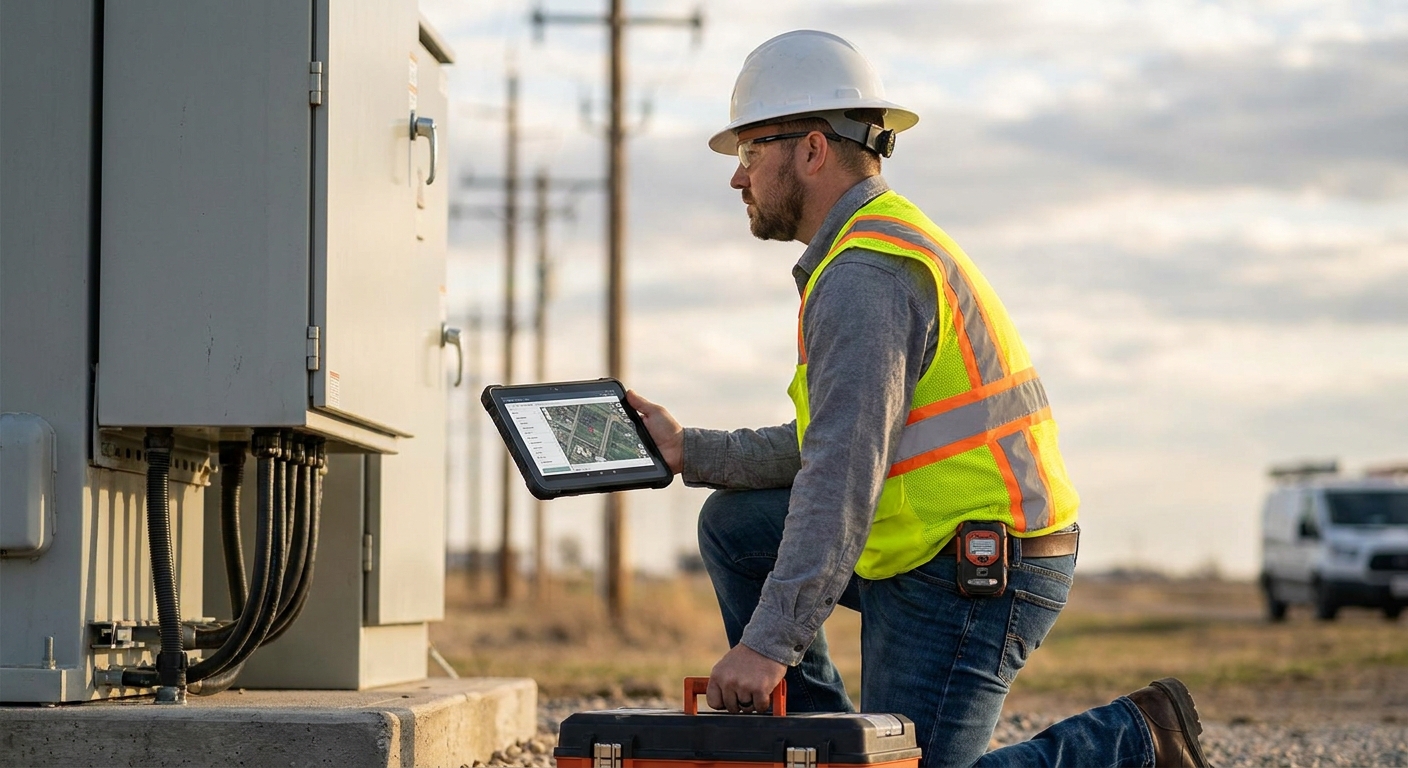
Field service engineers working solo on rooftops, in plant rooms, and on unlit industrial estates need more than a text message check-in. This guide ranks the categories of lone worker app that actually hold up for field engineers in 2026, and where each one sits against a proper fleet safety setup like the one built into Crystal Ball.
- Integrated fleet tracking plus lone worker apps win for engineers already running a tracked van fleet — Buy.
- Standalone check-in-only apps fall short for engineers working at height, in confined spaces, or off-grid — Wait.
- Panic-button wearables pair well with a lone worker app when the engineer's phone signal is unreliable — Consider.
- Consumer share-my-location apps aren't built for lone worker compliance and shouldn't sit in this shortlist at all — Skip.
Why this matters
A field service engineer doing a boiler call-out, a substation inspection, or a rooftop aerial repair is often the only person who knows exactly where they are. If something goes wrong — a fall, a confrontation, a medical event — there's no colleague on site to raise the alarm.
That's the entire case for a lone worker app: automated escalation when a worker doesn't check in, rather than relying on someone noticing they're overdue. Local authorities and larger commercial clients increasingly ask for lone worker procedures as a condition of contract, which means the app you pick isn't just a safety tool, it's part of winning the work.
Crystal Ball builds lone worker protection alongside vehicle tracking and 4G dash cams because field engineers rarely have a safety problem in isolation — the same shift that puts them at risk on site also puts the van at risk of theft or an insurance claim.
How we ranked
The ranking below groups lone worker apps by category rather than naming every vendor on the market, because the category an app belongs to tells you more about whether it fits a field engineer's actual working pattern than a features list does.
Each category is judged against four things a field service engineer needs in 2026: automated escalation without manual input, GPS accuracy that works indoors and in poor signal, integration with the vehicle the engineer drives to site, and a setup cost that a small or mid-sized fleet can actually justify. Categories that only tick one or two of those boxes get marked down, regardless of how polished the app looks in a store listing.
The ranked list
1. Integrated fleet tracking + lone worker apps
The sensible default. If your engineers already drive tracked vans, adding lone worker protection to the same platform means one login, one alert dashboard, and one point of contact when something goes wrong. Crystal Ball's approach to lone worker protection for utility engineers sits here — vehicle location and worker check-ins live in the same system, so a missed check-in and a stationary van at 2am tell the same story. Verdict: Buy.
2. Dedicated panic-button wearables
A physical button beats a phone app when an engineer's hands are full or their phone is in a work van 40 metres away up scaffolding. Wearables typically pair over Bluetooth to a phone that carries the GPS signal, which means they're only as reliable as the phone connection behind them. Verdict: Consider — good as a companion device, weak as a standalone solution.
3. GPS check-in-only apps
These apps ask the worker to tap "I'm safe" on a timer. They're cheap and easy to roll out, which is exactly why they're common — and exactly why they fail the engineers who most need protection. An engineer unconscious after a fall can't tap anything, and a basic check-in app has no man-down logic to catch that. Verdict: Wait — fine for low-risk desk-adjacent roles, not for engineers working at height or in confined spaces.
4. Man-down and fall detection apps
These use the phone's accelerometer to detect a sudden stop in movement or a fall angle, and escalate automatically without the worker doing anything. For engineers on roofs, in plant rooms, or working with live electrics, this is the feature that actually matters in 2026, not the check-in timer. Verdict: Buy — this is the baseline feature to check for, not a nice-to-have.
5. Home and community lone worker apps
Built for staff moving between multiple short visits — care workers, community engineers, meter readers — rather than one long job on one site. Crystal Ball's lone worker app for home care staff covers this pattern with frequent, lightweight check-ins rather than one long session. Field service engineers doing multi-stop routes see the same benefit. Verdict: Consider for engineers with short multi-visit days, Skip for single long-site jobs where it adds unnecessary check-in noise.
6. Consumer share-my-location apps
Free, familiar, and completely unsuited to lone worker compliance. There's no escalation logic, no incident log for insurers, and no audit trail if a council or commercial client asks for evidence of your safety procedures. Verdict: Skip.
“If an engineer doesn't check in within the interval you set, the app should escalate automatically — not wait for someone else to notice they're late.”
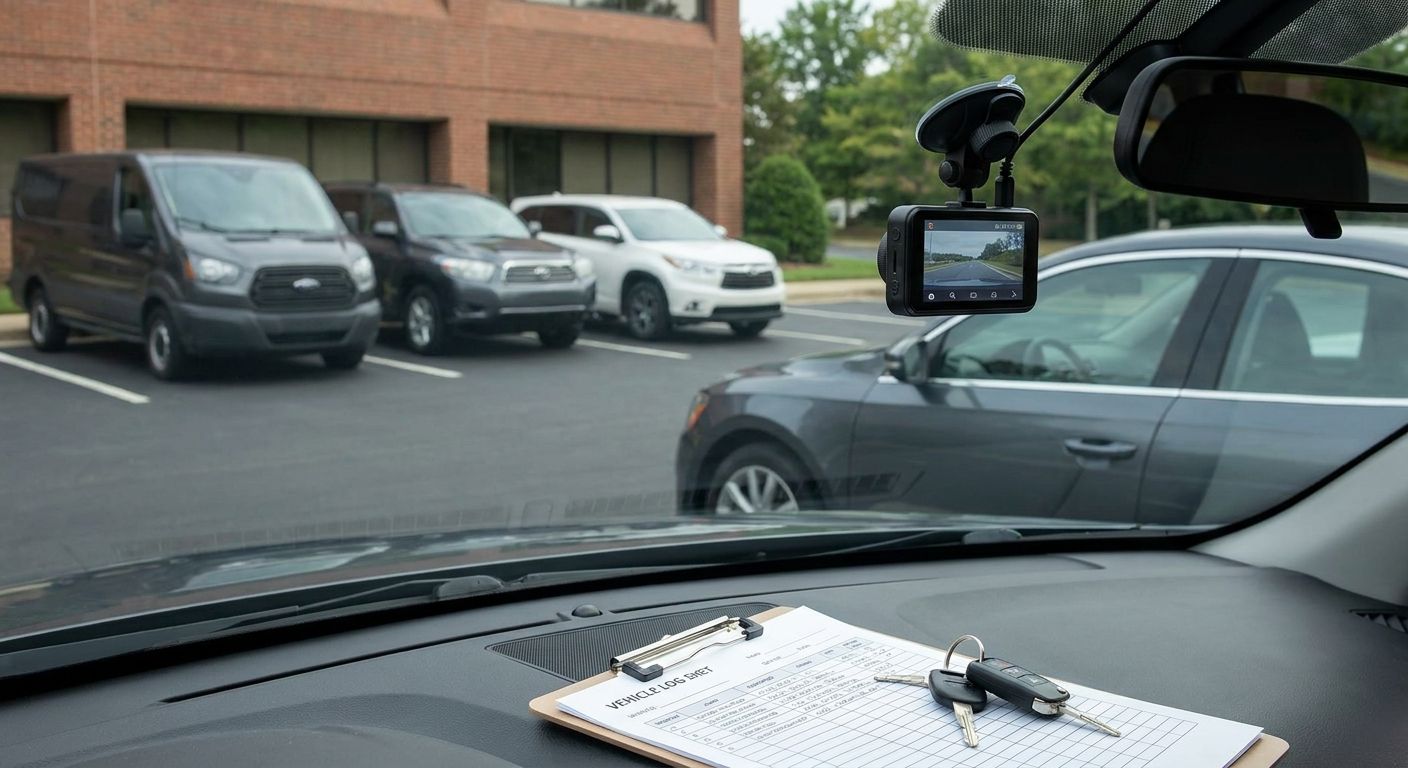
A field engineer's safety kit rarely stands alone — it sits alongside the vehicle they're driving to site, which is where dash cams and telematics come in.


Comparison table
| Category | Best for | Escalation type | 2026 verdict |
|---|---|---|---|
| Integrated fleet + lone worker | Engineers already in tracked vans | Automatic, tied to vehicle data | Buy |
| Man-down / fall detection | Height, plant rooms, confined spaces | Automatic, motion-triggered | Buy |
| Panic-button wearable | Hands-busy jobs, poor phone access | Manual button, phone-paired | Consider |
| Home/community check-in app | Multi-stop short visits | Timed, lightweight check-ins | Consider |
| Check-in-only app | Low-risk, desk-adjacent roles | Manual timer only | Wait |
| Consumer location-sharing app | Not fit for compliance use | None | Skip |
Where to buy
- Buy from a provider that already covers the vehicle side. An engineer's risk doesn't stop when they get out of the van, so a lone worker app bought separately from your tracking platform means two dashboards, two support lines, and two invoices — Crystal Ball bundles both for exactly this reason.
- Ask for man-down detection by default, not as an add-on. Providers that charge extra for fall detection are selling you the weaker version of the product first.
- Check the escalation chain before signing. Field teams juggling appointment reminders, job updates, and lone worker check-ins often want those channels to talk to each other — HVAC field teams using SMS for HVAC field teams alongside a lone worker app get both customer communication and check-in escalation without running two disconnected systems.
Engineers working for utilities, councils, and larger contractors increasingly need to show a client that lone worker cover exists, not just that it's switched on. Fleets running vehicle tracking for utility field engineers already have half the audit trail in place before the lone worker app is even added.
FAQ
What's the best lone worker app for field service engineers in 2026?
An integrated fleet tracking and lone worker app is the best fit for most field service engineers in 2026, because it ties worker check-ins to the vehicle they're driving. Standalone check-in-only apps rank lower because they lack man-down detection.
Is a lone worker app better than a panic-button wearable?
A lone worker app with man-down detection covers more scenarios than a panic button alone, since it escalates automatically without the worker pressing anything. Wearables work best as a companion device, not a replacement.
How much does a lone worker app cost for a small fleet?
Cost varies by provider and by whether the app is bundled with vehicle tracking, so it's worth comparing bundled fleet packages against standalone lone worker subscriptions before choosing. Bundled options usually work out cheaper per engineer over a year.
Do lone worker apps work without phone signal?
Most lone worker apps rely on the phone's GPS and data connection, so coverage gaps in basements, tunnels, or rural sites reduce reliability. Man-down detection still functions locally on the device even when a signal drop delays the alert reaching a monitoring centre.
What features should a lone worker app for field engineers have?
Automatic man-down or fall detection, GPS location accurate indoors and outdoors, and integration with existing vehicle tracking are the three features that separate a compliance-grade app from a basic check-in tool. Escalation should happen without the worker doing anything.
Are lone worker apps required by law in the UK?
There's no single law naming lone worker apps specifically, but employers have a general duty under health and safety legislation to assess and manage risks to lone workers. Many councils and commercial clients now require evidence of a lone worker procedure as a contract condition.
Can a lone worker app replace a dedicated wearable device?
A phone-based lone worker app covers most field engineers, but wearables add value when hands are busy or phones are stored away from the body during a task. The two work best paired rather than as either-or options.
One last thing
The detail most fleets miss isn't the app, it's the check-in interval. An app set to a 4-hour check-in window on a job that should take 45 minutes gives an engineer three hours and fifteen minutes of unmonitored risk before anyone's alerted — matching the interval to the actual job length does more for safety than any feature comparison in this guide.