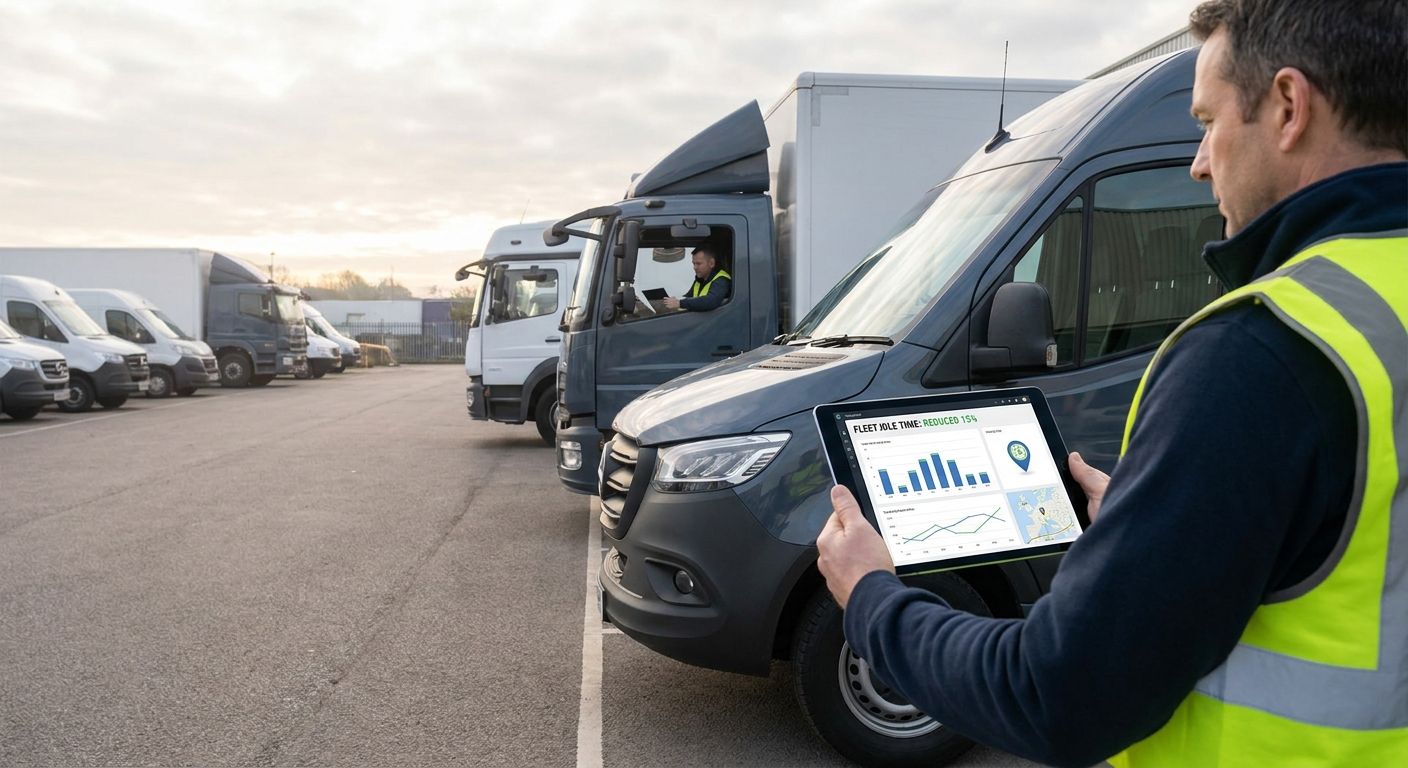
Idling burns fuel, adds engine hours, and inflates emissions data with nothing to show for it. Telematics gives you the visibility and the automated rules to cut it without a single driver conversation about willpower.
- Reduce fleet idling time with telematics by setting a 3-minute idle threshold and automated alerts, not manual spot checks.
- Diesel engines burn roughly 1 litre of fuel per hour at idle, so a 10-vehicle fleet idling 20 minutes a day wastes real money over a year.
- Geofenced idling rules at depots and delivery sites catch the worst offenders first; tighten thresholds quarterly as behaviour improves.
- Crystal Ball Fleet Vehicle Tracking and Driver Behaviour tools turn idling data into weekly exception reports fleet managers can act on in 2026.
Why this matters
Idling does not show up on a fuel receipt as its own line item, so most fleet managers underestimate it until they see the telematics report. A diesel engine at idle burns close to 1 litre of fuel an hour doing nothing: no miles, no deliveries, just wear and cost.
Multiply that across a fleet and a working year and it stops being a rounding error. A van idling 15 minutes a day, five days a week, adds up to over 60 hours of pure waste annually per vehicle, before you count the engine hours knocked off resale value.
Telematics does not fix idling on its own. It gives you the data to see where it is happening, the automation to flag it in real time, and the reporting to hold drivers and sites accountable without babysitting every vehicle. Crystal Ball fleet tracking data is what turns idling from a hunch into a number you can act on.
What you'll need
- A telematics platform already installed across the fleet, with ignition status, not just location pings
- Admin access to set idling thresholds and geofence rules
- Baseline fuel and idling reports covering at least 4-6 weeks before you change anything
- A driver communication channel (toolbox talk, driver app notification, or manager app message)
- 1-2 hours to configure thresholds and alerts per vehicle group
- A review cadence: weekly for the first month, then monthly
The steps
1. Pull a baseline idling report before touching anything
You cannot measure a reduction against a number you never captured. Run a 4-week idling report by vehicle and by driver before you set a single threshold or send a single message.
Look for total idle hours, idle time as a percentage of engine-on time, and the outliers, which are usually the 10% of vehicles responsible for 30-40% of total idle hours. That skew is your starting target. Common mistake: skipping this step and going straight to policy changes, which leaves you with no way to prove the intervention worked.
2. Set an idling threshold in the telematics platform
Most platforms flag idling after 3-5 minutes stationary with the engine running. Start at 3 minutes for cars and light vans, and 5 minutes for HGVs and refrigerated vehicles where a short idle at a loading bay is normal.
Too tight and you flood managers with alerts for legitimate traffic queues. Too loose and you miss the driver parked up on their phone with the engine running for 20 minutes. Common mistake: applying one threshold across a mixed fleet, when a refrigerated truck and a company car have completely different idle profiles.
3. Configure geofence-based idling rules at depots and job sites
A huge share of avoidable idling happens at fixed locations, not on the road. Draw a 50-metre geofence around your depot and key delivery sites, then set a stricter idling rule inside that zone than you apply elsewhere.
This catches drivers who arrive early and sit with the engine on before a shift, or wait in the yard with the AC running between jobs. It is the single highest-yield rule most fleets set up, because the behaviour is repetitive and site-specific. Expected outcome: idling inside depot geofences drops fastest because it is the easiest habit to spot and correct.
4. Automate weekly idling exception reports
Do not make a manager log in and pull a report by hand every week. Set the platform to email or push a weekly exception report listing the top 10 idling offenders by vehicle and driver. Reducing fuel costs with fleet tracking data starts with exactly this kind of automated visibility, because idling is one of the fastest levers on the fuel line.
Keep the report short: vehicle ID, driver, total idle minutes, and the three worst single-idle events of the week. Common mistake: burying idling data inside a 40-page general fleet report nobody opens past page two.
5. Brief drivers with the data, not a blanket policy
A generic memo about reducing idling gets ignored. Showing a driver their own idle-time trend against the fleet average changes behaviour, because it is specific and it is theirs.
Frame it around cost and vehicle wear, not just fuel: idling adds engine hours without adding miles, which drags down resale value and shortens service intervals. Ten minutes in a toolbox talk with the actual numbers on screen does more than a written policy nobody reads twice.
6. Tie idling data into driver behaviour scorecards
Idling is one input into a wider driver behaviour picture alongside harsh braking, speeding, and cornering. Feeding it into a scorecard alongside those metrics, the same approach covered in cutting fleet accident rates with driver behaviour monitoring, gives drivers one consistent number to improve rather than five separate reports to ignore.
Fleets that link scorecards to any kind of recognition or incentive scheme in 2026 tend to see faster, more durable improvement than fleets relying on reporting alone.
7. Set exceptions for legitimate idling
Refrigerated vehicles running compressors, PTO-driven equipment on tippers, and vehicles running auxiliary heating in winter all need engine-on time that is not wasteful. Build exception rules for these vehicle types so they are not flagged and drivers do not start distrusting the whole system.
Without this step, drivers on legitimate PTO duty will see themselves at the top of the idling report every week, and stop taking any of the alerts seriously.
8. Review thresholds quarterly and recalculate the saving
Idling habits drift back up if nobody is watching. Set a quarterly review to re-pull the idling report, compare it against your original baseline, and tighten thresholds further if the fleet has adapted to the current rules.
Calculate the fuel saved using your fleet's average idle-hour fuel burn and current diesel price. This is the number that justifies the telematics spend to finance, and it is the same calculation used in working out ROI on fleet management software.


Troubleshooting
- Idling alerts flood in for vehicles queuing in traffic: raise the threshold to 5 minutes for that vehicle group, or add a speed condition so the rule only fires when the vehicle is fully stationary, not crawling.
- Refrigerated or PTO vehicles top the idling report every week: set an exception rule tied to the auxiliary system, per step 7, so genuine operational idling is not flagged as waste.
- Drivers dispute an idling alert: pull the exact GPS timestamp and location; a 50-metre geofence at the depot usually confirms whether the vehicle was parked or moving slowly through a gate.
- GPS drift shows idling at a location the driver says they were not at: check the accuracy radius on the device; older trackers in built-up areas can drift 10-20 metres, which geofence buffers should already account for.
- Idling numbers improve for a month then creep back up: this is normal without a quarterly review; retighten the threshold and re-send the weekly exception report rather than assuming the problem is solved.
- Managers ignore the weekly report: shorten it to the top 5 offenders only and set it to arrive the same day as the fuel card statement, so idling and fuel cost sit side by side.
Tools and resources
- Telematics platform with ignition-status tracking and configurable geofences
- Weekly automated idling exception reports
- Driver behaviour scorecards covering idling, braking, and speeding together
- Fuel card data cross-referenced against idle hours for a true cost figure
- A documented exception list for refrigerated, PTO, and auxiliary-heating vehicles
What to do next
Once idling thresholds and reporting are live, the next step is putting a number on the saving. Calculating ROI on fleet management software walks through how to turn idle-hour reductions into a fuel cost figure you can put in front of finance.
FAQ
How do you reduce fleet idling time with telematics?
Set an idling threshold in the telematics platform (typically 3-5 minutes), add geofence rules at depots and job sites, and automate weekly exception reports so managers see the worst offenders without pulling data manually. Pairing this with driver scorecards makes the reduction stick past the first month.
How much fuel does idling actually waste?
A diesel engine burns roughly 1 litre of fuel per hour at idle doing no work. Across a fleet idling even 15-20 minutes a day per vehicle, that adds up to a meaningful annual fuel cost once you multiply it across the year.
What idling threshold should a fleet set in telematics software?
Start at 3 minutes for cars and light vans, and 5 minutes for HGVs or vehicles with legitimate loading-bay idling. Refrigerated and PTO-equipped vehicles need separate exception rules so genuine operational idling is not flagged as waste.
Is idling reduction better handled with policy or technology?
Technology first, policy second. A written idling policy without data behind it rarely changes behaviour, while automated alerts and weekly exception reports give drivers and managers a specific number to act on.
Does reducing idling actually lower fleet insurance or running costs?
Reducing idling lowers fuel spend and engine hours directly, and it feeds into the same driver behaviour data that some insurers use for telematics-based discounts. The saving is measurable in fuel cost first, before any insurance impact.
Can telematics tell the difference between idling and legitimate engine-on time?
Yes, if exception rules are configured for refrigerated units, PTO equipment, and auxiliary heating. Without those rules, the platform flags all stationary engine-on time the same way, which creates false positives for those vehicle types.
How long does it take to see a reduction in fleet idling after setting up telematics rules?
Most fleets see the sharpest drop in the first 4 weeks, once drivers know idling is visible and geofence rules catch depot-based idling. A quarterly review keeps the reduction from drifting back up.
What is the biggest source of avoidable idling in most fleets?
Depot and job-site idling before a shift or between jobs, not idling on the road. Geofence-based rules around fixed locations typically catch the largest single source of avoidable idle time.
One last thing
The fastest win in most fleets is not the road-based idling rule, it is the depot geofence. Drivers sitting in the yard with the engine running before a shift starts is habitual, repetitive, and completely avoidable, and it is usually the first number that drops once the alert goes live in 2026.