Retail loss prevention staff work checkout floors, stockrooms, loading bays, and car parks alone during closing shifts and covert investigations — a lone worker app retail loss prevention teams can actually rely on turns a missed check-in into a real response, not a shrug from a phone left on a desk. This guide covers what LP-specific configuration looks like in 2026 and which setup fits which shift pattern.
- Multi-site LP investigators who travel between stores alone need a lone worker app retail loss prevention teams can pair with vehicle tracking — Buy.
- Closing-shift cash office staff need scheduled check-ins with automatic escalation, not a bare panic button — Buy.
- Consumer personal safety apps without an employer dashboard fail retail LP audit and HSE record-keeping needs — Skip.
- Covert store detectives need silent, discreet activation — a visible red SOS button gives the game away — Buy.
Why this matters
Employers have had a legal duty to protect lone workers since the Health and Safety at Work etc. Act 1974, and that duty doesn't shrink because the worker is a plainclothes store detective rather than a warehouse operative. Retail loss prevention staff sit in exactly the profile the HSE flags as higher-risk: working alone, often out of sight of colleagues, sometimes in direct contact with a suspect who doesn't want to be caught.
Monitored lone worker devices in the UK are typically assessed against BS 8484, the code of practice covering how alarms get raised, verified, and escalated to police or a response team. A lone worker app retail loss prevention teams deploy without that kind of structured escalation is just a phone alarm — useful for a scare, useless for an actual incident. That's the gap this guide is built to close.
Who this is for
This is written for loss prevention managers and store operations leads at SME retailers and local authority-run retail units — council-operated shops, leisure centre retail counters, market management teams — who have staff working covert investigations, closing shifts, or multi-site audits without a second person present. If your LP team never works alone, most of this doesn't apply. If they do, even occasionally, the configuration choices below determine whether an incident gets a response in minutes or gets discovered the next morning.
What to look for in a lone worker app for retail loss prevention
Employer-side dashboard and escalation
A phone alarm that just makes a loud noise doesn't help anyone if nobody's listening. LP staff need an app tied to a dashboard your duty manager or security office can actually monitor, with a clear escalation path when a check-in is missed or an alert is raised. Without this, you've bought a personal safety app, not a lone worker system — see how Crystal Ball frames the difference between the two.
Discreet activation
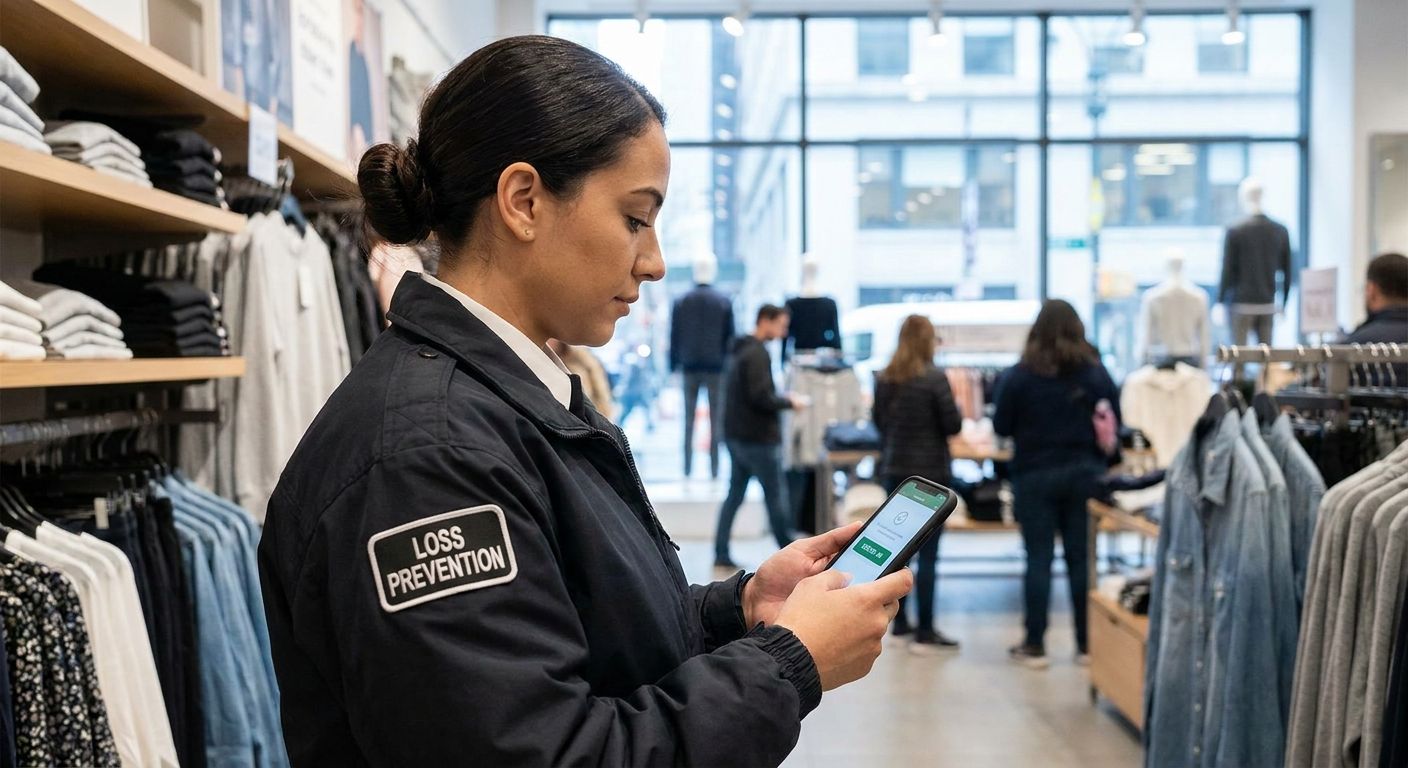
A covert store detective following a suspect through the shop floor cannot press a visible panic button without ending the investigation on the spot. Silent activation — a held button, a hidden gesture, a discreet phrase into the app — matters more for retail LP than for almost any other lone worker role, because the worker's entire job depends on not being noticed.
GPS accuracy indoors and in car parks
Open-plan retail floors, stockrooms behind concrete walls, and multi-level car parks all degrade GPS signal in different ways. An app that only works reliably outdoors is close to useless for a store detective who spends most of the shift indoors or an LP auditor walking a customer car park after dark.
Flexible check-in scheduling
A closing-shift cash office worker and a covert floor investigator need different check-in rhythms. The app should let you set intervals per role or per shift, not force one fixed schedule across a team doing very different work.
Vehicle integration for multi-site roles
Regional LP auditors and investigators who drive between stores carry risk on the road as well as on foot. If that describes your team, the lone worker app should sit alongside vehicle tracking rather than replace it — the two cover different halves of the shift.
Audit trail for compliance and insurance
Every missed check-in, alert, and response needs a timestamped record. That log is what you hand an HSE inspector, an insurer, or a solicitor after an incident, and an app that doesn't retain it leaves you with nothing to show beyond a memory of what happened.
Configurations that fit different retail LP roles
Store Detective / Covert Investigator — the discreet pick. Silent SOS activation is the single non-negotiable spec here; a visible alert button blows the cover the whole role depends on. Pair it with indoor-accurate GPS so the response team knows which aisle or stockroom to head for, not just which building. Verdict: Buy.
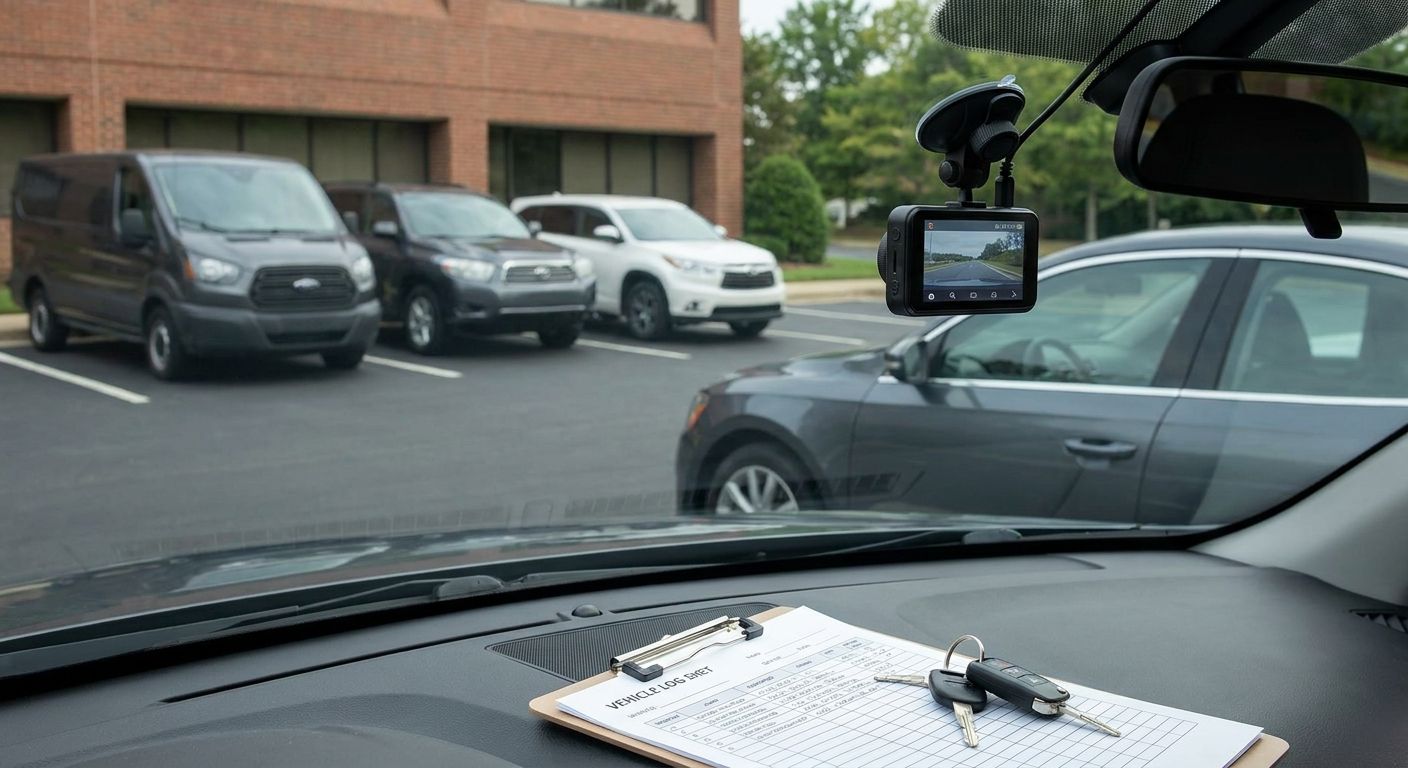
Multi-Site LP Auditor / Regional Investigator — the mobile pick. This role spends real time on the road between sites, which means the lone worker app needs to work alongside vehicle-side protection, not instead of it. If the auditor drives a pool car between stores, a Thatcham S5 Tracker at £374 on that vehicle adds theft and location cover the app alone doesn't provide. The lone worker apps built for field service engineers follow the same road-and-site-alternating pattern worth borrowing from. Verdict: Buy.
Closing Manager / Cash Office Staff — the scheduled check-in pick. This shift is predictable — same time, same door, same short window alone with the takings — so a fixed check-in interval with automatic escalation on a missed check-in covers most of the risk. The check-in-and-escalation model used in the lone worker app for home care staff guide translates directly to a closing cash office shift. Verdict: Buy.
Warehouse & DC Loss Prevention Officer — the low-signal pick. Distribution centre floors and back-of-store stockrooms are exactly where mobile signal drops out, so this role needs an app with an offline or delayed-sync fallback rather than one that assumes constant connectivity. Treat this as a Consider until you've confirmed signal strength across the actual site — a lone worker app retail loss prevention teams trust on the shop floor can go quiet the moment the same worker walks into a steel-shelved stockroom.
What to avoid
- Consumer personal safety apps. Built for joggers and dog walkers, not employer compliance — no dashboard, no audit trail, nothing to hand an HSE inspector.
- Panic-button-only apps with no escalation logic. An alert that just rings louder on the same phone isn't a lone worker system, it's a louder phone.
- One-size check-in schedules. Forcing a covert investigator and a cash office closer onto the same 30-minute interval either annoys one or under-protects the other.
Verdict comparison
| Role | Discreet activation needed | Check-in flexibility | Vehicle integration | Verdict |
|---|---|---|---|---|
| Store detective / covert investigator | Essential | Moderate | No | Buy |
| Multi-site LP auditor | Useful | High | Yes | Buy |
| Closing manager / cash office | Not critical | Low (fixed schedule works) | No | Buy |
| Warehouse / DC LP officer | Not critical | Moderate | No | Consider |
FAQ
What is a lone worker app for retail loss prevention staff?
It's a mobile app that lets LP staff working alone — covert investigators, closing-shift managers, multi-site auditors — check in on a schedule and raise a discreet alert if something goes wrong, with an employer-side dashboard tracking the response. It's built for employer compliance under the Health and Safety at Work etc. Act 1974, not just personal reassurance.
Is a lone worker app better than a personal safety app for retail LP?
Yes, for any retailer with a duty of care to staff. Personal safety apps lack the employer dashboard, escalation logic, and audit trail that a lone worker app provides, which matters for HSE compliance and insurance claims after an incident.
How much does a lone worker app cost in 2026?
Pricing varies by provider and the number of staff covered, so check current terms directly with the vendor. Budget for it as a per-user monthly cost rather than a one-off purchase, since ongoing monitoring is part of what you're paying for.
Do covert store detectives need a different app setup than other retail staff?
Yes. A covert investigator needs silent, discreet activation rather than a visible panic button, since being noticed activating an alert can end the investigation. Indoor GPS accuracy also matters more, since most of the shift happens inside the store.
Does a lone worker app replace vehicle tracking for multi-site LP staff?
No. Vehicle tracking and a lone worker app cover different halves of a multi-site auditor's day — one protects the drive between stores, the other protects the time spent alone inside each site. Regional LP roles that combine driving and solo store visits typically need both.
What check-in interval should retail LP staff use?
It depends on the role and shift pattern rather than a single fixed number — closing-shift cash office staff usually suit a fixed schedule, while covert investigators need more flexible or manually-triggered check-ins. The app should let you set this per role, not force one schedule across the whole team.
What happens if a lone worker misses a check-in?
A properly configured app escalates automatically — alerting a duty manager or monitoring team rather than just sounding an alarm on the worker's own phone. That escalation path is what separates a genuine lone worker app from a basic personal alarm.
One last thing
Most retailers set up a lone worker app for the covert investigator and forget the closing manager counting the till alone at 9pm — but the cash office shift is the one that happens every single day, on a fixed schedule, at the same predictable time. If your lone worker app retail loss prevention rollout only covers the dramatic use case, you've left the routine one uncovered.