A lone worker app for social workers has to cope with home visits, safeguarding meetings, and unannounced call-outs at addresses that aren't always friendly - not just staff walking between an office and a car park. This guide covers what actually matters when you're picking a lone worker app social workers will use every day, three setups worth buying in 2026, and the configurations that look like protection but aren't.
- A lone worker app for social workers needs a duress alarm plus automatic check-in escalation - not just a panic button.
- Skip apps with no named duty manager; an alert nobody sees isn't cover.
- Pair the app with a Thatcham S5 tracker on pool cars used for high-risk visits - Consider, not essential for every worker.
- Councils need GDPR-compliant location logging for safeguarding audits, not just live GPS.
Why this matters
Social workers are sent into private homes alone, often to addresses already flagged for aggression, mental health crisis, or previous incidents. The Health and Safety at Work etc. Act 1974 puts the duty of care for that exposure squarely on the employer, whether that employer is a council, an NHS trust, or an independent fostering agency.
A lone worker app is how that duty gets discharged in practice, not a policy document sitting in a folder. The gap most teams miss in 2026 is what happens after the alert fires - who sees it, how fast, and whether it reaches someone outside 9-to-5 office hours.
That's the bar this guide uses to judge a lone worker app for social work teams: does it get help to the right person fast, and does it leave a record a safeguarding audit can use.
Who this is for
This guide is for team managers and IT or procurement leads at local authorities, NHS-linked social care teams, and independent social work agencies who send staff to unaccompanied home visits, sometimes outside standard hours, sometimes to addresses with a known history. If your caseload includes crisis intervention, child protection, or adult safeguarding visits, the criteria below apply directly.
What to look for in a lone worker app for social workers
A duress alarm that doesn't need a tap sequence
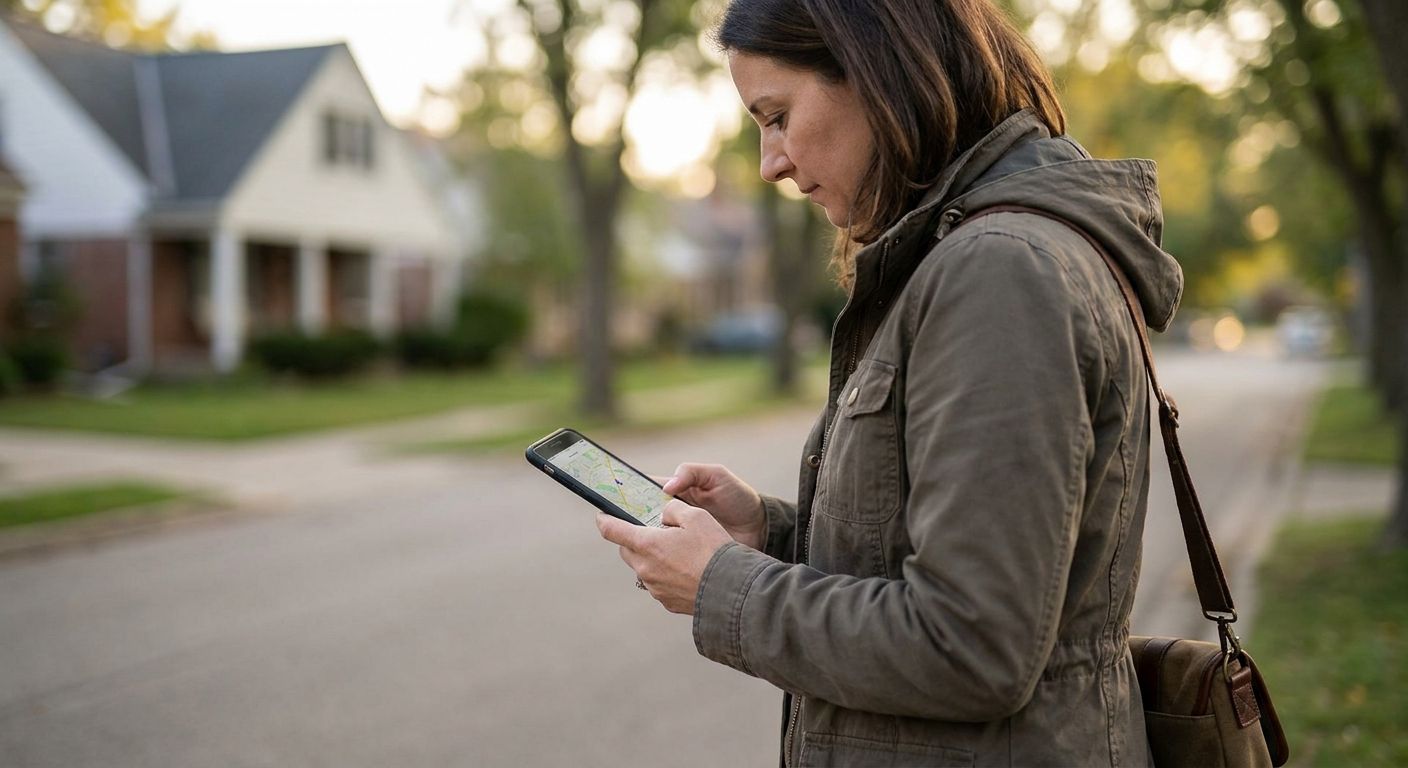
A social worker in a tense living room can't fumble through three screens to raise an alert. The alarm needs to trigger from a locked screen, a button press, or a voice cue - anything that doesn't require open, obvious phone use in front of the person causing the risk.
Automatic check-in windows with escalation
A check-in that just logs a missed tick isn't protection - it's a spreadsheet entry. The app needs to escalate a missed check-in to a real person within minutes, not flag it for review the next morning.
Location accuracy that works inside a building
Outdoor GPS is useless once a worker is inside a flat or house, which is where most social work risk actually sits. Look for apps that log the last known address and time, not just a blue dot on a map that stops updating at the front door.
A duty manager view, not just a push notification
A lone alert sent to one manager's phone fails the moment that manager is in a meeting or off sick. The app needs a shared duty view so any on-call manager can see status, location history, and escalate without waiting on one person.
Data handling that survives a GDPR and safeguarding audit
Councils and NHS-linked teams get audited on how they handle staff location data, not just service-user data. An app that can't produce a clean audit trail of check-ins, alerts, and response times is a liability dressed up as a safety tool.
Top picks for social work teams
The oversight pick: Manager App
The hook here is visibility, not the alarm itself. A shared manager view means any duty manager on rotation, not just one named person, can see check-in status and location for every worker on caseload from a phone screen. That solves the single-point-of-failure problem most lone worker setups have. Verdict: Buy for any team with more than one manager on a rota.
The evidence pick: 4G Fleet Dash Cams
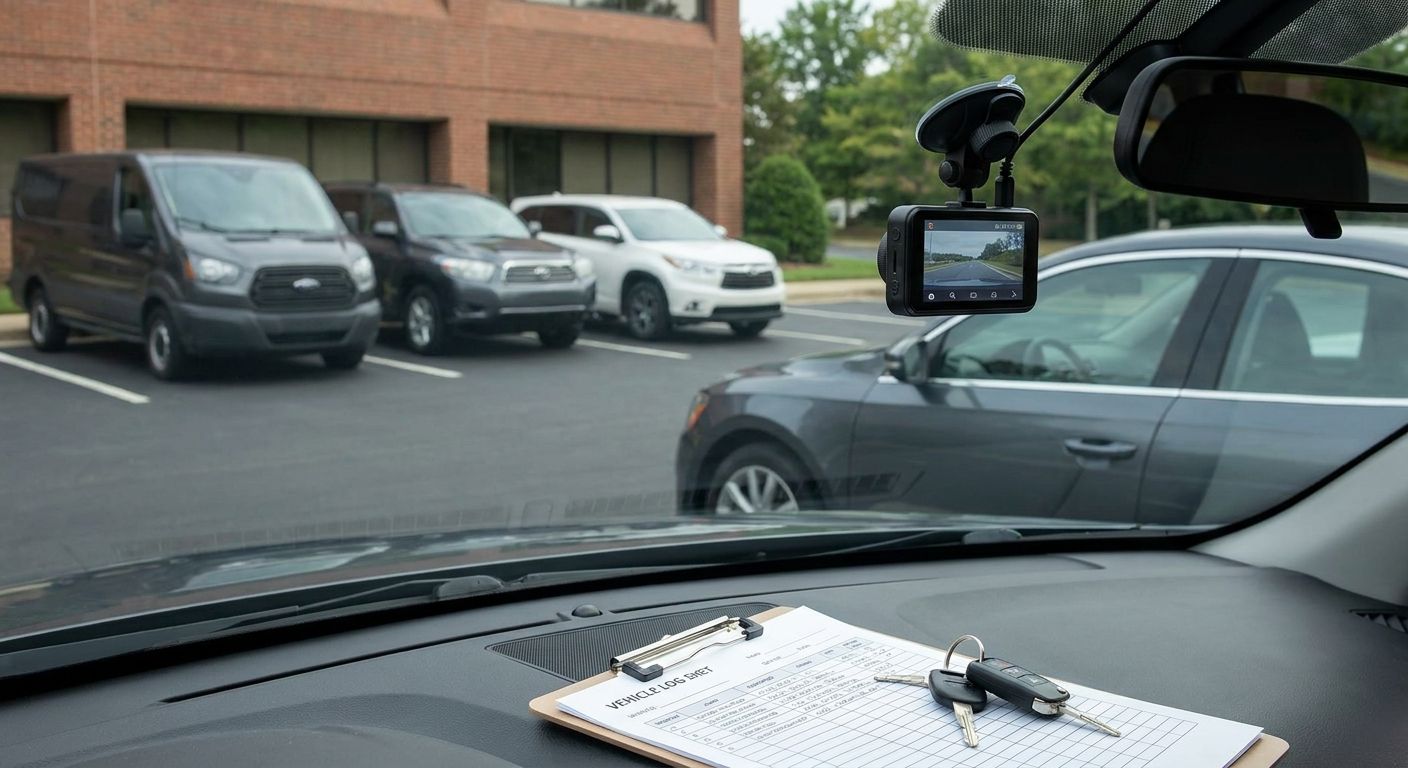
Social workers driving between visits sometimes park outside addresses where a vehicle gets targeted, or where an allegation surfaces after the fact. A 4G dash cam gives a live, timestamped record that doesn't depend on the worker being able to reach for a phone. It's not a lone worker app substitute - it's a layer underneath it. Verdict: Consider for teams doing high-volume home visits in pool vehicles.
The vehicle backup pick: Thatcham S5 Tracker
When a worker doesn't check in and their vehicle is the only lead, a Thatcham S5 tracker gives a response team a location to work from immediately, rather than waiting on a phone signal that may not be there. At £374.00, it's a one-off cost per vehicle, not a per-worker subscription. Verdict: Consider for councils and agencies running a shared pool car fleet; Skip if your team mostly uses personal cars with no fleet vehicle policy in place.


What to avoid
- Generic consumer safety apps. A "share my location with a friend" app has no escalation path to a duty manager and no audit trail - it's fine for a personal jog, not for a safeguarding-flagged home visit.
- Apps that need the phone unlocked and open during a threat. If raising the alert takes more than one glance-free action, it fails the exact moment it's needed most.
- Trackers sold as standalone lone worker cover. A vehicle tracker tells you where the car is, not whether the worker inside a building is safe. Read a proper lone worker safety policy for field staff before treating hardware as a full solution.
Verdict comparison
| Criteria | Manager App | 4G Dash Cam | Thatcham S5 Tracker |
|---|---|---|---|
| Duress alarm support | Indirect (via linked lone worker features) | No | No |
| Duty manager visibility | Yes | No | Limited |
| Works indoors | Yes (last known location) | No | No |
| Evidence capture | No | Yes | No |
| Best for | Team managers on rota | High-visit-volume drivers | Pool car fleets |
| 2026 verdict | Buy | Consider | Consider |
Council teams building a lone worker policy from scratch should start with the lone worker risk assessment for council staff before choosing an app - the assessment tells you which criteria above actually matter for your caseload.
FAQ
What is a lone worker app for social workers?
A lone worker app for social workers is a mobile tool that lets a worker on a home visit raise a duress alert, log automatic check-ins, and share location with a duty manager. It exists to get help to a worker fast and to leave an audit trail for safeguarding reviews.
Do social workers legally need a lone worker safety system?
The Health and Safety at Work etc. Act 1974 requires employers to assess and manage risk for staff working alone, which in practice means social work employers need some form of lone worker protection in place for home visits. There's no single mandated app, but the duty of care is a legal one.
What's the difference between a lone worker app and a personal safety app?
A lone worker app escalates alerts to a named duty manager within a team structure and keeps an audit log; a personal safety app usually just notifies a friend or family contact. For council or agency use, only the former satisfies a duty-of-care and audit requirement.
Can a lone worker app replace a risk assessment?
No. A lone worker app is the tool that carries out the protections a risk assessment identifies as necessary, not a substitute for doing the assessment itself. Councils should complete a written risk assessment first, then match app features to the risks it flags.
How much does a lone worker app cost for a social work team in 2026?
Pricing varies by provider and by how many workers and features are included, so check current quotes directly rather than relying on a fixed figure. Complementary hardware, like a Thatcham S5 tracker at £374.00 per vehicle, is priced separately from any app subscription.
Does a lone worker app work indoors during a home visit?
GPS accuracy drops indoors, so a good lone worker app logs the last known address and check-in time rather than relying on a live outdoor signal. This matters for social workers because most risk exposure happens inside a building, not in transit.
Is GPS tracking of social workers a GDPR issue?
Location tracking of staff is personal data under UK GDPR, so councils and agencies need a documented lawful basis, retention policy, and access controls for who can see the data. A lone worker app aimed at compliance-heavy sectors should support exportable, auditable logs for exactly this reason.
Should councils combine lone worker apps with vehicle tracking?
Combining the two adds a location backup for staff using pool vehicles, but a vehicle tracker on its own doesn't cover a worker once they're inside a building. Treat vehicle tracking as a layer under a lone worker app, not a replacement for one.
One last thing
The gap that catches most teams out isn't the alarm button - it's what happens at 6pm on a Friday when the one manager who usually sees alerts has gone home. Before signing off on any lone worker app for social workers, ask the vendor to show you, live, what an out-of-hours duty manager actually sees when an alert fires. If the answer involves forwarding an email, that's a Skip.