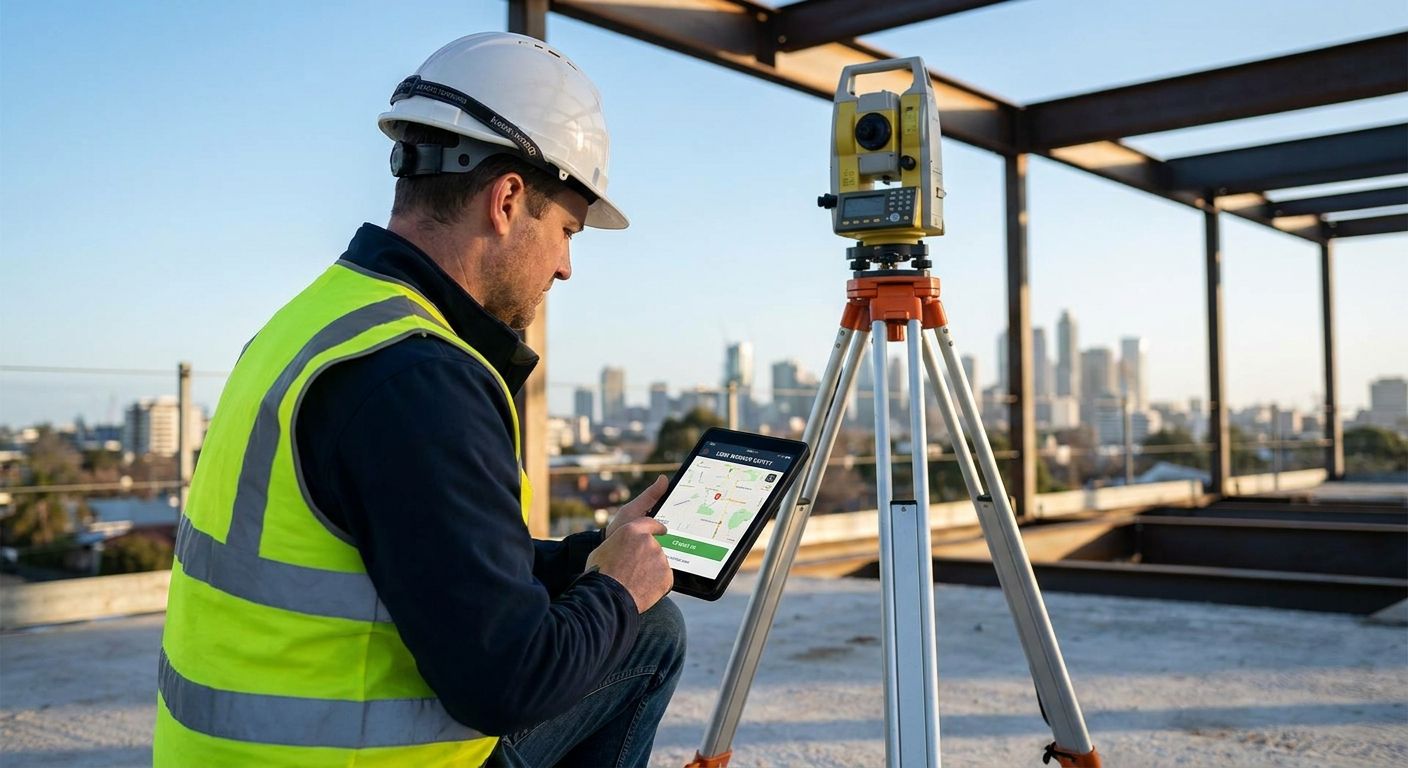
A lone worker app for surveyors and building inspectors turns a solo site visit into a monitored, accountable event instead of a guess about where someone is if they stop answering their phone.
- A lone worker app for surveyors needs automatic check-ins and man-down alerts, not a panic button alone — Buy if escalation is built in.
- Regulation 3 of the Management of Health and Safety at Work Regulations 1999 requires a lone worker risk assessment before solo site visits.
- Solo practitioners and council building control teams need different escalation routes — match the app to team size, not the cheapest tier.
- Consumer personal safety apps without manager oversight are a Skip for any practice sending staff into empty or derelict buildings.
Why this matters
Surveyors and building inspectors work alone in places most people avoid: derelict properties, half-built structures, basements with no signal, roof spaces reached by ladder. A missed step or a collapsed floor joist doesn't get noticed until someone asks where you've got to. Crystal Ball builds fleet and lone worker technology for exactly this gap — tracking the vehicle that gets a surveyor to site, and the person once they're inside it.
Under Regulation 3 of the Management of Health and Safety at Work Regulations 1999, employers have to assess the risk to anyone working alone, and that duty doesn't disappear because the surveyor is self-employed or subcontracted. A lone worker app for surveyors is how most practices meet that duty in 2026 without hiring a dedicated safety officer to sit and watch a rota.
Who this is for
This guide is for sole-practitioner chartered surveyors, local authority building control officers, structural engineers doing dilapidation surveys, and small-to-mid firms sending staff into empty commercial units, construction sites, or heritage buildings with poor signal. If your team never actually works alone — always paired, always on a live construction site with a site manager present — the case for a dedicated lone worker app is weaker, and a standard check-in policy may already cover the risk.
What to look for in a lone worker app for surveyors and building inspectors
Automatic check-in, not manual-only
A surveyor climbing scaffolding or crawling a loft space forgets to tap "I'm safe" — that's the actual risk you're trying to close. The app needs to start a timed session automatically when a site visit begins and escalate on its own if the surveyor doesn't respond, rather than relying on them remembering to check in between tasks.
Man-down and no-motion detection
Falls on stairs, through weak floors, or off ladders are the accidents that actually happen to surveyors and inspectors, and a person who's fallen unconscious can't press a button. Motion-sensor detection that triggers an alert after a period of no movement closes that gap without needing any action from the surveyor at all.
GPS accuracy inside and around buildings
Standard GPS struggles inside thick-walled Victorian buildings and basements — exactly the sites building inspectors visit most. Look for an app that logs the last known location before signal drops, so a response team isn't searching an entire postcode when minutes matter.
Two-way audio and a real escalation route
A silent alert with nobody watching it is worse than no alert at all. The app needs a defined escalation path — a manager, a monitoring desk, or both — plus two-way audio so whoever's responding can talk to the surveyor before deciding whether to call emergency services.
Works offline and on low signal
Derelict sites, rural inspections, and basement plant rooms routinely have no 4G coverage. An app that only functions with a live data connection fails exactly where surveyors need it most, so local caching and delayed-sync alerts aren't optional extras.
Fits alongside the vehicle they drove there in
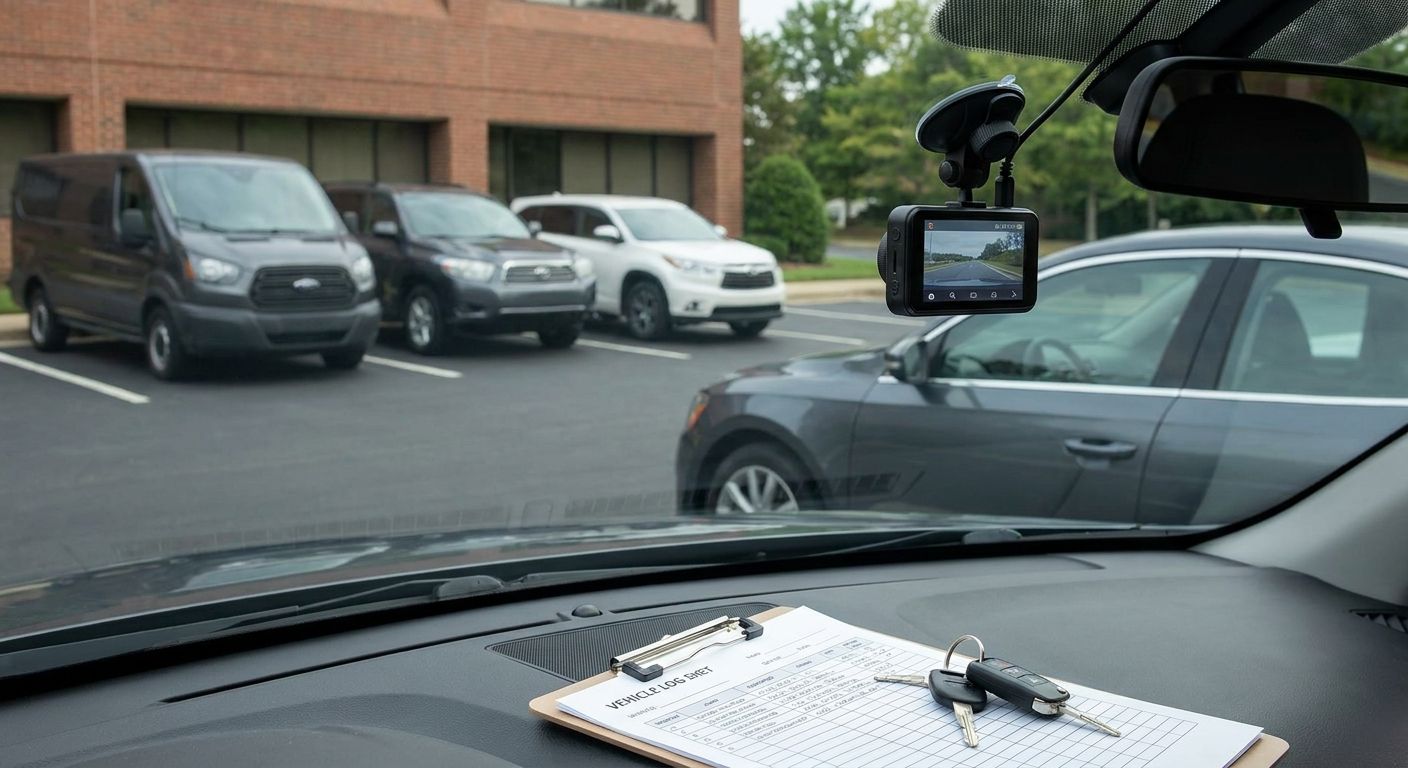
Most surveyors drive between sites in a company car or van, and a lone worker app that shares nothing with the fleet's vehicle tracking leaves a gap between "left the office" and "arrived on site." Practices running both together get a fuller picture of where someone is and how long they've been unaccounted for.
Which setup fits your practice
The solo practitioner — the essential setup
Buy. If you're a one or two-person practice doing dilapidation reports, RICS surveys, or expert witness work alone, the priority is an automatic timed session with escalation to a number you actually control — a partner, an answering service, or a monitoring desk. Crystal Ball's breakdown of lone worker apps for field service engineers covers the same core requirement that applies here: an app that doesn't depend on you remembering to press anything mid-inspection.
The council building control team — the compliance pick
Buy. Local authority officers inspecting condemned properties, HMOs, and enforcement cases carry higher exposure than most private practice work, and procurement teams heading into 2026 budget cycles need a documented risk assessment before they'll sign off any tool. Crystal Ball's guide to writing a lone worker risk assessment for council staff sets out what that assessment needs to cover before you shortlist an app.
The utility and infrastructure surveyor — the site-hazard pick
Consider. Surveyors working on substations, pipelines, or live construction sites face different hazards — confined spaces, working at height, plant machinery — than someone inspecting an empty office block. Here the escalation route matters more than the app's interface; match it to the site's existing emergency procedure rather than running a parallel system nobody on site actually recognises when it fires.
The multi-surveyor firm scaling past ten staff — the scale pick
Consider. Once a practice has enough surveyors that one manager can't personally watch every check-in, the app needs a monitoring dashboard, not just individual phone alerts. Firms at this size should decide the escalation hierarchy — who gets the first alert, who gets the second — before rollout, not after the first missed check-in exposes the gap in front of a client or an inspector.
What to avoid
- Consumer personal safety apps with no manager visibility. They look identical to a proper lone worker app on the app store, but if the alert only reaches a friend's phone rather than a monitored escalation route, the practice hasn't actually met its duty under the 1999 regulations.
- GPS watches sold as "lone worker devices." Useful for location, but most lack two-way audio and depend on the wearer's phone for signal — the exact device that often gets left in the van while the surveyor's inside a building.
- Manual check-in apps with no automatic fallback. If the surveyor has to remember to tap the app every set interval, the app is only as reliable as their memory on a long, tiring inspection day.
“A silent alert with nobody watching it is worse than no alert at all.”
Verdict comparison table
| Scenario | Check-in style | Escalation route | Works offline | Verdict |
|---|---|---|---|---|
| Solo practitioner | Automatic timed session | Personal phone / call handler | Required | Buy |
| Council building control | Automatic plus manual override | Monitoring desk and supervisor | Required | Buy |
| Utility/infrastructure surveyor | Matches site emergency procedure | Site control plus company monitoring | Required | Consider |
| Multi-surveyor firm (10+) | Automatic with dashboard | Tiered — manager then monitoring desk | Required | Consider |
FAQ
What is a lone worker app for surveyors?
A lone worker app for surveyors is a mobile tool that monitors solo site visits through automatic check-ins, GPS location, and man-down alerts, escalating to a manager or monitoring desk if the surveyor doesn't respond. It replaces informal 'text me when you're done' arrangements with a documented, auditable safety process.
Is a lone worker app a legal requirement for building inspectors?
There's no law naming lone worker apps specifically, but Regulation 3 of the Management of Health and Safety at Work Regulations 1999 requires employers to assess and control the risk of working alone. For most building control teams and surveying practices, a monitored app is the practical way to show that assessment has actually been acted on, not just written down.
How much does a lone worker app cost for a small surveying practice?
Pricing varies by provider and by how many staff need coverage, so check current quotes directly rather than relying on one published figure. Most practices weigh the app's cost against the cost of one serious incident going unnoticed, which tends to settle the decision fast.
Can a lone worker app replace a fleet vehicle tracking system?
No — a lone worker app protects the person once they're out of the vehicle, while fleet tracking covers the vehicle itself, including location, driving behaviour, and theft recovery. Practices sending surveyors out in company cars or vans typically run both, since the risks they cover don't overlap.
Does a lone worker app work without mobile signal?
A properly built lone worker app caches the last known location and queues alerts to send the moment signal returns, which matters in basements, rural sites, and thick-walled older buildings. An app that only works on a live connection isn't reliable for the exact conditions surveyors and building inspectors work in.
What happens when a surveyor triggers an SOS alert?
The alert goes to a predefined escalation contact — a manager, a monitoring desk, or both — who can use two-way audio to check on the surveyor before deciding whether to call emergency services. The chain only works if the escalation contact list is current, which is why it needs testing, not just setting up once.
Is a lone worker app better than a personal safety alarm for surveyors?
A lone worker app is generally the stronger choice because it adds automatic check-ins and location tracking on top of the alarm function, rather than relying on the surveyor to trigger it manually. A standalone alarm still depends entirely on the surveyor being conscious and able to press it.
How do local councils manage lone worker risk for building control officers?
Councils typically require a documented lone worker risk assessment before officers inspect condemned properties, HMOs, or enforcement cases alone, then back it with an app or monitored device to close the gap between the paperwork and the actual site visit. Procurement usually sits with the health and safety team rather than IT, which is worth knowing before pitching a specific tool.
One last thing
The detail practices miss most isn't the app — it's the escalation contact list behind it. An app that fires a perfect alert to a phone number nobody's answered since last year is worse than no alert, because it creates a false sense of the risk being covered. Test the actual escalation call, not just the notification, before the first surveyor goes out solo in 2026, and repeat that test whenever a manager changes role.