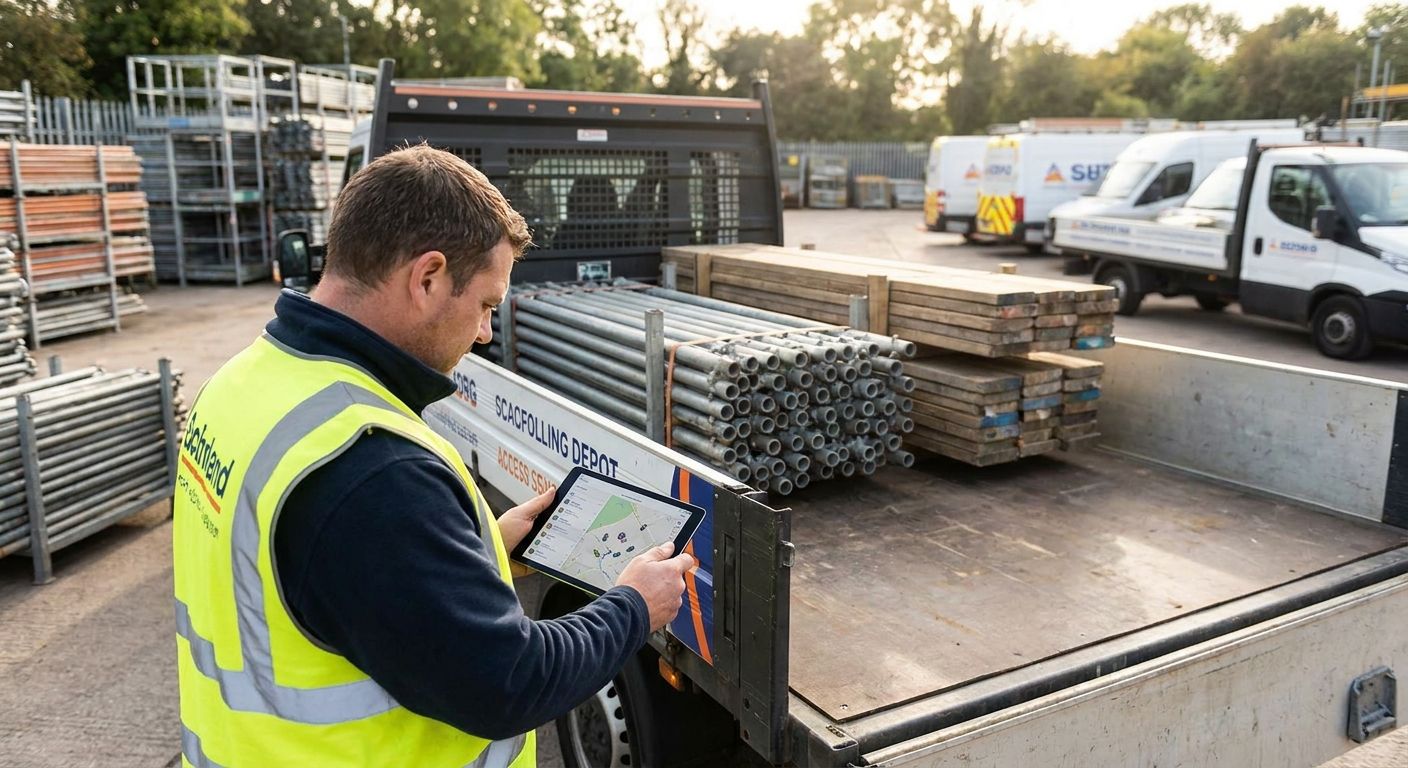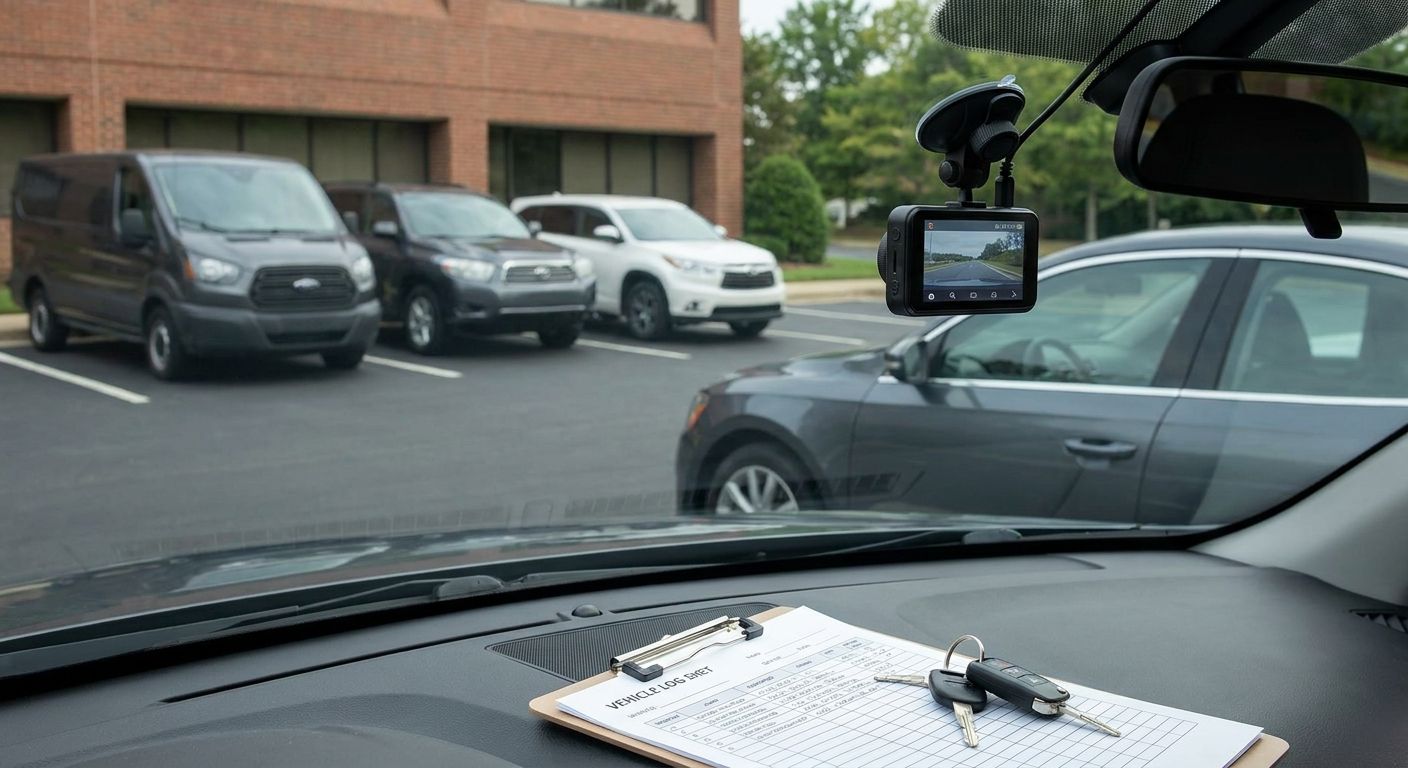
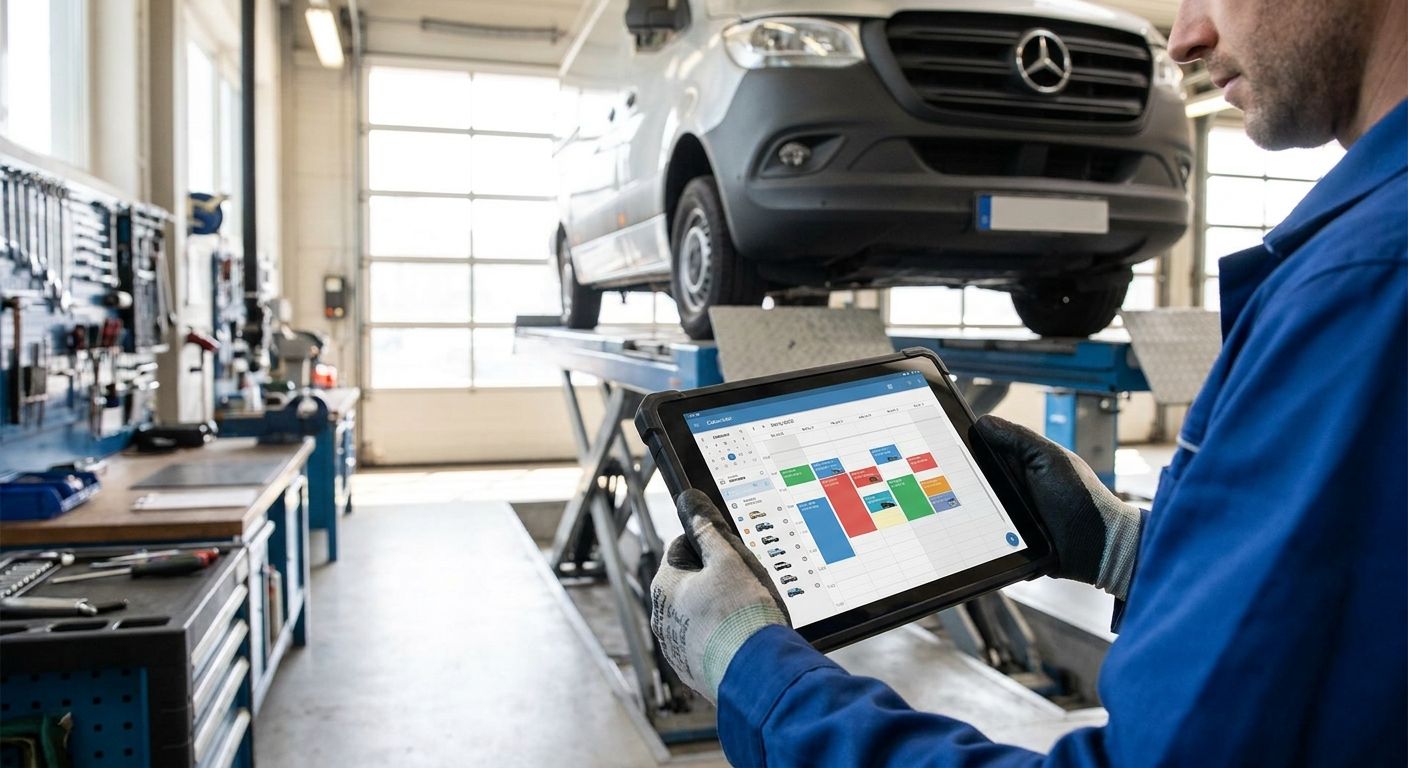
Fleet maintenance scheduling software turns MOT dates, service intervals, and safety inspections into automatic alerts instead of a whiteboard someone forgets to update. This guide ranks the main approaches UK fleet managers use in 2026, from telematics-integrated scheduling to plain spreadsheets, and tells you which one actually fits a car, van, or HGV fleet.
- Telematics-integrated fleet maintenance scheduling software wins for mixed UK fleets - mileage-based alerts beat calendar reminders. Buy.
- Digital defect reporting tied to scheduling closes the compliance gap DVSA inspectors flag most in operator licence checks.
- Spreadsheet-based maintenance tracking is the most common failure point past ten vehicles - Skip once the fleet grows.
- Small fleets under 15 vehicles get more value from lean fleet software than bundled ROI-tracking platforms.
Why this matters
A missed service isn't just a breakdown risk - it's a warranty gap, a failed MOT re-test, and for HGV operators, a black mark against the operator licence. Fleet maintenance scheduling software exists because calendar reminders don't account for how a vehicle is actually used: a van doing 40,000 miles a year needs servicing on mileage, not on the date it happened to be booked in last time.
DVSA guidance points HGV operators toward safety inspections roughly every six to eight weeks depending on use, while cars and vans need an MOT every 12 months once they pass three years old. Run a mixed fleet and you're tracking three different clocks at once - a van on mileage, an HGV on a fixed inspection cycle, a car on the MOT calendar. Fleet managers who chase all three by memory are the ones who get caught out.
How this list is ranked
The ranking below weighs four things: whether the scheduling data comes from real vehicle usage - mileage and engine hours pulled from a tracker - or from manual entry, whether the system separates statutory inspections from routine servicing, how much admin overhead it adds for a small fleet team, and how well it scales from a handful of vans to a 100-vehicle mixed fleet. None of this is brand loyalty. It's which method actually stops a service date getting missed in 2026, not which one has the nicest dashboard.
The ranked list
1. Telematics-integrated preventative maintenance scheduling - the default pick
This is scheduling built on live mileage and engine-hours data captured by a GPS tracker, not a date typed into a spreadsheet six months ago. The system flags a service, tyre check, or safety inspection based on how the vehicle is actually driven, and pushes the alert to the fleet manager and the driver at the same time.
For a mixed fleet running cars, vans, and HGVs on different service cycles, this is the only approach that scales past roughly 15 vehicles without a full-time administrator chasing spreadsheets. Crystal Ball's guide on preventative maintenance scheduling for a mixed fleet covers setting intervals by vehicle type rather than one blanket calendar date.
Verdict: Buy - it's the baseline every other option on this list gets measured against.
2. Digital defect reporting tied to the scheduling system - the compliance layer
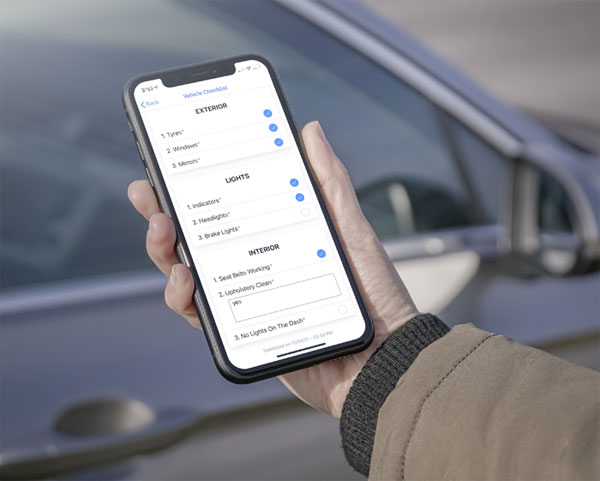
Defect reporting isn't strictly maintenance scheduling, but it's the piece that catches problems between scheduled services. A driver flags a brake pull or a warning light and the report feeds straight into the maintenance queue instead of getting lost on a paper sheet in the cab.
DVSA inspectors ask for defect records during operator licence checks, and a fleet without a system for it is exposed at exactly the moment it can't afford to be. The driver defect reporting setup guide walks through building this into daily workflow rather than bolting it on after an audit fails.
Verdict: Buy - pair it with scheduling software rather than treating it as a separate tool.
3. Full fleet management platforms with ROI tracking - the finance team's favourite
These platforms bundle maintenance scheduling into a wider system that also tracks fuel spend, driver behaviour, and vehicle depreciation, then reports the combined saving back to whoever signs off the budget. The maintenance module is usually solid, but it's one feature among several rather than the whole product.
Finance-led fleets like this because it turns maintenance discipline into a number someone can defend at budget review. Crystal Ball's breakdown of how to calculate ROI on fleet management software is the starting point if that's the argument you need to make in 2026.
Verdict: Consider - worth it once a fleet is large enough that the wider reporting earns its keep, overkill for five vans.
4. Dedicated small-business fleet software - the lean fleet's pick
Smaller operators don't need driver-hours dashboards and depreciation modelling. They need service reminders, MOT dates, and a simple record of what's been done to which vehicle. Software built for that scale strips out the extras and keeps the interface to what a fleet manager who's also doing three other jobs can actually use day to day.
Crystal Ball's guide to fleet management software for small businesses covers what to prioritise when the fleet sits under 15 vehicles.
Verdict: Buy for fleets under 15 vehicles - the extra features in bigger platforms go unused at this scale.
5. Manual logs and spreadsheets - the false economy
A spreadsheet costs nothing to set up, which is exactly why so many fleets still run on one. It works right up until the person who maintains it goes on leave, a formula breaks, or nobody notices a service date that quietly slipped by two months.
Spreadsheets don't pull mileage data automatically, don't flag statutory inspection gaps on their own, and don't survive being handed between three different fleet admins over a year. Past single-digit vehicle count, this is the option that looks free and costs the most in missed services and failed inspections.
Verdict: Skip - fine for a single van, a liability for anything bigger.
Comparison at a glance
| Approach | Best for | Data source | Admin overhead | Verdict |
|---|---|---|---|---|
| Telematics-integrated scheduling | Mixed car/van/HGV fleets | Live mileage and engine hours | Low once set up | Buy |
| Digital defect reporting | Compliance-heavy operators | Driver-submitted reports | Low | Buy |
| Full platform with ROI tracking | Finance-led fleets, 30+ vehicles | Telematics plus fuel and driver data | Medium | Consider |
| Small-business fleet software | Fleets under 15 vehicles | Manual plus basic telematics | Low | Buy for small fleets |
| Spreadsheets | Single vehicle only | Manual entry | High, hidden | Skip |
The pattern across all five: the closer the scheduling data sits to the tracker, the fewer services get missed. Every fleet that switches from manual logs to telematics-driven scheduling in 2026 is closing the same gap - the difference between a service that's due and a service that gets booked.


Where to source it
- Match the platform to fleet size first, price second - a 100-vehicle council fleet and a five-van electrical contractor need different tools even when the marketing copy looks identical.
- Confirm scheduling data comes from telematics mileage, not manual odometer entry - that's the single biggest reliability difference between platforms in 2026.
- Ask whether HGV statutory inspections get tracked separately from routine van servicing. Bundling the two into one calendar is where compliance gaps start.
FAQ
What is fleet maintenance scheduling software?
Fleet maintenance scheduling software automates service, MOT, and safety inspection reminders based on vehicle usage rather than a fixed calendar date. The best versions pull mileage and engine-hours data straight from a GPS tracker so the alert matches how the vehicle is actually driven.
Is fleet maintenance scheduling software the same as vehicle tracking software?
No, though the two overlap heavily in 2026. Vehicle tracking software provides the location and mileage data; maintenance scheduling uses that data to trigger service and inspection alerts, and the strongest platforms combine both.
How much does fleet maintenance scheduling software cost?
Cost depends on fleet size, vehicle mix, and whether it's a standalone module or bundled into a wider fleet management platform. Get a quote based on your actual vehicle count rather than comparing headline prices across providers.
Can fleet maintenance scheduling software handle a mixed EV and diesel fleet?
Yes, but it needs to run separate schedules for each vehicle type. EVs skip oil changes but still need brake, tyre, and battery health checks on their own intervals, so one blended calendar for both fuel types causes gaps.
How often do HGVs need safety inspections?
DVSA guidance typically points operators toward inspection intervals of six to eight weeks depending on vehicle use and mileage. Operators set the exact interval based on their own risk assessment, then need software or a process to track it consistently.
Do I still need MOT reminders if I use fleet maintenance scheduling software?
MOT reminders should be built into the same system rather than tracked separately. Cars and vans need an MOT every 12 months once they pass three years old, and a scheduling platform should flag that alongside routine servicing.
Is fleet maintenance scheduling software worth it for a fleet under 10 vehicles?
Yes, if the alternative is a spreadsheet someone has to remember to update. Small fleets get more value from lean, low-admin scheduling tools than from full enterprise platforms built for 100-plus vehicles.
Does telematics data improve maintenance scheduling accuracy?
Yes. Scheduling based on live mileage and engine hours catches vehicles running higher use than expected, where a date-based reminder would leave a service overdue for weeks before anyone noticed.
One last thing
EVs don't remove maintenance scheduling from the job, they just change what's on the list - no oil changes, but brake, tyre, and battery health checks still run on their own intervals. A mixed diesel-and-EV fleet running one calendar for both vehicle types in 2026 is how the EV side quietly gets neglected. Treat each vehicle type as its own schedule rather than forcing both onto a single generic reminder.