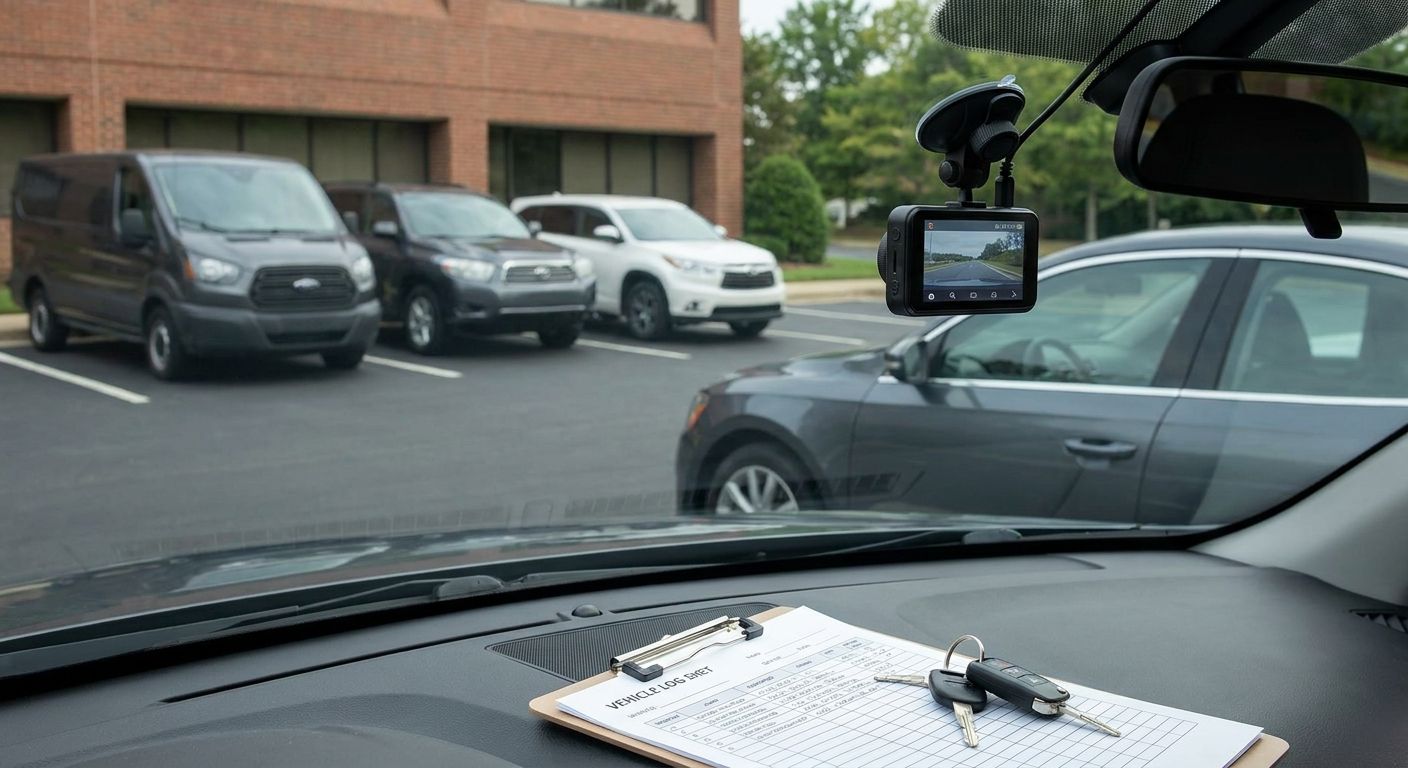
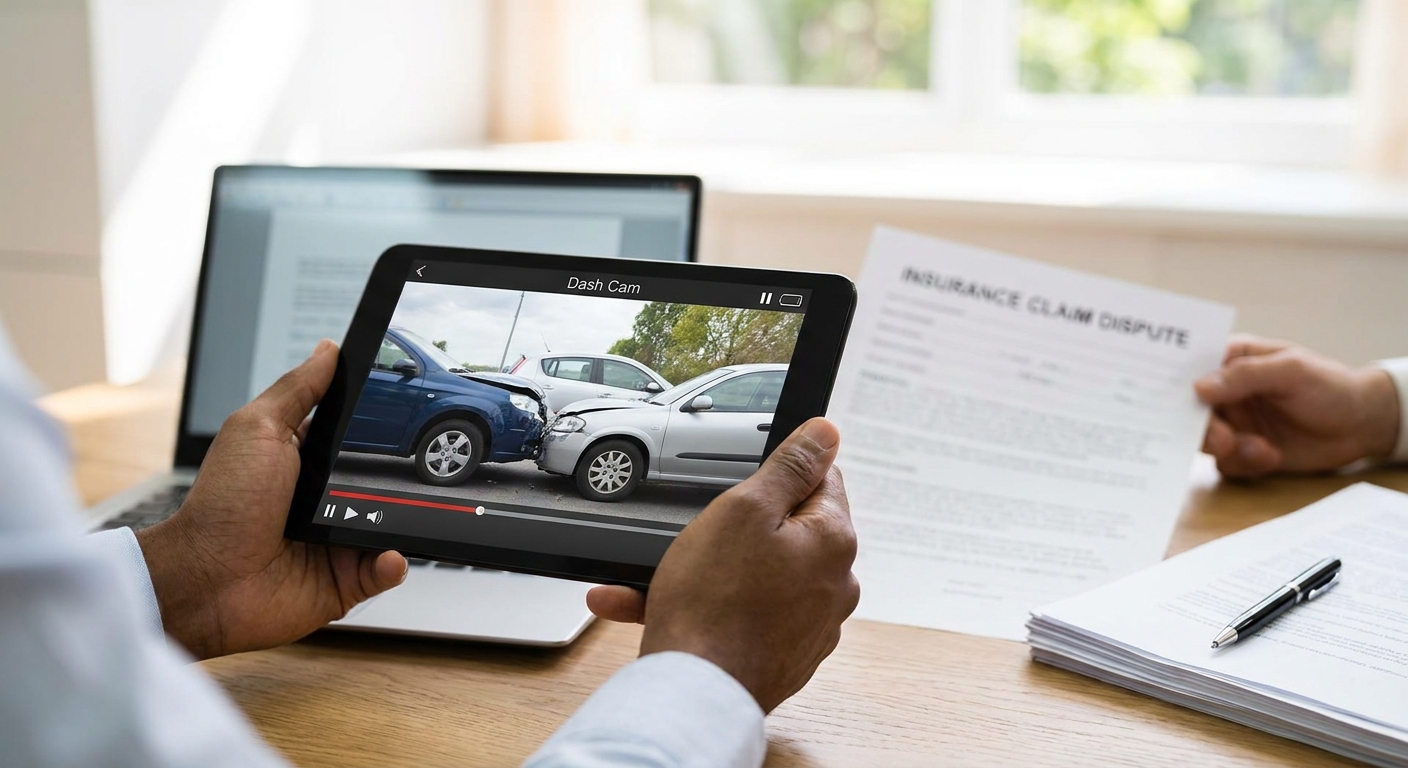
Dash cam footage settles false liability claims fast, but only if you pull it correctly and submit it before the SD card overwrites it. Get the process wrong and clear video evidence never reaches the insurer.
- Export dash cam footage within 24 hours before loop recording overwrites the clip; that is the single biggest failure point in 2026 disputes.
- A 4G dash cam with insurance-grade GPS and impact tagging gives insurers a timestamped, unedited file they can verify — Buy for any fleet running claims through commercial policies.
- Submit the original file format plus metadata, not a phone-recorded screen capture, or loss adjusters can challenge authenticity.
- Pair footage with a written incident statement inside 48 hours to strengthen how to use dash cam footage to dispute an insurance claim outcomes.
- Keep a second backup off the vehicle unit — cloud upload or a downloaded copy — before you hand anything to a third party.
Why this matters
A false claim against your driver costs more than the excess. It costs the no-claims discount, pushes up renewal premiums across the whole fleet, and sits on record for years if it's not contested.
Insurers in 2026 accept dash cam footage as primary evidence in the vast majority of liability disputes, but only when the file is complete, unedited, and submitted through the right channel. Fleet managers who treat footage retrieval as an afterthought lose the window to prove what actually happened.
If the footage doesn't cover the full three seconds before and after contact, it won't overturn a liability decision on its own.
“If the footage doesn't cover the full three seconds before and after contact, it won't overturn a liability decision on its own.”
What you'll need
- A 4G dash cam or SD-card unit already fitted to the vehicle involved
- Access to the manager app or fleet portal to pull the clip remotely
- The exact date, time, and location of the incident from the driver's report
- A laptop or device to export and store the file in its native format
- The insurer's claims reference number and the loss adjuster's contact details
- A written driver statement completed within 48 hours of the incident
If your fleet is still running older SD-only units without remote pull, footage retrieval means physically removing the card from the vehicle, which adds delay you don't have. A fleet running 4G dash cams for van fleets can pull footage remotely the same day, before the card cycles.
The steps
1. Secure the footage before it overwrites
Most dash cam units record on a rolling loop and overwrite older footage once storage fills, typically within days rather than weeks. The moment you know a claim is coming, lock or download the relevant clip.
Do this the same day the incident happens, not after the insurer requests it. A claim can surface two or three weeks after the event, by which point loop-recorded footage on a busy van is long gone.
Common mistake: waiting for the third-party insurer's letter before checking the footage exists. By then the clip is often overwritten.
2. Confirm the footage covers the critical window
Pull footage covering at least 60 seconds before and 30 seconds after the incident, not just the impact moment itself. Insurers and loss adjusters want approach speed, indicators, road position, and the other party's behaviour before contact.
Check timestamps against the driver's account and the police reference if one exists. A gap of even a few seconds can leave room for the other party's insurer to argue the footage is incomplete.
Common mistake: clipping only the five seconds around impact, which strips out the context that proves fault sat with the other driver.
3. Export in the original file format with metadata intact
Download the raw file through the fleet management platform or manager app rather than filming the screen with a phone. Native exports carry embedded GPS coordinates, speed data, and timestamps that a screen recording strips out.
This metadata is what turns a video clip into evidence a loss adjuster can verify independently. A screen-recorded copy can be challenged as unverifiable or edited, even when it isn't.
Common mistake: sending a compressed WhatsApp forward instead of the original export, which loses resolution and metadata.
4. Match footage to a written incident timeline
Build a simple timeline: time of departure, GPS location at point of contact, speed at impact, and time of the driver's incident report. Cross-reference this against telematics data if your tracking system logs harsh braking or impact events.
This step matters because insurers assess claims against a sequence of facts, not a single video file. A timeline backed by GPS and speed data from a system like a Thatcham-approved tracker removes ambiguity about where the vehicle was and how fast it was moving.
Common mistake: submitting the video with no supporting timeline, leaving the adjuster to guess at context.
5. Write a factual driver statement within 48 hours
Have the driver record what happened in plain, factual language: road conditions, positioning, what the other vehicle did, and any injuries or damage observed. Do this within 48 hours while the memory is sharp.
Avoid speculation about the other driver's intent or blame language — stick to observable facts. A statement full of opinion weakens the footage rather than strengthening it.
Common mistake: letting weeks pass before writing anything down, so the statement contradicts small details visible in the footage.
6. Submit through the correct claims channel
Send the footage and statement directly to your insurer's claims team or through your broker, referencing the claim number from the outset. Some insurers have a dedicated dash cam evidence portal in 2026; check before emailing a large file that might bounce.
CC your fleet manager or ops lead on the submission so there's an internal record of when evidence went out. This matters if the claim drags on and you need to prove timely submission.
Common mistake: sending footage only to the other party's insurer and not your own, which leaves your policy without a record of the dispute.
7. Follow up and request written acknowledgement
Ask the claims handler to confirm in writing that the footage has been received and is under review. Verbal confirmation over the phone isn't enough if the claim later gets contested or escalated.
Set a calendar reminder to chase at 10 working days if you haven't heard back. Claims that stall often get resolved in the claimant's favour by default when the fleet operator goes quiet.
Common mistake: assuming no news is good news and letting the file go cold.


8. Keep a duplicate copy off the vehicle system
Store a second copy of the exported clip on a company drive or the fleet platform's cloud storage, separate from the vehicle's own SD card or unit memory. If the vehicle is later damaged, sold, or the unit fails, the original source disappears.
Label the file with the claim reference, date, and registration so it's retrievable months later if the dispute escalates to court.
Troubleshooting
- Footage is missing or overwritten — check whether the fleet platform auto-syncs footage to cloud storage; some 4G units retain cloud copies even after the SD card loops.
- File won't open for the insurer — export in a standard format (MP4) rather than a proprietary player file; most fleet dash cam apps offer this option in the download menu.
- Timestamp doesn't match the driver's account — check the unit's internal clock hasn't drifted; unsynced clocks are a common source of disputed timelines.
- Insurer says the clip is inconclusive — request the full pre-and-post window rather than a short clip; a longer file with GPS overlay is harder to dismiss.
- Third-party insurer disputes footage authenticity — provide the metadata export alongside the video; embedded GPS and speed data is difficult to fake and answers authenticity challenges directly.
- Claim stalls with no response — escalate through your broker rather than the general claims line; brokers can push evidence-based disputes faster than a call centre queue.
Tools and resources
- Fleet dash cam units with 4G upload and remote retrieval, reviewed in 4G dash cams for fleet insurance discounts
- Driver behaviour data to corroborate footage, covered in how to cut fleet accident rates with driver behaviour monitoring
- A written incident report template your ops team can standardise
- Your insurer's or broker's claims portal login details, kept accessible to more than one manager
What to do next
Once this incident is resolved, audit which vehicles in your fleet still run SD-only cameras with no remote pull. A unit that requires physically removing a card to retrieve footage will cost you the next dispute the same way it nearly cost you this one. Compare options in best dash cams for driver behaviour monitoring before your next renewal.
FAQ
How do I use dash cam footage to dispute an insurance claim?
Export the original footage file with metadata intact, cover at least 60 seconds before and 30 seconds after the incident, and submit it directly to your insurer's claims team with a written driver statement within 48 hours. Insurers in 2026 treat this combination as strong primary evidence in liability disputes.
How long does dash cam footage last before it's overwritten?
Most loop-recording dash cams overwrite footage within days depending on card size and usage, so footage tied to a potential claim needs downloading the same day. A false claim can surface weeks after the incident, by which time unsecured footage is often gone.
Is dash cam footage admissible as insurance evidence in 2026?
Yes, UK insurers routinely accept dash cam footage as evidence, provided the file is unedited and includes verifiable metadata such as GPS and timestamp data. Screen-recorded copies without metadata carry less weight and can be challenged.
What's the difference between a phone recording and a native dash cam export?
A native export carries embedded GPS coordinates, speed, and timestamp metadata that a phone screen recording strips away. Loss adjusters can verify a native file independently, which strengthens a dispute far more than a compressed phone clip.
Do 4G dash cams help with insurance premiums as well as claims?
Yes, fleets running 4G dash cams with insurance-approved features can see premium reductions, since insurers factor in reduced claims risk and faster dispute resolution. Check with your broker which models qualify for a discount on your specific policy.
What should a driver's incident statement include?
A driver's statement should cover time, location, road conditions, vehicle positioning, and factual observations of the other party's actions, written within 48 hours of the incident. Avoid speculation about blame or intent, since opinion weakens an otherwise strong evidence package.
Can dash cam footage be used months after the incident?
Yes, if a backup copy was stored off the vehicle unit at the time of export, footage remains usable for disputes that escalate to court or drag on for months. Original SD card footage rarely survives that long without a separate backup.
Who should footage be sent to first, my insurer or the other party's?
Send footage to your own insurer or broker first, referencing your claim number, so there's an internal record of timely submission. Sending it only to the third-party insurer leaves your own policy record incomplete if the dispute is contested later.
One last thing
The fleets that win false claim disputes in 2026 aren't the ones with the best footage — they're the ones who exported it within 24 hours. A brilliant clip sitting on an overwritten SD card is worthless; a mediocre clip pulled same-day and backed by a driver statement wins the case.