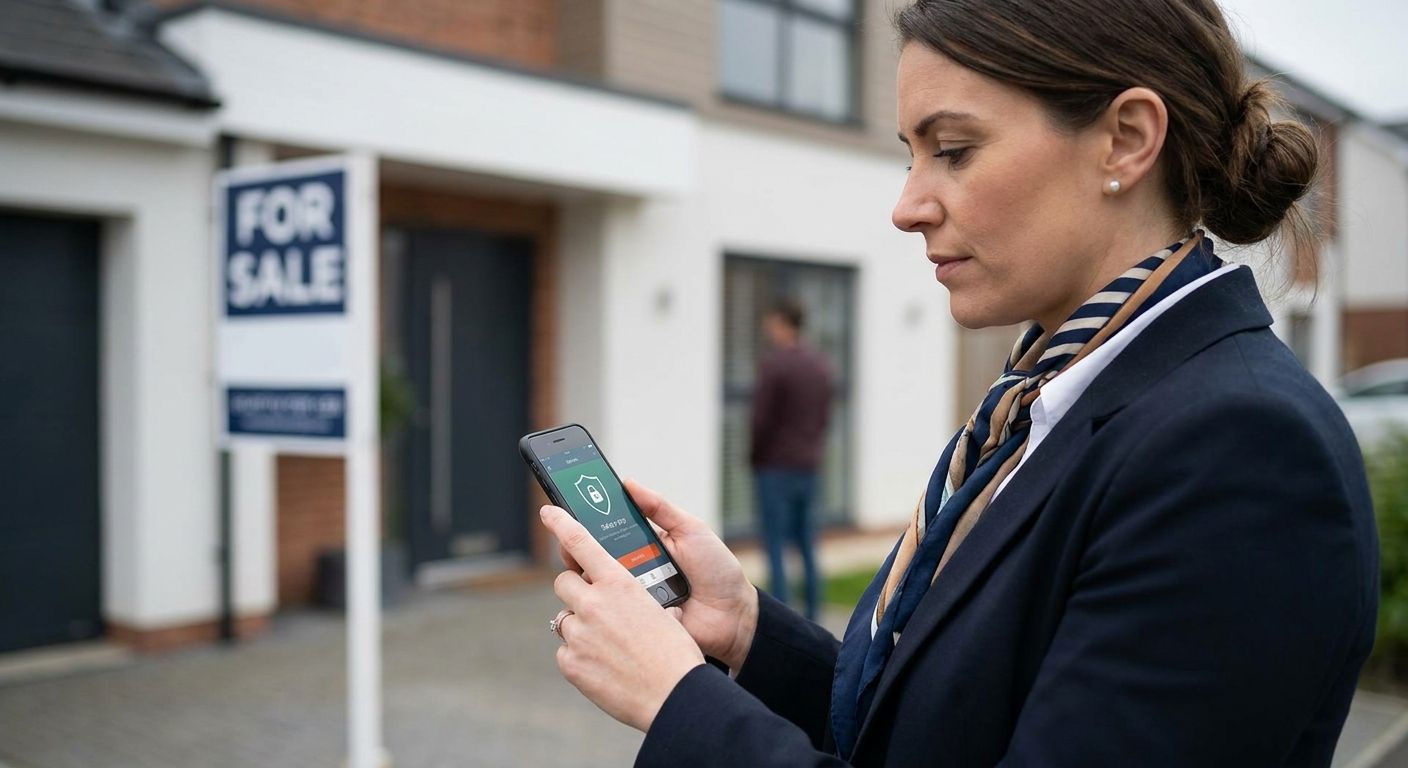
Estate agents and property viewers spend a big chunk of the working week alone: solo viewings, empty properties, addresses they've never been to, meeting people they've never met before. A lone worker app for estate agents has to do more than send a text if something goes wrong — it needs a check-in trail, a monitored alert, and a record that holds up if you ever have to explain what happened on a viewing.
- A lone worker app for estate agents needs monitored SOS response, not a silent panic button — Buy that setup, Skip apps that just text a contact.
- Check-in timers matched to viewing length beat generic safe-word apps for solo negotiators — Consider timer-based apps first.
- Pairing a lone worker app with vehicle tracking, such as a Thatcham S7 tracker at 198 pounds, covers the drive and the viewing.
- Apps with no location audit trail struggle to satisfy duty-of-care checks under the Health and Safety at Work etc. Act 1974 — Skip them.
Why this matters
Estate agency has a well documented lone working problem. The Suzy Lamplugh Trust was founded in 1986 after an estate agent disappeared during a routine viewing, and it remains the reference point most UK agencies use when they write a lone worker policy today. That history is why viewing safety keeps coming up in Propertymark guidance and internal agency training.
The legal backdrop hasn't changed since: the Health and Safety at Work etc. Act 1974 puts a duty of care on employers for staff working alone, whether that's a negotiator doing a 6pm viewing on a vacant flat or a valuer visiting an unfamiliar address. In 2026, that duty doesn't disappear because the employee is self-employed or part-time — most insurers and compliance reviews expect a documented lone worker safety policy regardless of headcount.
A lone worker app is the practical way most agencies meet that duty without micromanaging staff. The question isn't whether to have one in 2026 — it's whether the one you're using actually escalates when it needs to.
Who this is for
This guide is for branch managers and sole traders who send negotiators, valuers, or letting agents into properties alone — vacant houses, void flats between tenancies, first viewings with buyers who haven't been vetted, and out-of-hours appointments that don't fit around a colleague's schedule. If your team does more than a handful of solo viewings a week, or your agency has more than one branch and no consistent safety record across them, the app you pick matters more than the price on the invoice.
What to look for in a lone worker app for estate agents
Monitored SOS, not a silent alert
A panic button that only fires a text to a manager's phone fails the second that manager is in a meeting or asleep. Look for apps with a monitored response centre behind the alert, so an escalation happens even if nobody internally sees the notification straight away.
Check-in timers built around viewing length
Estate agent viewings run 15 to 45 minutes typically, not the eight-hour shifts most lone worker apps were originally built for tradespeople. An app that lets you set a short, viewing-specific check-in window is far more useful than one designed around a full working day.
Location sharing with a history, not just a live dot
A live map pin is fine while someone's watching it. What matters more is a location history you can pull up afterwards — for an incident report, an insurance query, or a complaint about a viewing that went wrong.
Man-down and no-response escalation
If a negotiator doesn't check in on time, the app needs to escalate automatically rather than wait for someone to notice. This is the feature that separates a real lone worker app from a glorified check-in list.
Diary and appointment visibility
An app that only knows where someone is, but not where they're supposed to be or for how long, can't flag a viewing that's overrun. Integration with the day's appointment schedule turns a tracking app into a genuine safety tool.
An audit trail that satisfies compliance reviews
When Propertymark or an insurer asks how your agency protects lone workers, telling them staff are careful isn't an answer. You need exportable records: check-in times, alert history, response times.
Top picks for estate agents and property viewers
The solo negotiator pick. A lone worker app built around short, configurable check-in windows suits agents doing back-to-back viewings on a Saturday. The relevant feature set is covered in Crystal Ball's guide on lone worker apps for field service engineers, where the same short-visit, multiple-stop pattern applies. Buy if your team's diary looks like six viewings between 10am and 4pm.
The multi-branch compliance pick. Agencies running more than one office need consistent policy application across branches, not a different app per manager's preference. This is the same problem covered for lone worker app for home care staff, where staff also move between multiple addresses in a single shift and management needs one dashboard, not five. Buy for any agency past a single branch.
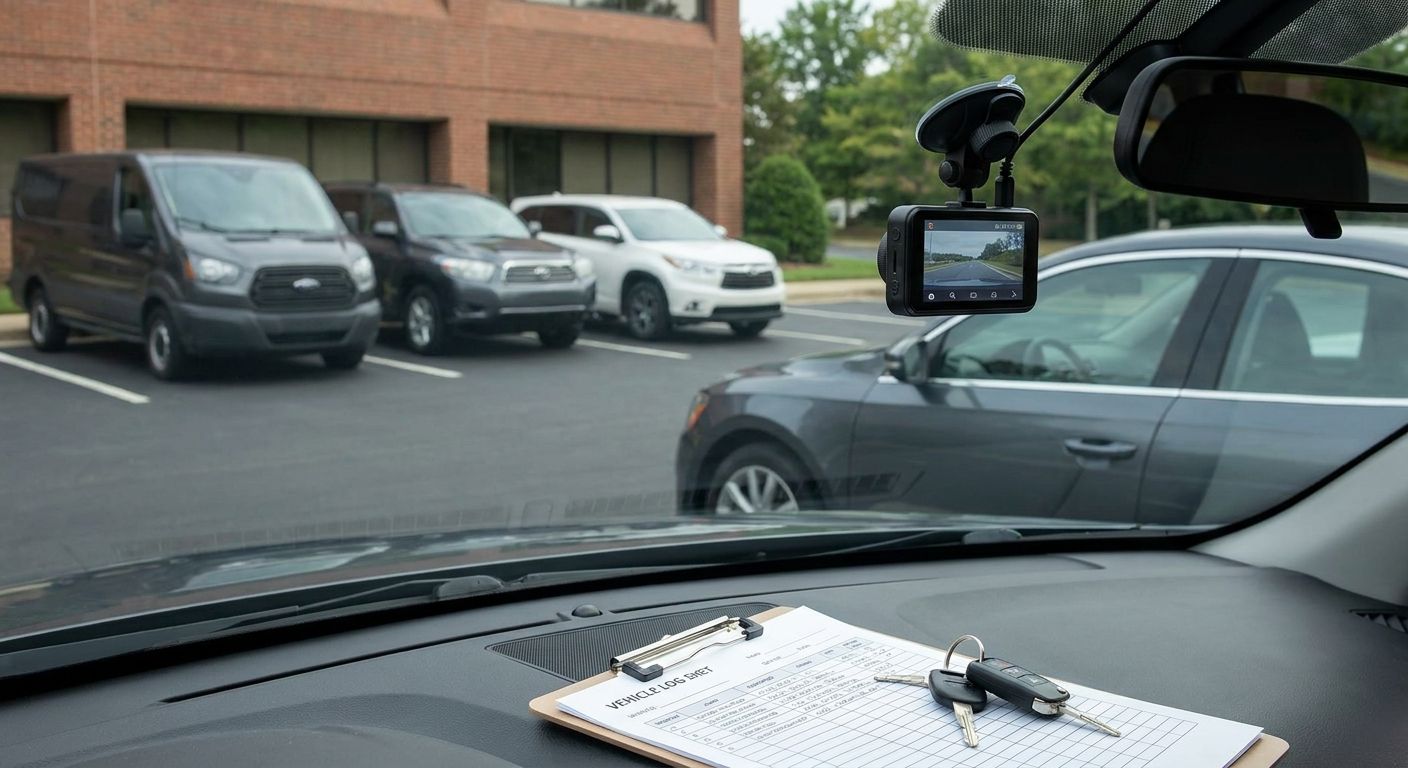
The vehicle-plus-app pick. Property viewers drive between appointments all day, and the drive itself carries risk the app alone doesn't cover. Pairing a lone worker app with a Thatcham-approved tracker, such as the S7 at 198 pounds or the S5 at 374 pounds, extends protection to the journey as well as the viewing. Consider this if your agents cover a wide geographic patch with long drives between addresses.
The panic-button-only app. Cheap, simple, and common — but if it doesn't escalate automatically or log location history, it's a reminder, not a safety system. Skip it unless it's paired with a monitored service layered on top.
What to avoid
- Apps that require the user to dial 999 manually. If a negotiator is already in trouble, asking them to unlock a phone, dial, and explain their location wastes the exact seconds that matter.
- Apps with no offline fallback. Many viewing addresses have patchy signal in stairwells or basements — an app that goes silent the moment it loses connection isn't protecting anyone.
- Generic wellbeing check-in apps with no escalation path. These look like lone worker apps in an app store listing, but without a monitored response or automatic escalation, they're closer to a habit tracker.
“If the app only sends a text after something's already gone wrong, it's not a lone worker app — it's a diary reminder.”
Verdict comparison table
| Criterion | Solo negotiator pick | Multi-branch pick | Vehicle-plus-app pick | Panic-button-only |
|---|---|---|---|---|
| Monitored SOS | Yes | Yes | Yes | No |
| Check-in timer | Short, configurable | Configurable per role | Configurable | Fixed or none |
| Location history | Yes | Yes | Yes, plus vehicle route | Limited |
| Compliance export | Yes | Yes | Yes | No |
| Verdict | Buy | Buy | Consider | Skip |
FAQ
What is a lone worker app for estate agents?
A lone worker app for estate agents is a mobile safety tool that lets negotiators and viewers check in during solo appointments, send a monitored SOS alert if something goes wrong, and share location history for compliance and incident reporting. Most agencies pair one with a written lone worker policy in 2026.
Do estate agents legally need a lone worker app?
There's no law naming a specific app, but the Health and Safety at Work etc. Act 1974 puts a duty of care on employers for staff working alone. A lone worker app is the most common way agencies document that they've met that duty.
How much does a lone worker app cost for a small agency?
Pricing varies by provider and by how many users you need covering, so it's worth checking current quotes directly rather than assuming a flat per-seat cost. Agencies usually budget it alongside vehicle tracking or dash cam costs as part of a wider staff safety spend.
Is a panic button app enough for property viewers?
A panic button alone is not enough if it doesn't trigger a monitored response or log location history. Property viewers need escalation that happens automatically, not an alert that only reaches someone if they happen to be looking at their phone.
What's the difference between a lone worker app and vehicle tracking?
A lone worker app protects the person during the appointment itself, while vehicle tracking protects the vehicle and the journey between addresses. Estate agencies covering a wide area often run both, since a viewer's risk doesn't stop when they get back in the car.
Can a lone worker app track viewing appointments automatically?
Some apps integrate with a diary or appointment schedule so the check-in window matches the booked viewing length automatically. Others require the user to start and stop a timer manually, which is less reliable when someone's rushing between addresses.
What happens if a negotiator doesn't check in on time?
A properly configured lone worker app escalates automatically when a check-in is missed, alerting a monitoring centre or a named contact without requiring the worker to do anything further. That automatic escalation is the feature that separates a real safety app from a manual check-in list.
One last thing
The detail agencies miss most often isn't the app feature list — it's that the Suzy Lamplugh Trust's core advice from 1986 still holds: tell someone where you're going, when you expect to be back, and what to do if you're not. A lone worker app for estate agents just automates that habit so it survives a busy Saturday of back-to-back viewings, rather than depending on someone remembering to text a colleague before they walk into an empty flat.